
Customise
6 optionsSet your chapter access, coins, chest keys and three separate booster supplies.
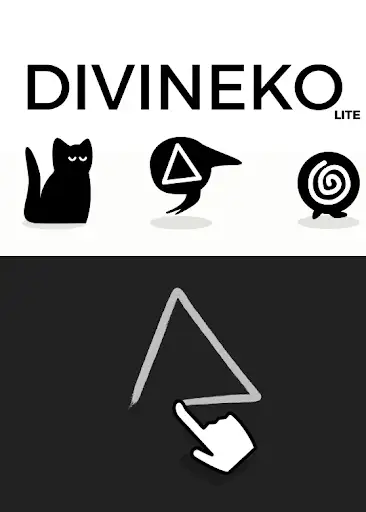
View all customisation options →Open later story chapters, set your booster supplies or refill your cat's health during a story level. Match the symbols on approaching enemies to defend your cat.
Requires the Windows app and the Bytonian Mods browser extension for Chrome or Edge. Browser setup guide
Start with free mods
Download Bytonian Mods for Windows and try these free features. Choose one to see how it works and any requirements.
Refill your cat's health during a story level.
Start a story level, then press Restore story health while your cat is still alive.
Available during active story levels. Each press gives one refill.
Use customization to choose how far the story menu opens. You can also set coins, chest keys and separate supplies of health, cooldown and coin boosters before playing.
Restore story health refills a living cat during an active story level. It is a single action, so keep drawing to deal with the next enemies.
Choose your next Divineko Lite chapter
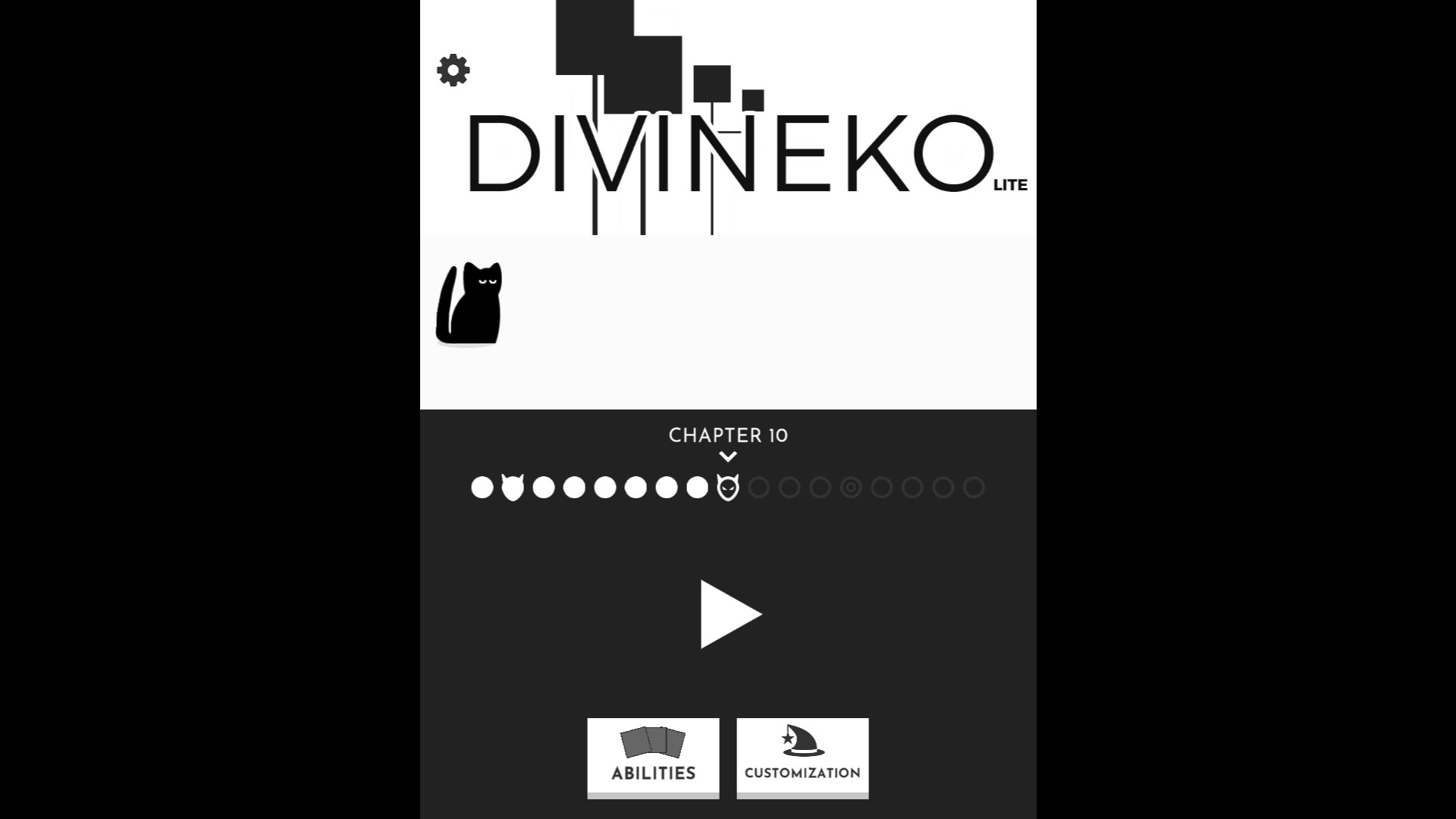
Explore the story from its chapter menu, with Chapter 10 selected and more chapters ready to choose.
Set your chapter access, coins, chest keys and three separate booster supplies.
View all customisation options →A free health refill for your living cat during story levels.
View game actions →Download the Windows app and follow the setup prompts.
Set up the browser extension in Chrome or Edge, then open the supported YouTube Playable. Follow the connection guide if the game is already running.
Review the available options in the app and choose the ones that suit how you play.