
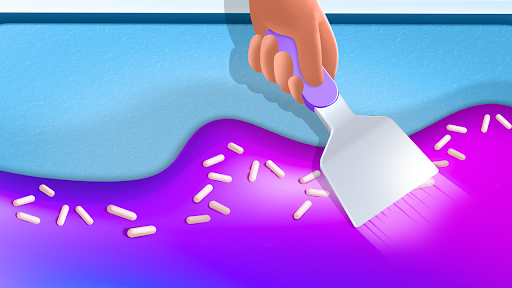
Choose your desserts and shop style
Pick a matching floor and wall set, change your cart or fill the shop with a different furniture style. You can also open more dessert choices and choose a coin balance for normal shop upgrades.
Requires the Windows app and the Bytonian Mods browser extension for Chrome or Edge. Browser setup guide

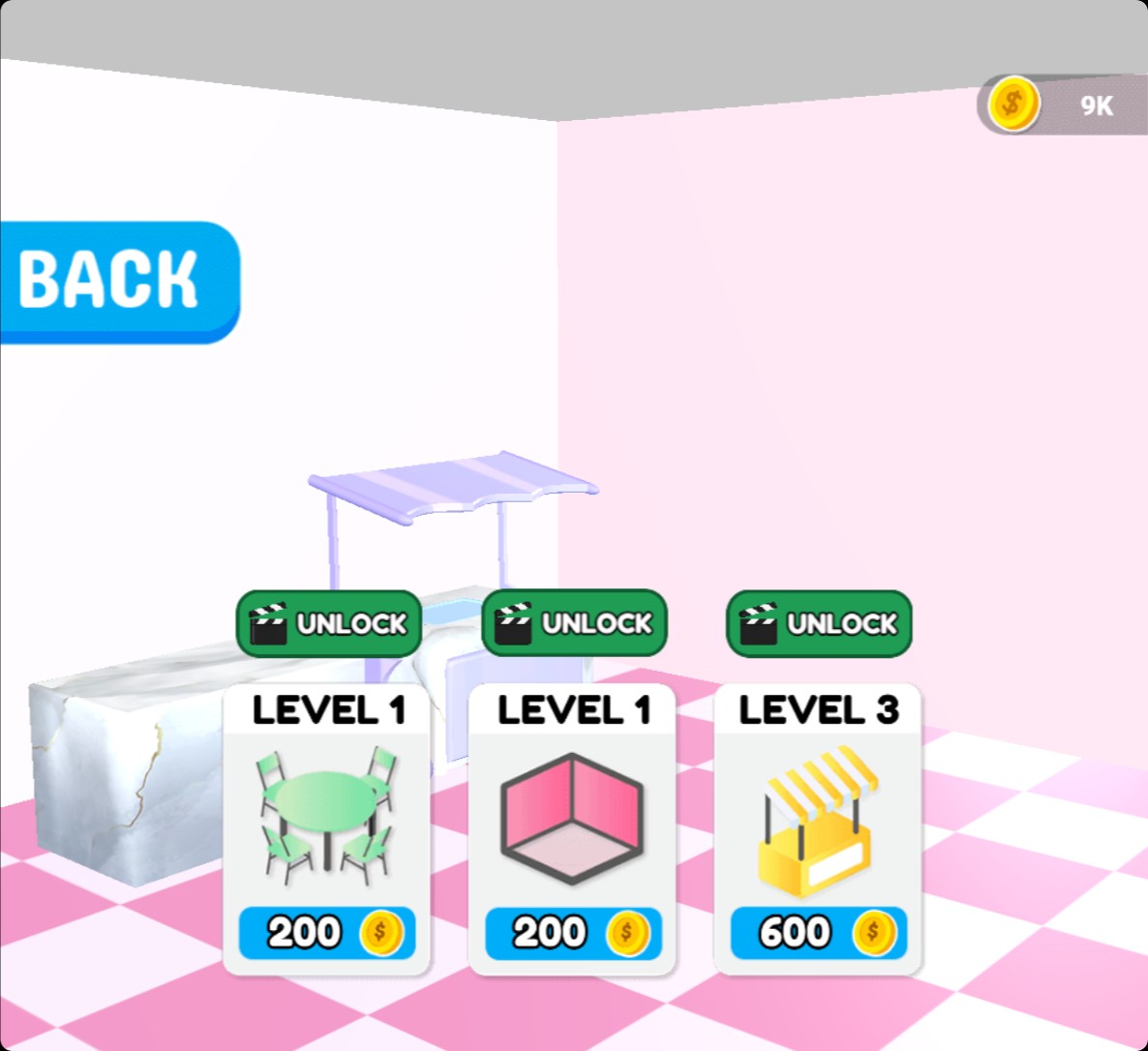
Coins for cart upgrades
Use your chosen coin balance to buy cart upgrades in the current session.
Build a shop you like
Cart style, Design style and Floor and walls each offer five levels. Cart style changes the serving cart, Design style changes the furniture and decorations, and Floor and walls changes both room surfaces together.
More choices at the dessert menu
Unlock dessert types makes popsicles, cones and snow cones available alongside rolled ice cream. Choose them when the dessert menu appears; customers with a set order still request their own dessert.
Coins for your next upgrades
Set your coins, apply the change and visit the normal shop to buy upgrades. Reapply your chosen coin balance after reopening the game.
Available customisation options
CoinsPremium
Set your coins for normal dessert-shop upgrades.
Choose a balance up to 100,000, apply it and open the shop to buy upgrades.
Reapply your chosen coin balance after reopening the game.
Unlock dessert typesPremium
Unlock popsicles, cones and snow cones in the dessert selection menu.
Apply the unlock, then choose a dessert when the selection menu appears.
Customers with a set order still request their own dessert.
Cart stylePremium
Choose one of five cart styles for your dessert shop.
Pick a level and apply it to change your serving cart.
Floor and wallsFree
Give your dessert shop a fresh look with five matching floor and wall styles.
Choose a level and apply it to change both room surfaces.
The floor and walls change together as a matching set.
Design stylePremium
Choose one of five furniture and decoration styles for your dessert shop.
Pick a level and apply it to change the shop's furniture.
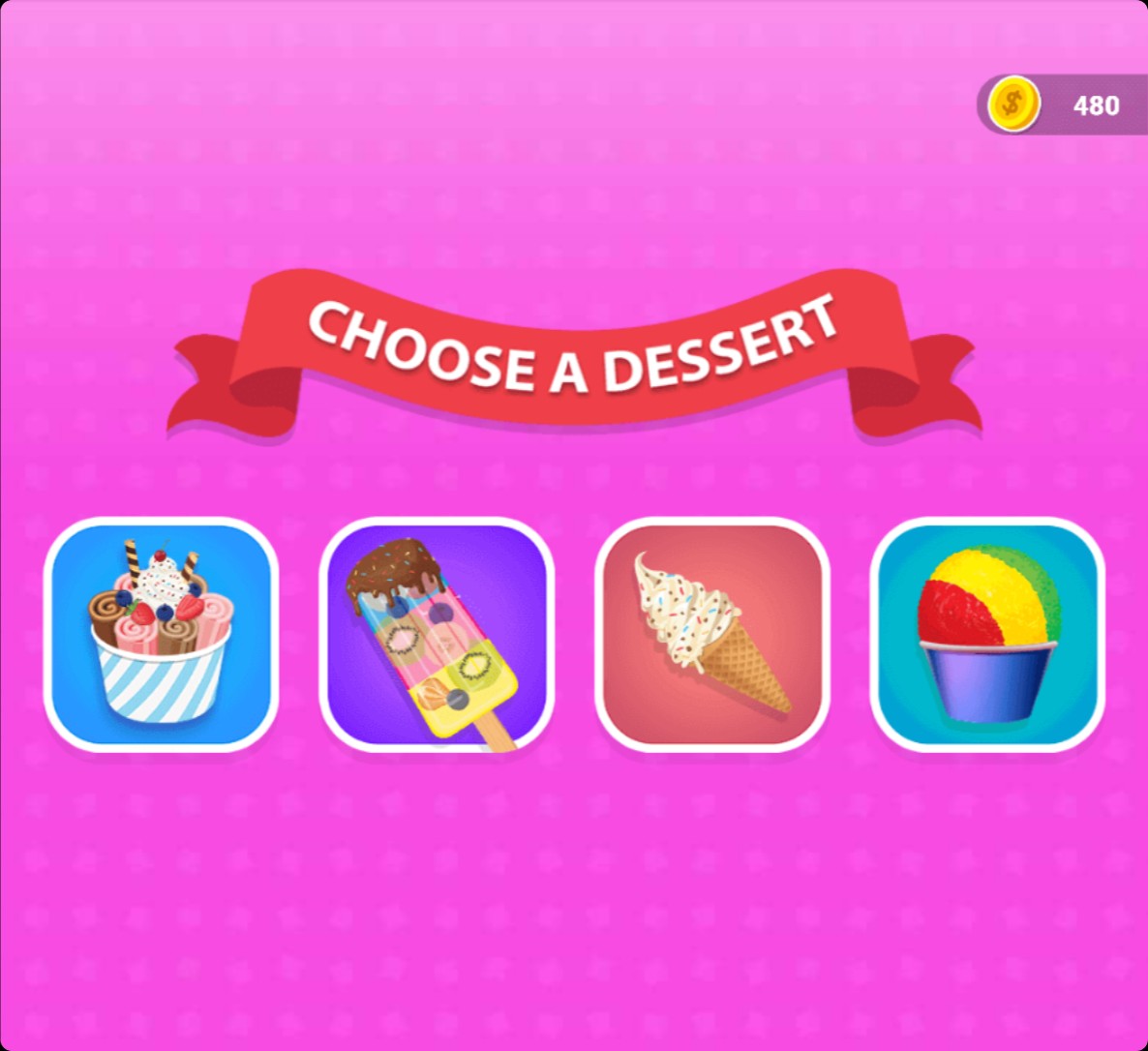
Choose dessert types
Unlock popsicles, cones and snow cones, then choose a dessert from the menu.
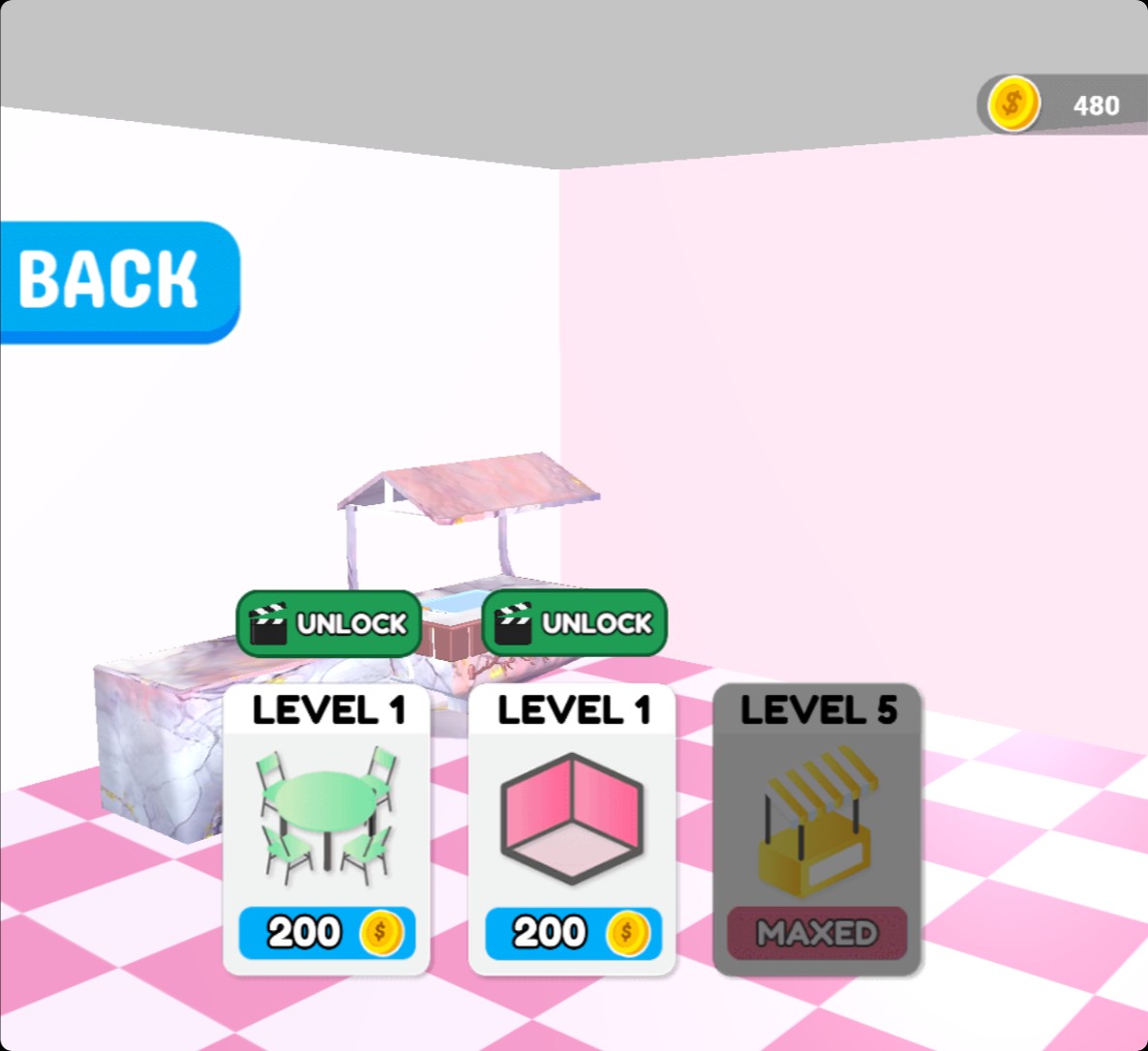
Level 5 cart style
Choose a cart style for your dessert shop, including this marble cart with a pink canopy.
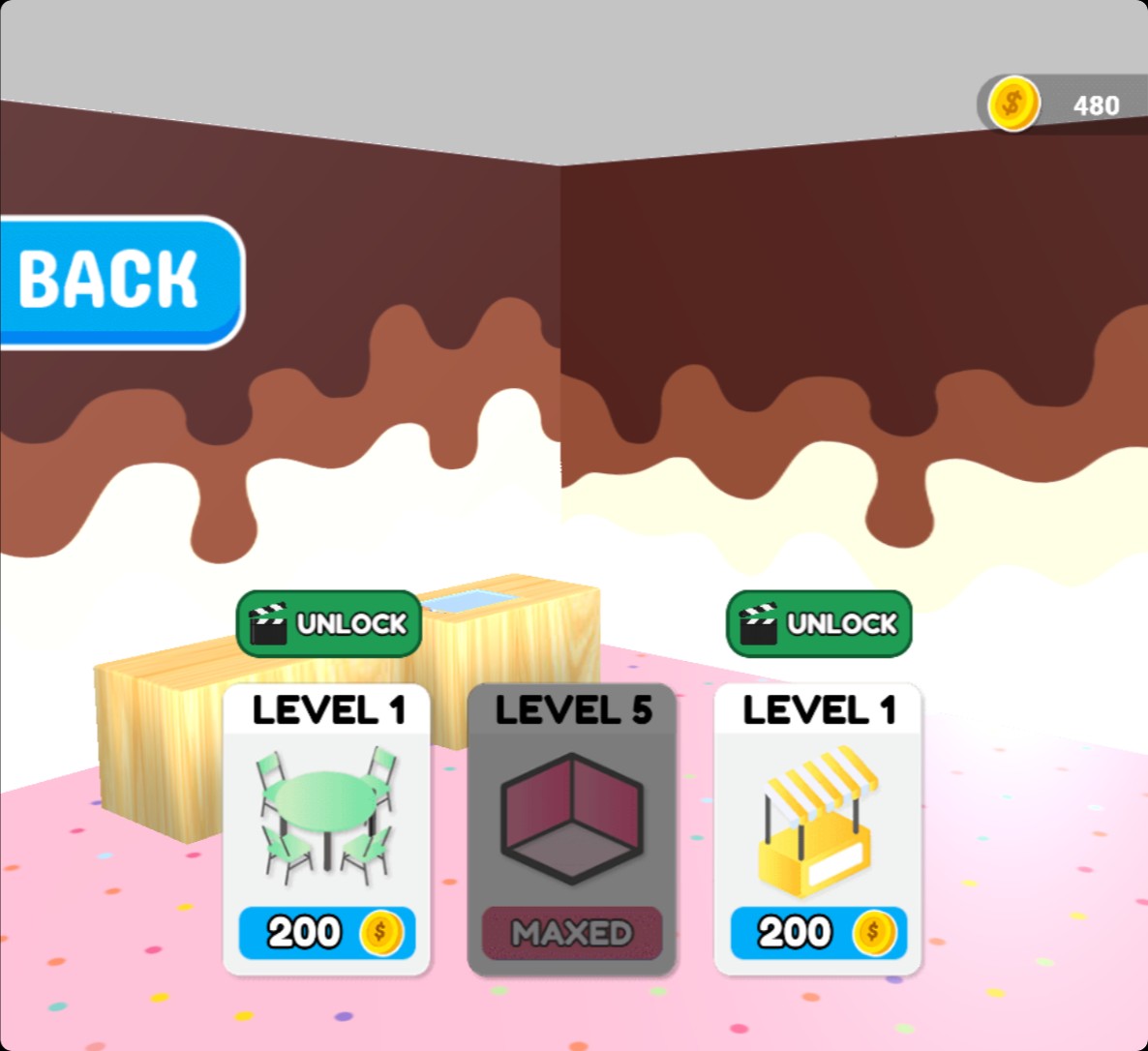
Floor and walls
Choose a floor and wall style for your dessert shop, including this pink sprinkle floor and walls with a chocolate drip design.
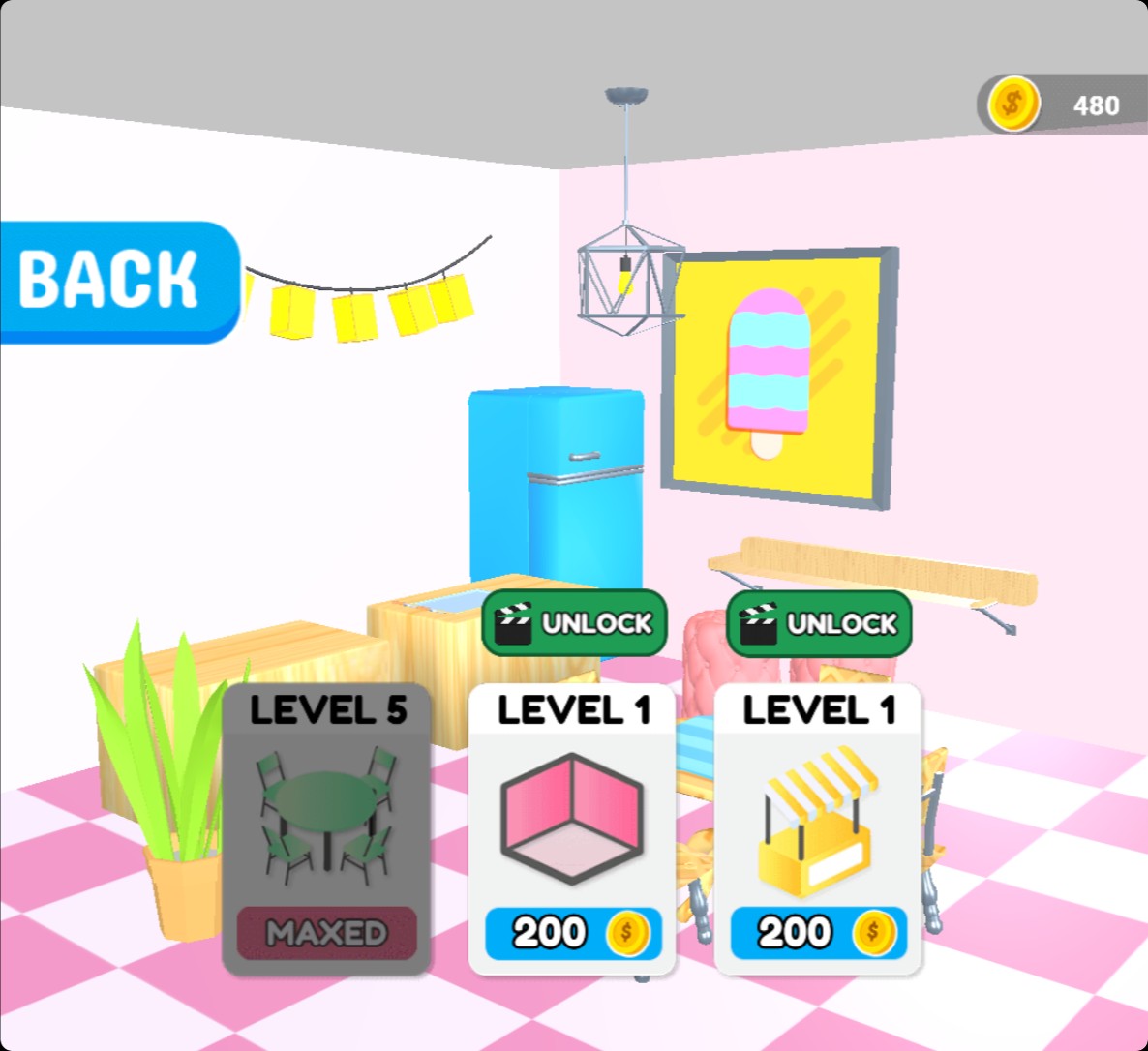
Design style
Choose a furniture style for your dessert shop, including a blue refrigerator, hanging lights and a colorful popsicle picture.
Questions about customisation options
- Can I choose the floor and walls separately?
- They change together as a matching set. Choose one of the five levels to change both.
- Where do the unlocked desserts appear?
- Popsicle, Cone and Snow Cone appear in the dessert selection menu. A customer with a set order can still go straight to their requested dessert.
Using these features
Connect your game, then open Customise in the Windows app. Choose an option, check its available values and follow its instructions. Each option lists its own requirements and limits.
Setup for Dessert DIY →