
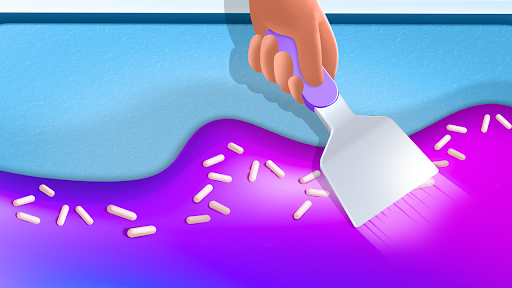
Customise
5 optionsFree matching floor and wall styles, with Premium coins, dessert choices, cart styles and furniture styles.
View all customisation options →Prepare sweet treats for your customers, then give your dessert shop a look of its own. Bytonian Mods adds choices for the cart, furniture, floor and walls, plus more dessert options and coins for shop upgrades.
Requires the Windows app and the Bytonian Mods browser extension for Chrome or Edge. Browser setup guide

Start with free mods
Download Bytonian Mods for Windows and try these free features. Choose one to see how it works and any requirements.
Give your dessert shop a fresh look with five matching floor and wall styles.
Choose a level and apply it to change both room surfaces.
The floor and walls change together as a matching set.
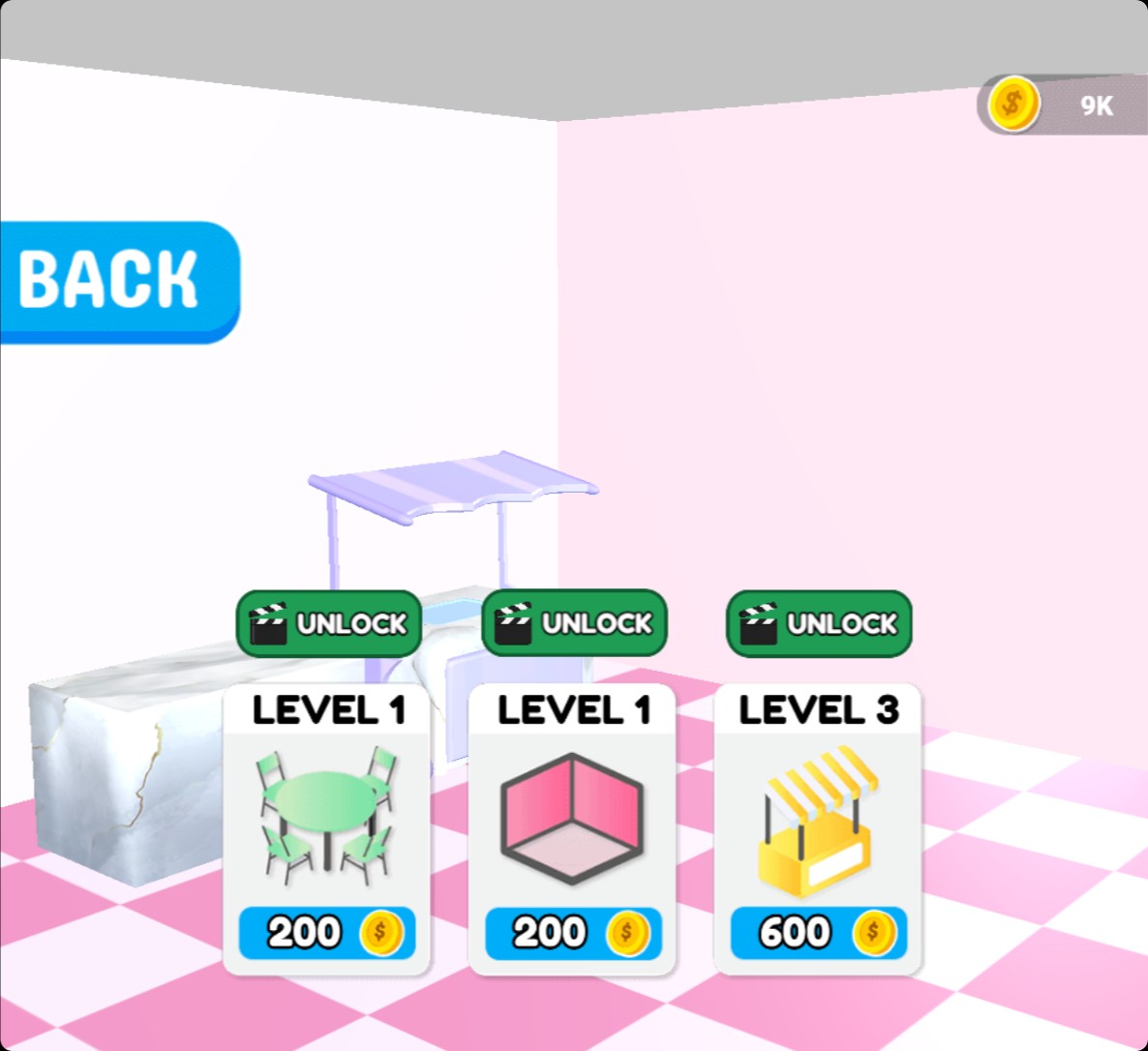
Coins for cart upgrades
Use your chosen coin balance to buy cart upgrades in the current session.
Customise brings the shop styles, dessert choices and coin control together. Floor and walls is Free; the other controls are Premium.
Install Bytonian Mods for Windows and open Dessert DIY. Choose your changes in Customise, then apply them. Applying reloads the game, so finish your current dessert before making changes.
Free matching floor and wall styles, with Premium coins, dessert choices, cart styles and furniture styles.
View all customisation options →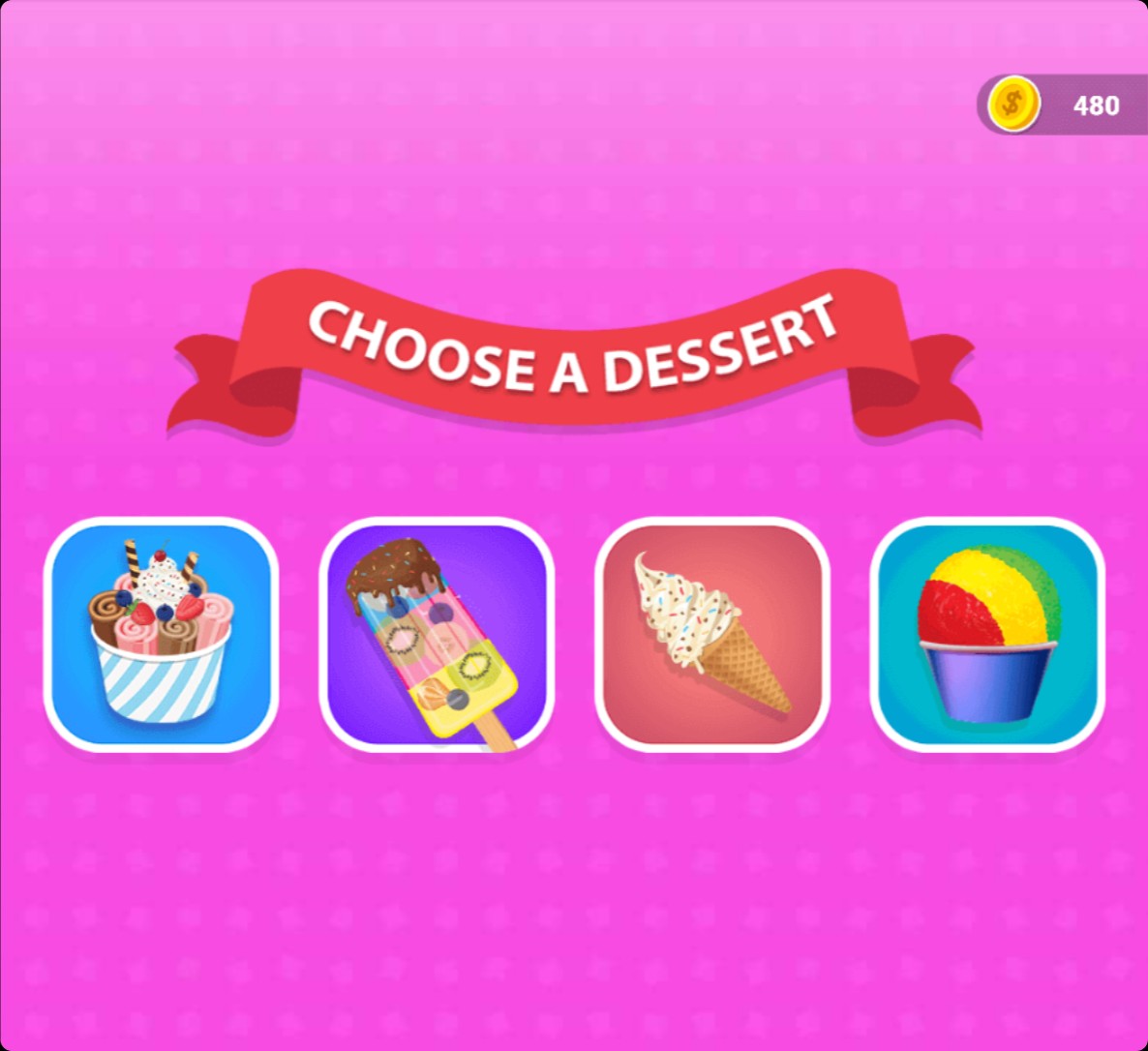
Choose dessert types
Unlock popsicles, cones and snow cones, then choose a dessert from the menu.
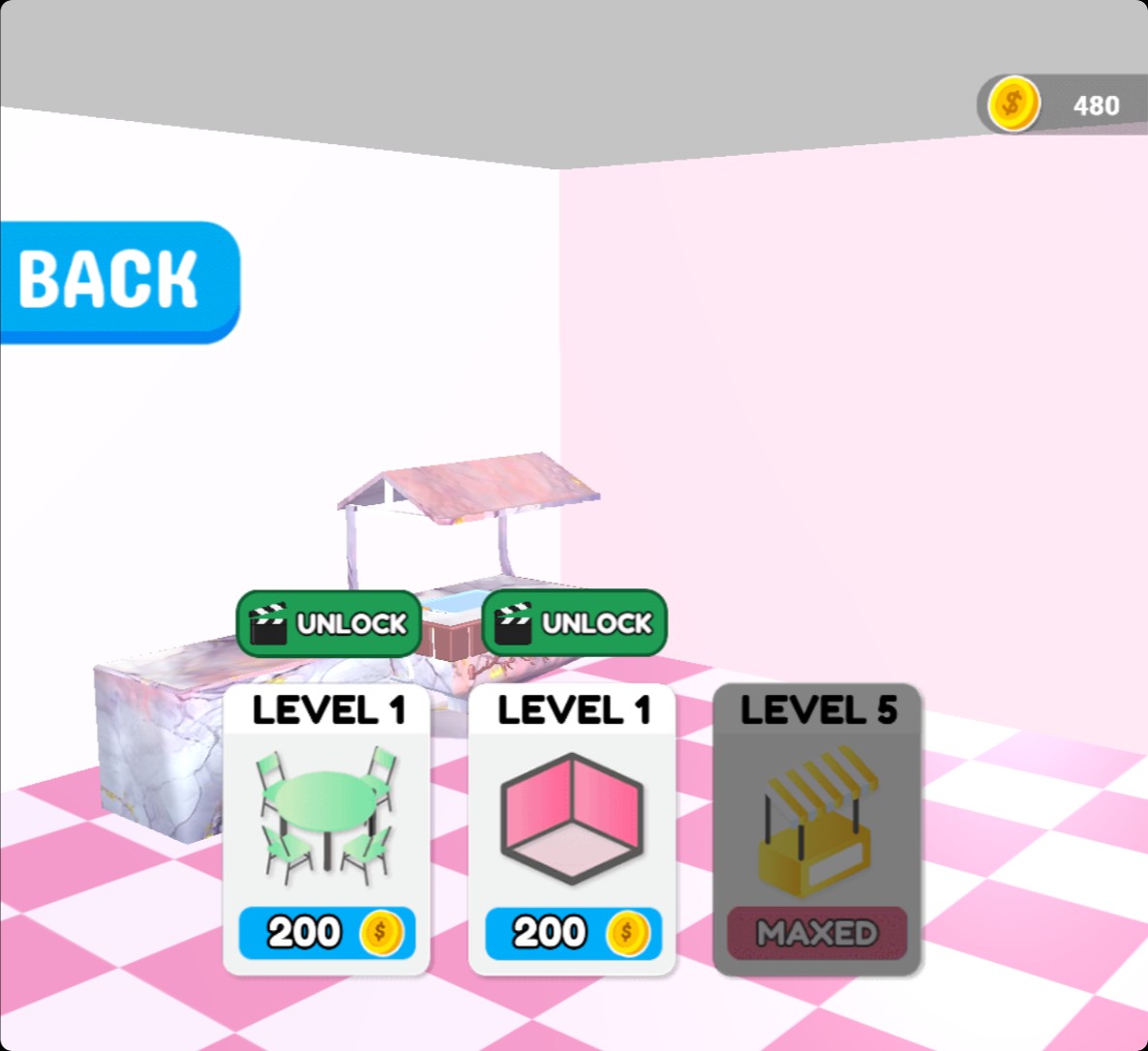
Level 5 cart style
Choose a cart style for your dessert shop, including this marble cart with a pink canopy.
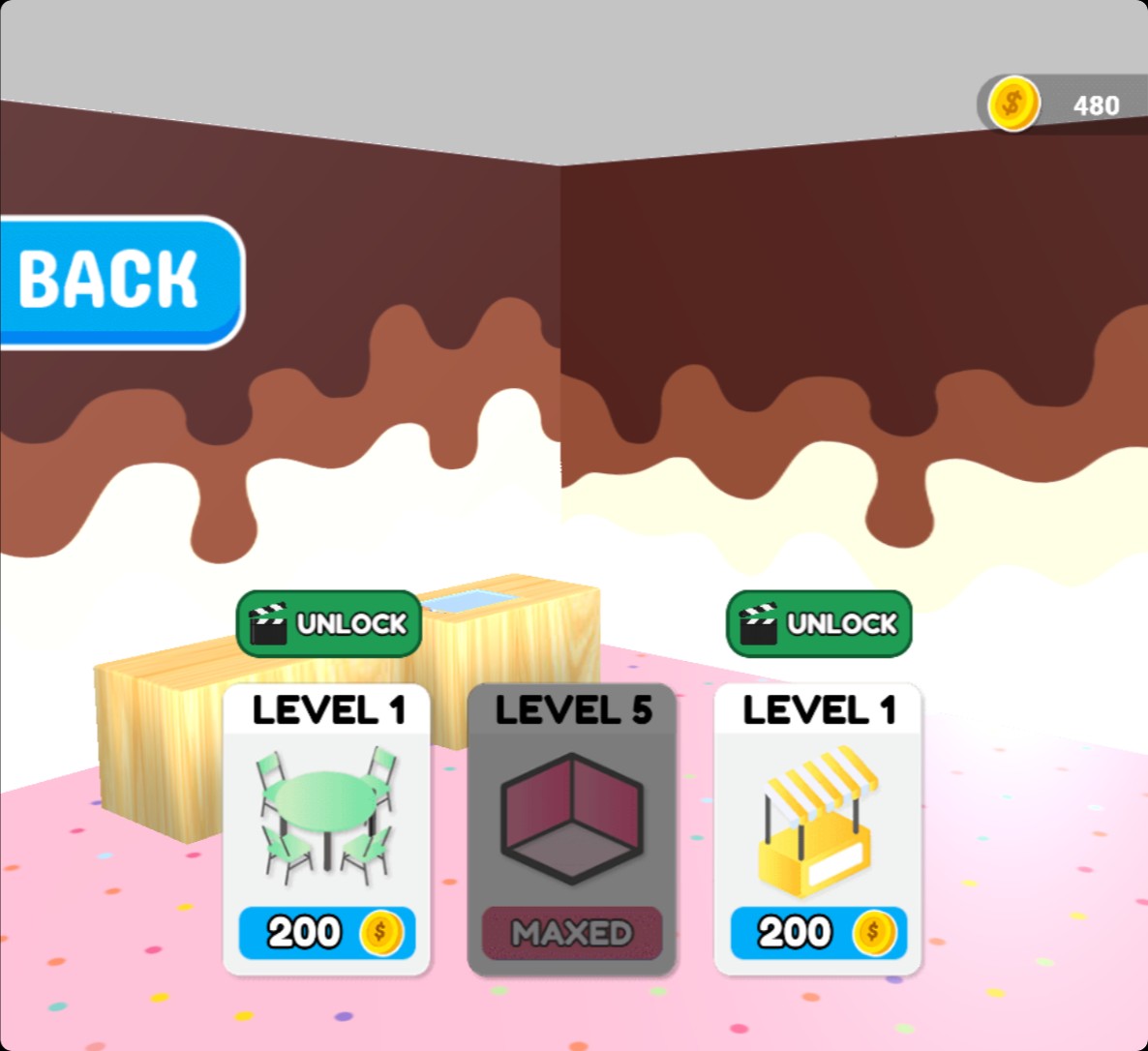
Floor and walls
Choose a floor and wall style for your dessert shop, including this pink sprinkle floor and walls with a chocolate drip design.
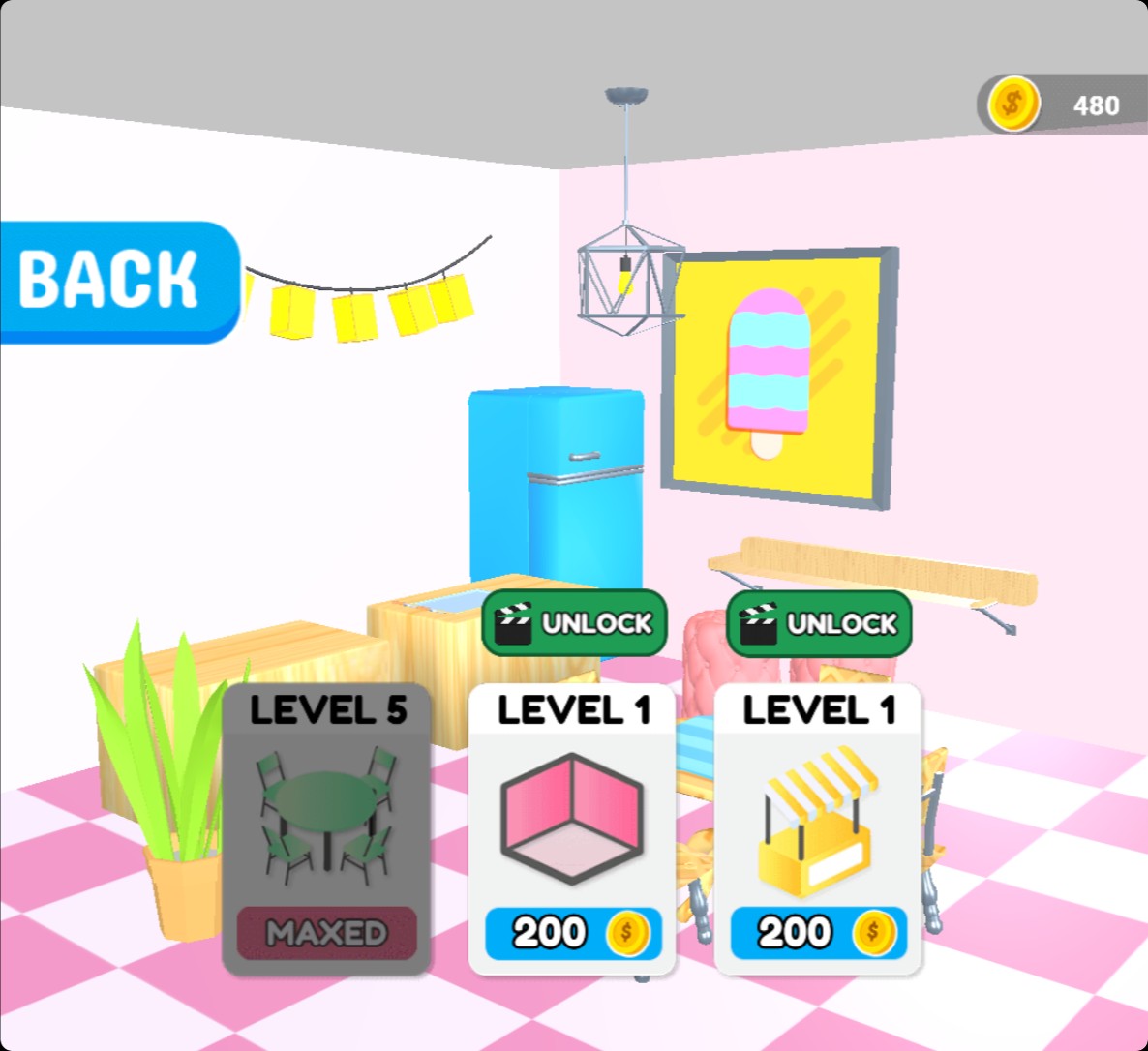
Design style
Choose a furniture style for your dessert shop, including a blue refrigerator, hanging lights and a colorful popsicle picture.
Download the Windows app and follow the setup prompts.
Set up the browser extension in Chrome or Edge, then open the supported YouTube Playable. Follow the connection guide if the game is already running.
Open Customise in Bytonian Mods, choose an option and follow its instructions. Check the available values and any limits before making your change.