
Bring in the fish on your line
When a bite turns into the reeling minigame, press Finish Catch to bring in your catch. Your new find appears in the game's fish inventory.
Requires the Windows app and the Bytonian Mods browser extension for Chrome or Edge. Browser setup guide
Cast first, then finish the catch
Equip your rod and cast into open water as usual. Wait for the catch minigame to start, then use Finish Catch. The fish you receive is still chosen by the game.
Available game actions
Finish CatchPremium
Finish reeling in the fish on your line with one press.
Cast normally and press Finish Catch once the reeling minigame starts.
The game still chooses which fish you catch.
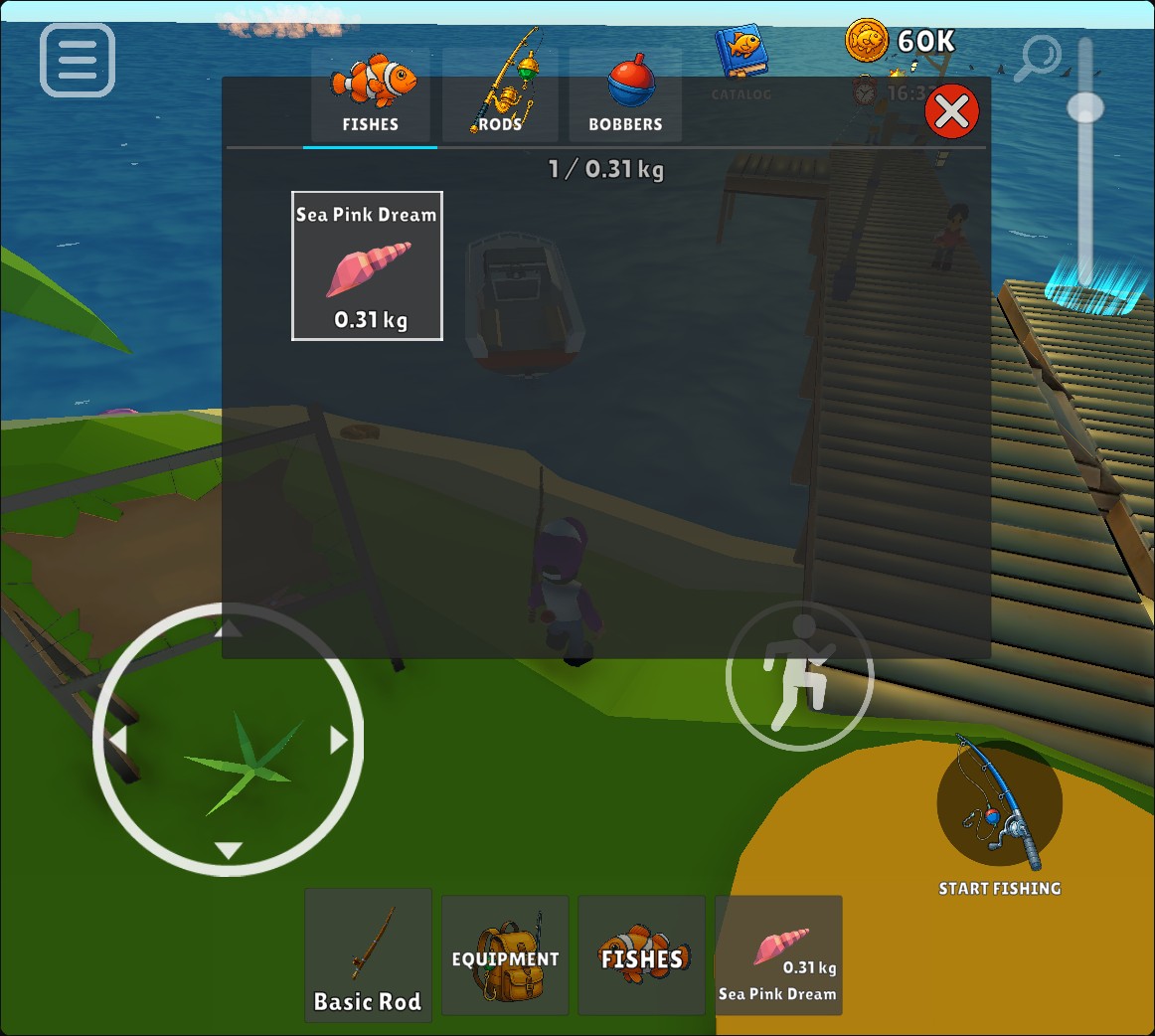
Bring in your latest catch
Use Finish Catch once you start reeling in a fish, then take a look at your latest addition.
More ways to customise Deadly Catch!
- Deadly Catch! resources
Set the amount of coins shown in your balance.
- Deadly Catch! ability modifiers
Rise, hover and move through the air.
Using these features
Choose the feature in the Windows app after connecting your game. Check its requirements before making a change.
Setup for Deadly Catch! →