
Resources
1 optionSet the amount of coins shown in your balance.
View resources →Set your coin balance, fly over the island or finish an active catch with one press. Cast your rod normally, then choose how you want to explore and fish.
Requires the Windows app and the Bytonian Mods browser extension for Chrome or Edge. Browser setup guide
Start with free mods
Download Bytonian Mods for Windows and try these free features. Choose one to see how it works and any requirements.
Set your coins to the balance you want.
Enter an amount and apply it after the game loads.
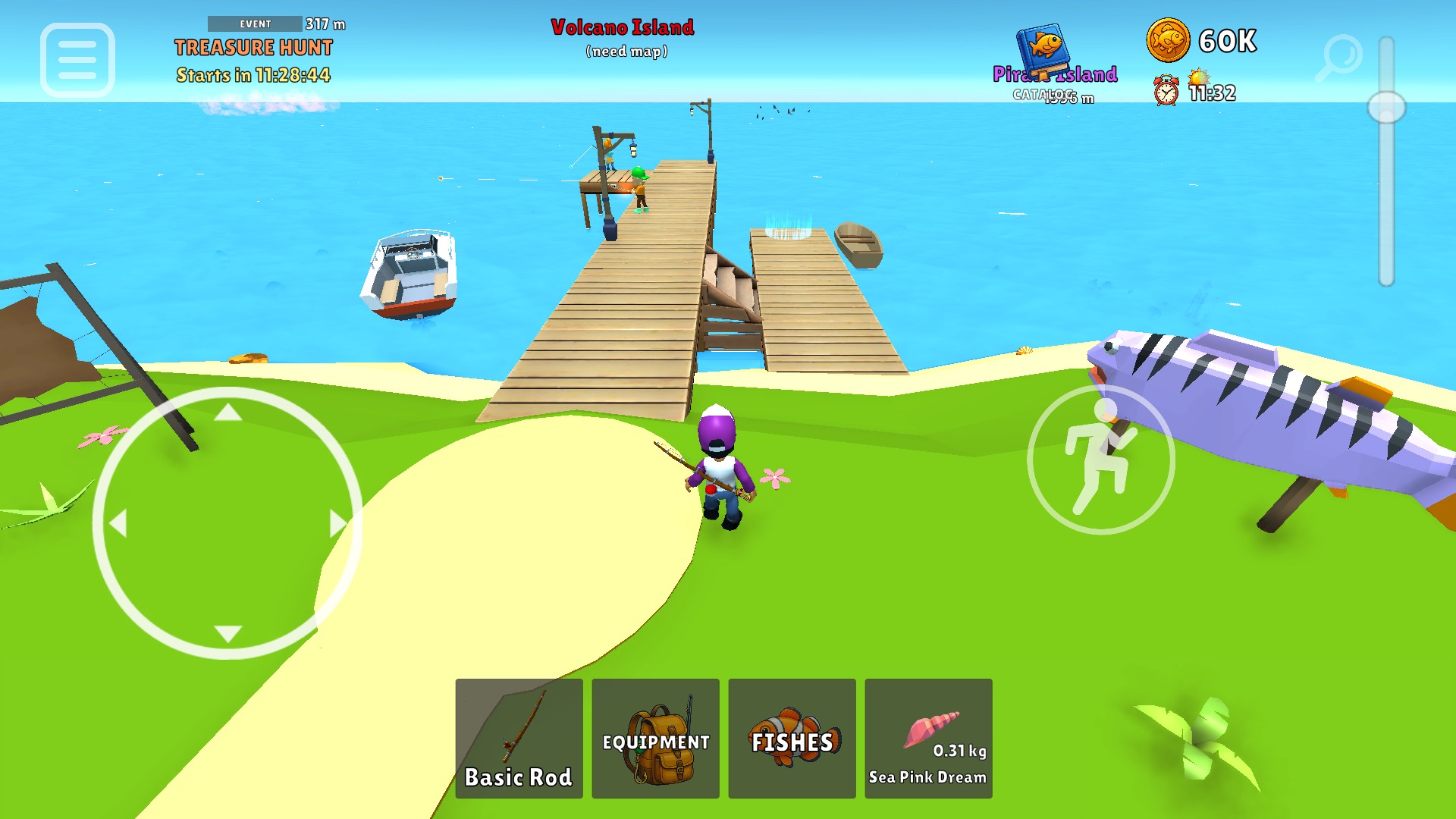
Set your coin balance with the free Coins control. Premium Fly lets you travel through the air, while Finish Catch completes the reeling minigame once a fish is on the line.
Open Deadly Catch! in Bytonian Mods, launch the game and enable the control you want to use. Let the island finish loading before making a change. Each control's page has its own instructions.
A day by the fishing pier
Grab your rod and head for the water in Deadly Catch!
Set the amount of coins shown in your balance.
View resources →Rise, hover and move through the air.
View ability modifiers →Complete the active reeling minigame with one press.
View game actions →Download the Windows app and follow the setup prompts.
Set up the browser extension in Chrome or Edge, then open the supported YouTube Playable. Follow the connection guide if the game is already running.
Review the available options in the app and choose the ones that suit how you play.