
Cruz Brothers camera settings
Make the fight camera more comfortable with Disable camera shake. Use the toggle whenever you prefer a steadier view of the arena.

Use Disable camera shake
Enable Steady Camera, then turn on Disable camera shake. The setting takes effect during active fights. Switch it off to bring back the original shake.
Keep the rest of the fight
The setting leaves normal camera tracking, zoom and combat effects in place. It changes the camera shake rather than the fighters or their attacks.
Available presentation modifiers
Disable camera shakeFree
Remove camera shake during fights while normal tracking and zoom continue.
Enable Steady Camera and turn on Disable camera shake. Switch it off to restore the usual shake.
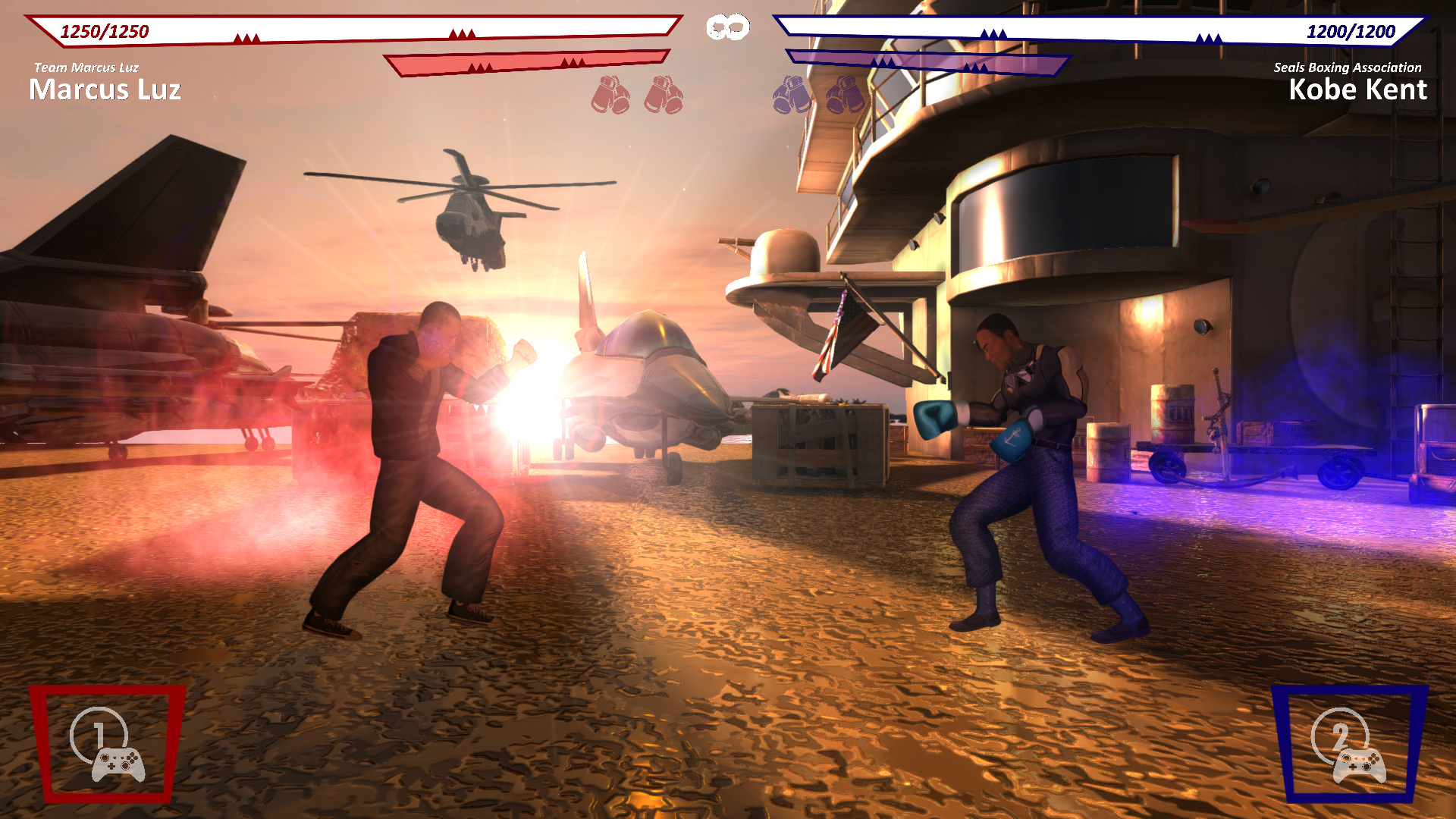
A steadier view of the fight
Disable camera shake while keeping the normal fight camera and HUD.
Questions about presentation modifiers
- Can I change it without restarting?
- Yes. Turn the toggle on or off while playing.
Using these features
Choose the feature in the Windows app after connecting your game. Check its requirements before making a change.
Setup for Cruz Brothers →