
Presentation Modifiers
1 optionRemove camera shake while keeping normal fight tracking and zoom.
View presentation modifiers →Keep a steadier view of the ring in Cruz Brothers. The free Steady Camera control removes fight camera shake while normal tracking and zoom continue.

Start with free mods
Download Bytonian Mods for Windows and try these free features. Choose one to see how it works and any requirements.
Remove camera shake during fights while normal tracking and zoom continue.
Enable Steady Camera and turn on Disable camera shake. Switch it off to restore the usual shake.
Enable Disable camera shake for a steadier view during matches. Switch it off whenever you want the usual shake back.
Install the Bytonian Mods Windows app, select Cruz Brothers and launch the game with mod support. Enable Steady Camera and choose your preferred setting.
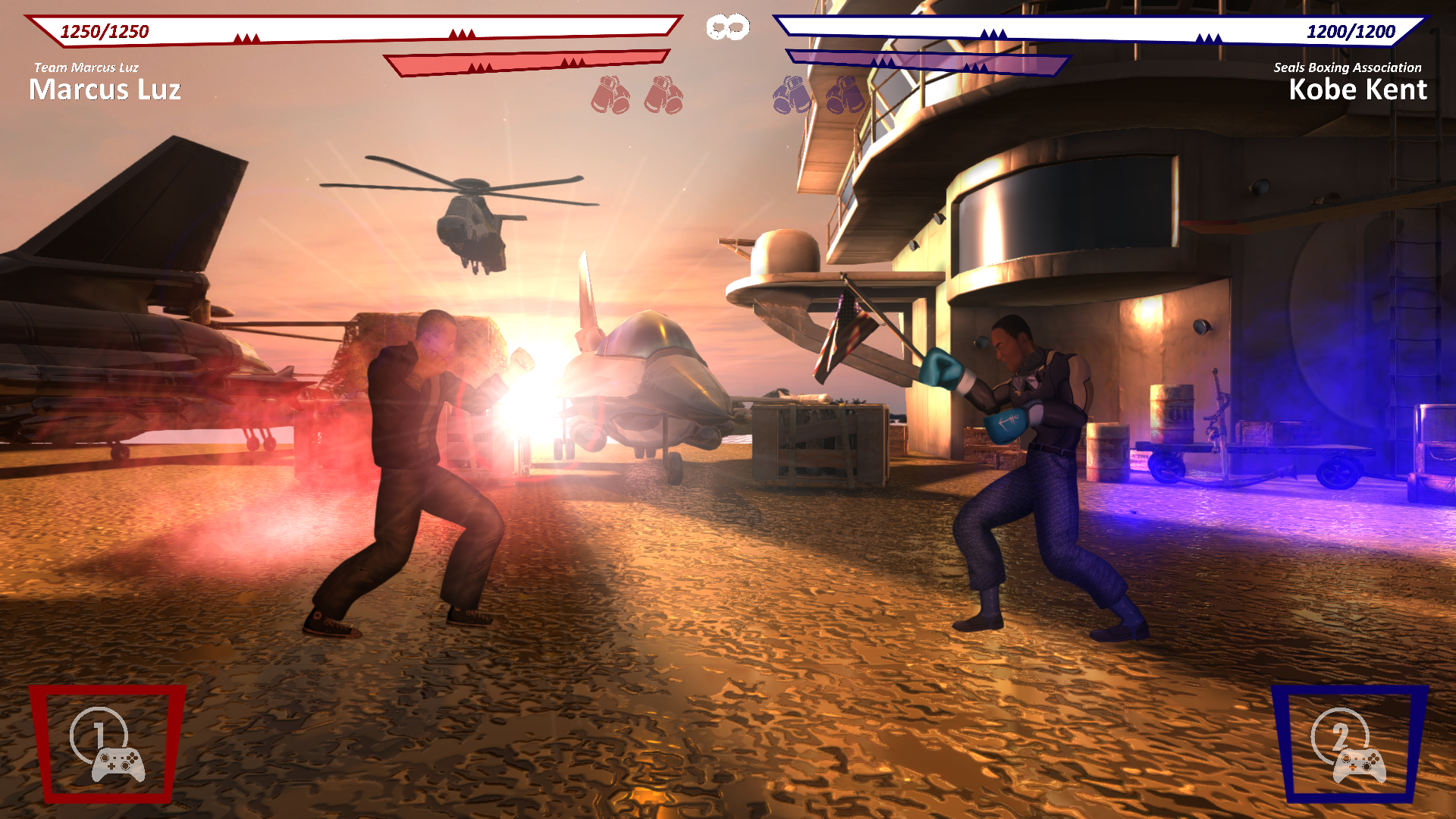
Step into the Cruz Brothers arena
Face off in a stylized fight with the full match HUD in view.
Remove camera shake while keeping normal fight tracking and zoom.
View presentation modifiers →Browse the Steam achievement names and descriptions for Cruz Brothers. Choose and unlock achievements for free with Bytonian Mods in the Windows app.
View all achievements →Download the Windows app and follow the setup prompts.
Open Cruz Brothers and select it in Bytonian Mods. Follow the app’s connection prompts.
Review the available options in the app and choose the ones that suit how you play.