
Resources
1 optionSet your coin balance and shop for environment styles.
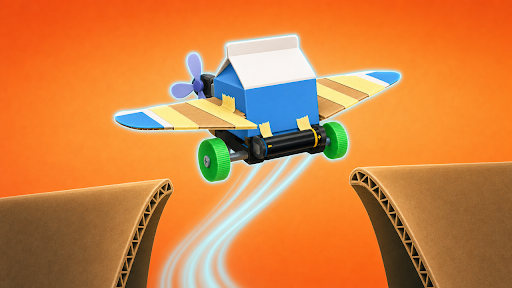
View resources →Set coins for new looks in the Environment shop. Build a toy car from everyday parts, fit the wheels and see how it handles the course.
Requires the Windows app and the Bytonian Mods browser extension for Chrome or Edge. Browser setup guide

Start with free mods
Download Bytonian Mods for Windows and try these free features. Choose one to see how it works and any requirements.
Set your Coins and pick new environment styles from the shop.
Refresh Coins, enter the balance you want and choose Set. Open the palette shop and select a style to buy it.
Reopen the Environment shop after changing Coins to refresh its purchase buttons.
Open the palette shop to browse environment styles. The free Coins control lets you choose a balance, then spend it on the look you want.
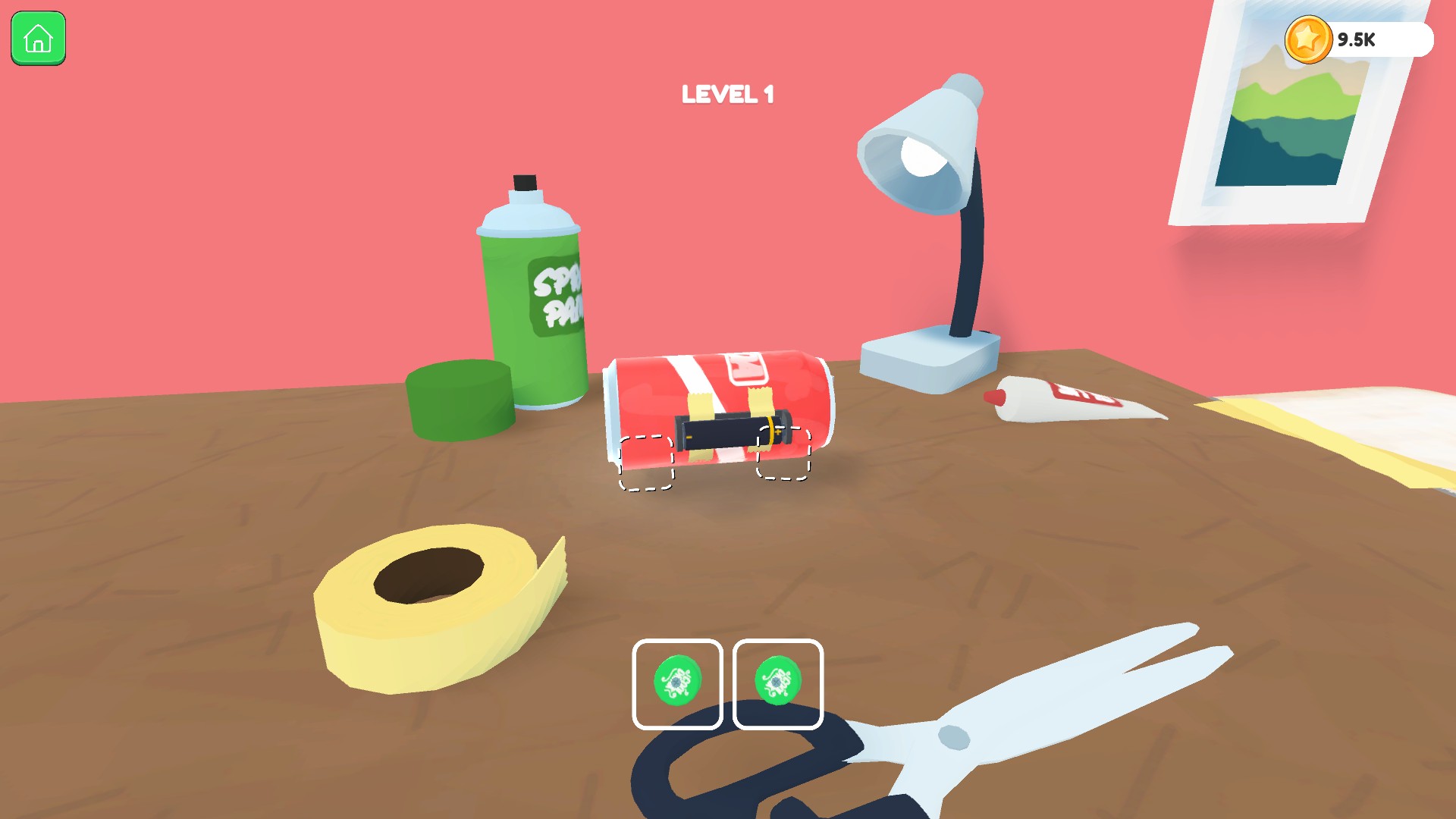
Place the parts in their marked positions and press Start when your car is ready. Each build gives you another chance to see how those small parts work together on the course.
A fresh look for the next build
Get back to building with a new environment style. The pink walls frame this can-bodied car and its bottle-cap wheels.
Set your coin balance and shop for environment styles.
View resources →Download the Windows app and follow the setup prompts.
Set up the browser extension in Chrome or Edge, then open the supported YouTube Playable. Follow the connection guide if the game is already running.
Review the available options in the app and choose the ones that suit how you play.