

Choose how quickly the camera changes position
Set the duration of the blend between camera viewpoints. Use zero for an immediate switch, a short value for a quicker transition, or a longer duration when you prefer a slower move.

Duration and gameplay are separate
Enable the control and choose its transition time. Disabling it restores the game's original transition. It does not change claw strength, prize physics or your chance of a successful grab.
Available perspective modifiers
Change Camera Transition TimeFree
Choose how long the camera blends between viewpoints.
Enable the control and set the duration. Zero makes viewpoint changes immediate.
Before you use it: Disabling restores the original transition. This changes camera movement, not claw physics or prize outcomes.
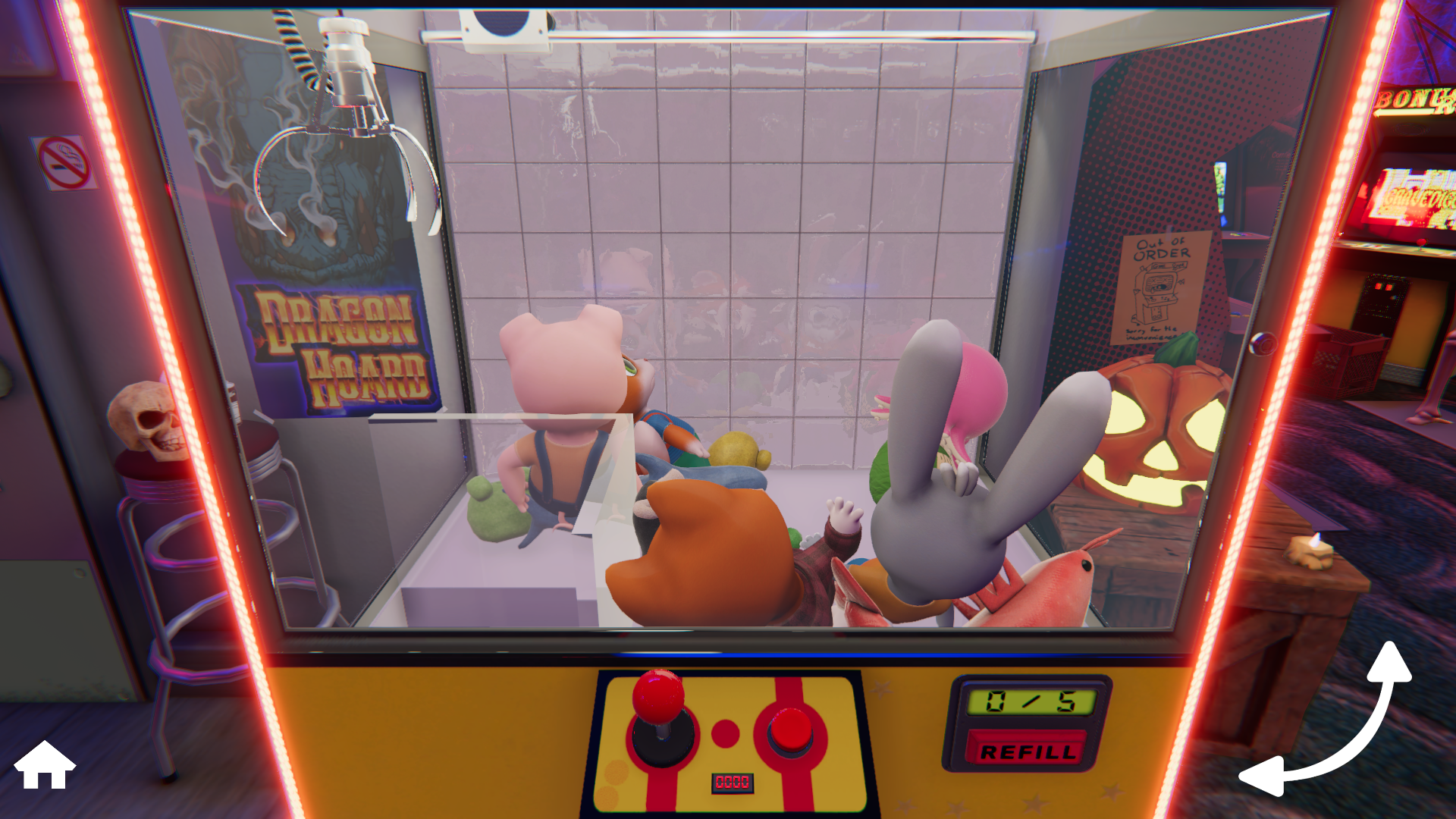
Camera changes at your pace
Choose instant switches or a slower move between the machine's viewpoints.
Using these features
Choose the feature in the Windows app after connecting your game. Check its requirements before making a change.
Setup for Claw Machine Sim →