

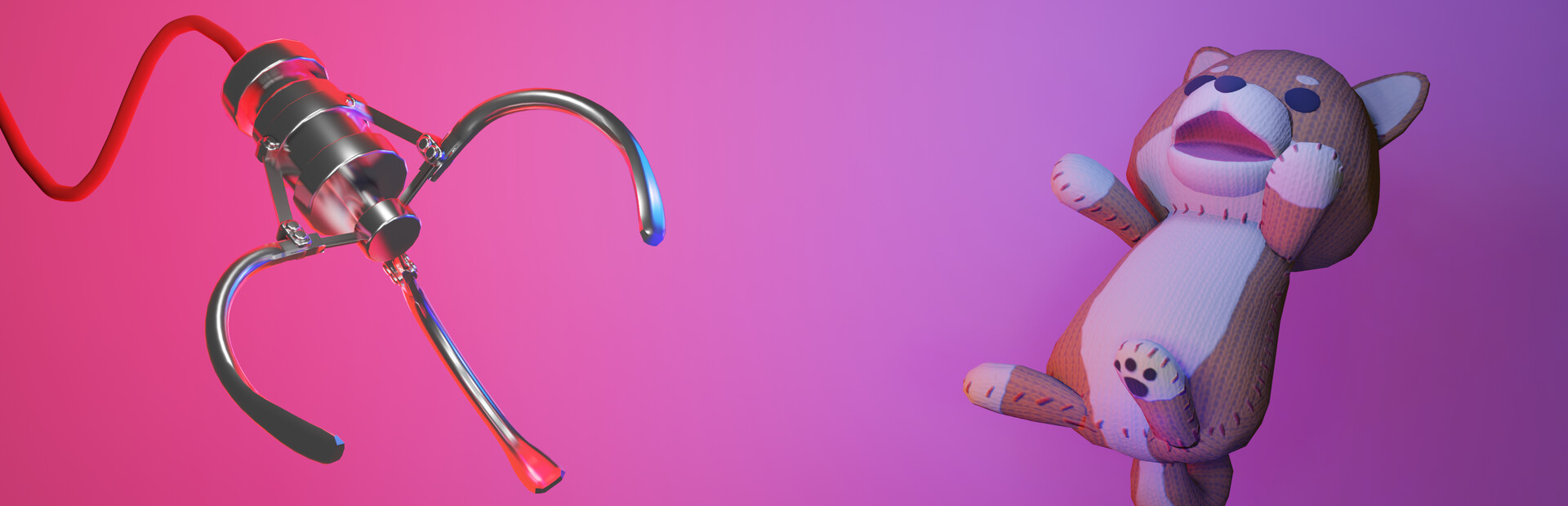
Perspective Modifiers
1 optionAdjust view-switch duration; disabling restores the original transition.
View perspective modifiers →Claw Machine Sim puts you at a physics-based arcade machine, lining up the claw to collect prizes. Its free Windows camera option lets you shorten or lengthen the move between viewpoints while leaving the claw challenge itself unchanged.
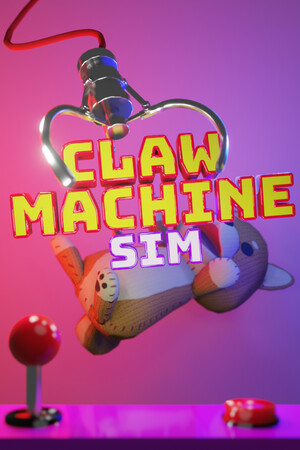
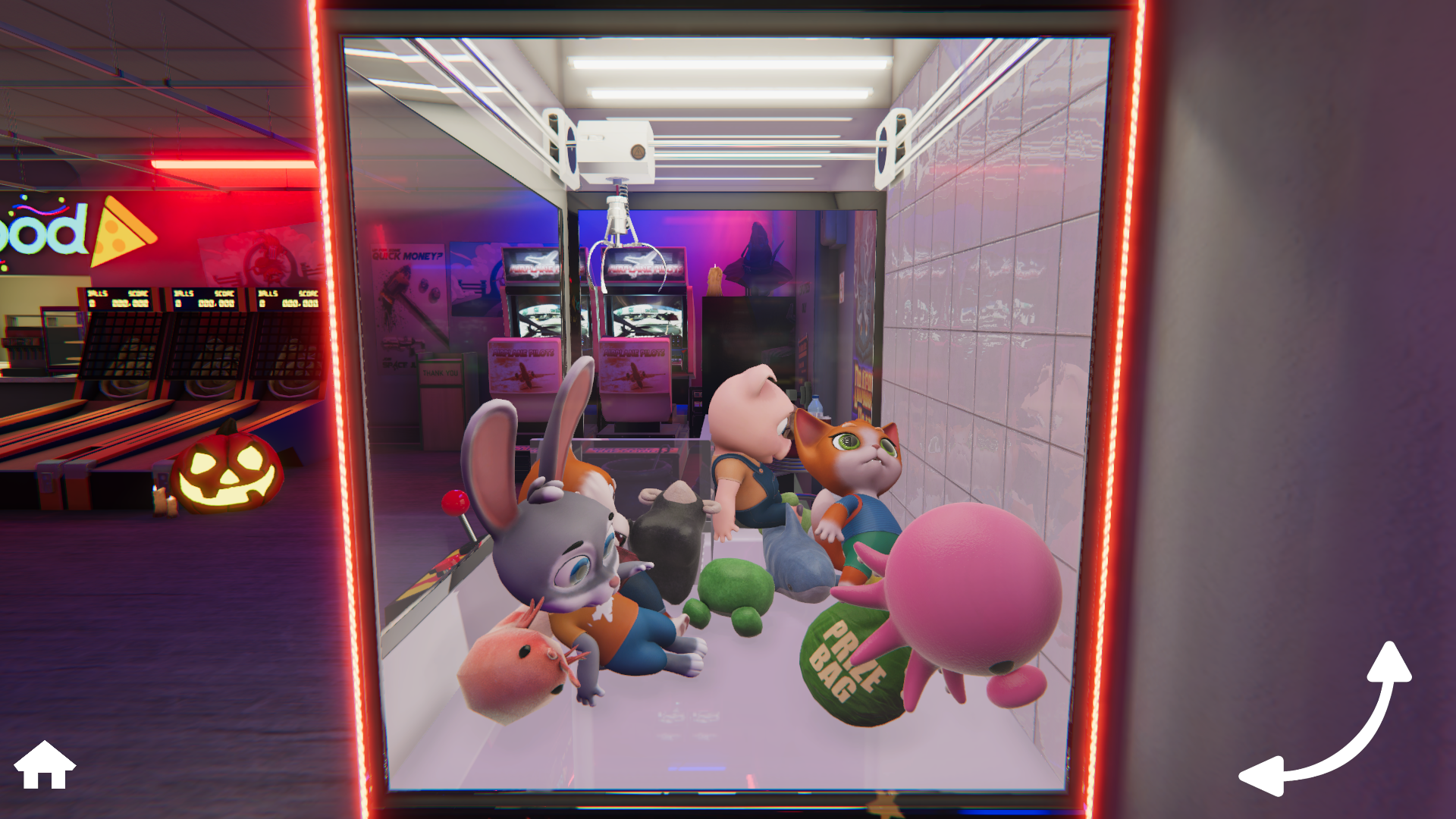
A closer look at the prizes
Line up the claw over a cabinet full of toys in Claw Machine Sim.
Perspective Modifiers contains Change Camera Transition Time. Choose a duration that suits how you like to move between camera positions.
Install Bytonian Mods, open Claw Machine Sim and select it in the app. Follow the connection prompts, then enable the camera setting and choose a duration.
Adjust view-switch duration; disabling restores the original transition.
View perspective modifiers →Browse the Steam achievement names and descriptions for Claw Machine Sim. Choose and unlock achievements for free with Bytonian Mods in the Windows app.
View all achievements →Download the Windows app and follow the setup prompts.
Open Claw Machine Sim and select it in Bytonian Mods. Follow the app’s connection prompts.
Review the available options in the app and choose the ones that suit how you play.