

Configure cluster bombs and volcano fireballs
Use separate count cards to tune two of City Smash's destructive tools. Select the weapon first so you can read and change its current setting before triggering an attack.
Cluster Bomb Count
Select cluster bombs in the projectile tools, then choose a count with Cluster Bomb Count. The game's BOMBS panel shows your setting.
Volcano Fireballs
Select the volcano in the natural-disaster tools before changing Volcano Fireballs. The FIRE BALLS panel shows the setting for your next eruption.
Current-session settings
Choose your count, then launch the matching attack using the normal game controls.
Available resources
Cluster Bomb CountPremium
Change the cluster weapon's bomb count for the current session.
Select cluster bombs in the game, set the desired count, then fire normally.
Before you use it: Select the cluster weapon before changing its bomb count.
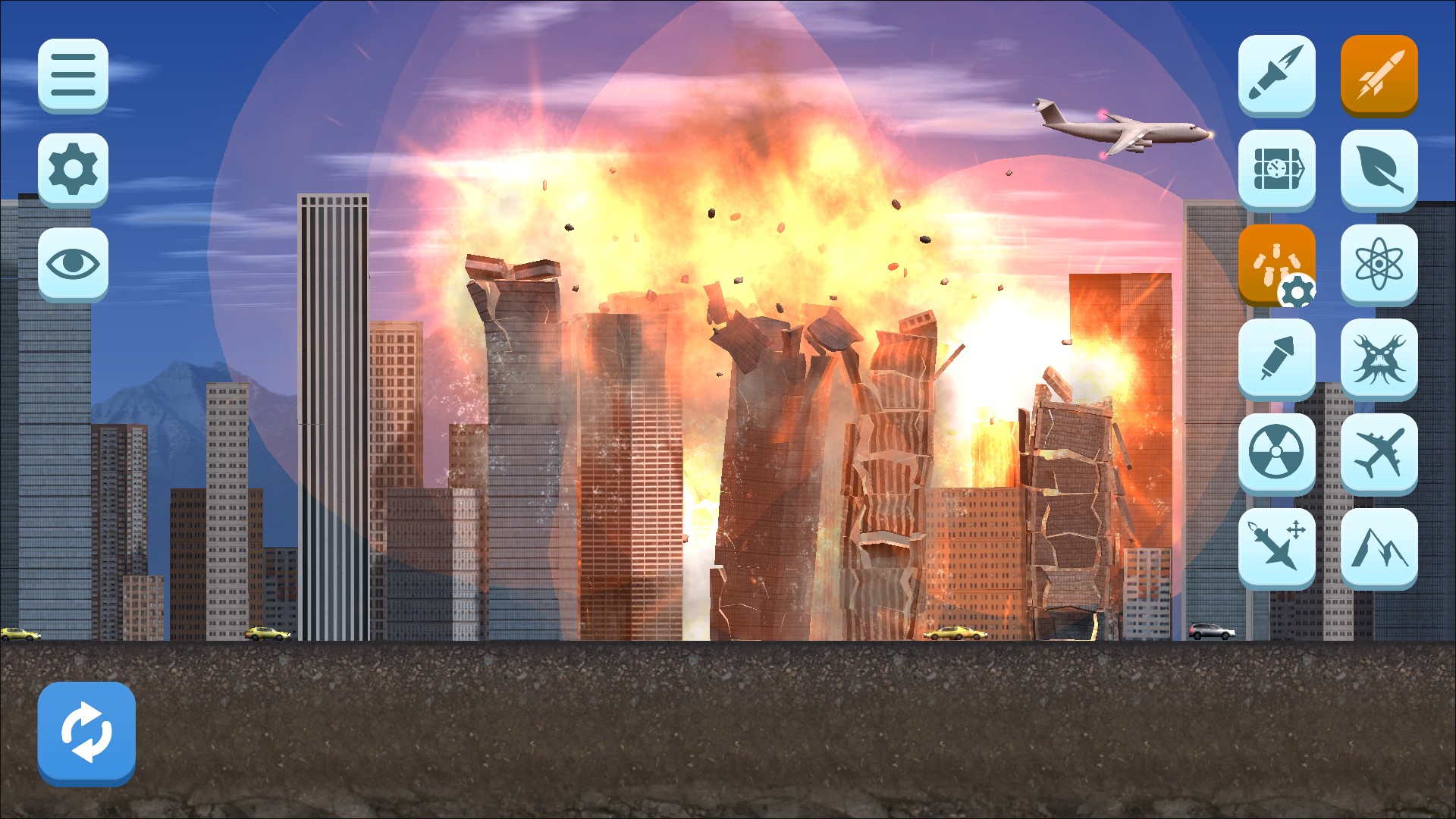
Cluster-bomb barrage
Multiple explosions break through the skyline after setting the cluster weapon's bomb count to 30.
Volcano FireballsPremium
Change the volcano's fireball count for the current session.
Select the volcano in the game, set its count, then trigger it normally.
Before you use it: Select the volcano before changing its fireball count.
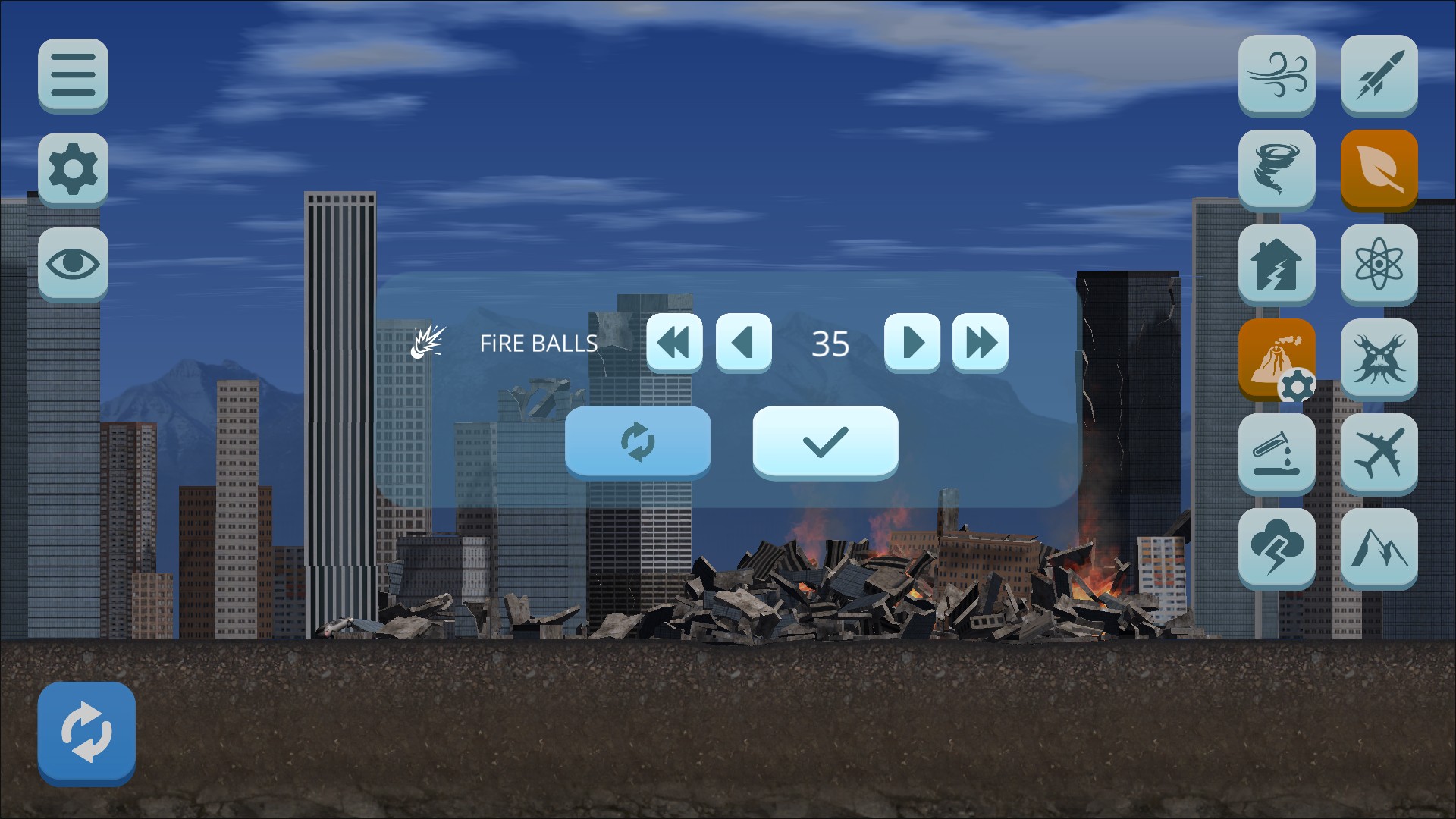
Volcano fireballs set to 35
The game's volcano configuration displays 35 fireballs. Select the volcano before changing its count.
More ways to customise City Smash
- City Smash game actions
A free one-shot action that loads a fresh first city.
Using these features
Choose the feature in the Windows app after connecting your game. Check its requirements before making a change.
Setup for City Smash →