

Resources
2 optionsTwo independent controls for cluster-bomb count and volcano fireball count.
View resources →City Smash gives you a skyline to dismantle with destructive tools, disasters and creatures. These mods add a quick first-city rebuild and separate count controls for cluster bombs and volcano fireballs.
The free Rebuild First City action replaces the damaged city and terrain with a fresh first city. It loads that city again rather than keeping a different city selection.
Cluster Bomb Count and Volcano Fireballs are separate premium controls. Select the matching weapon in the game, set its count in the mod card, then return to normal play to trigger it.
Select the cluster weapon or volcano before adjusting its count. Each has a separate control.
Build a city-smashing session
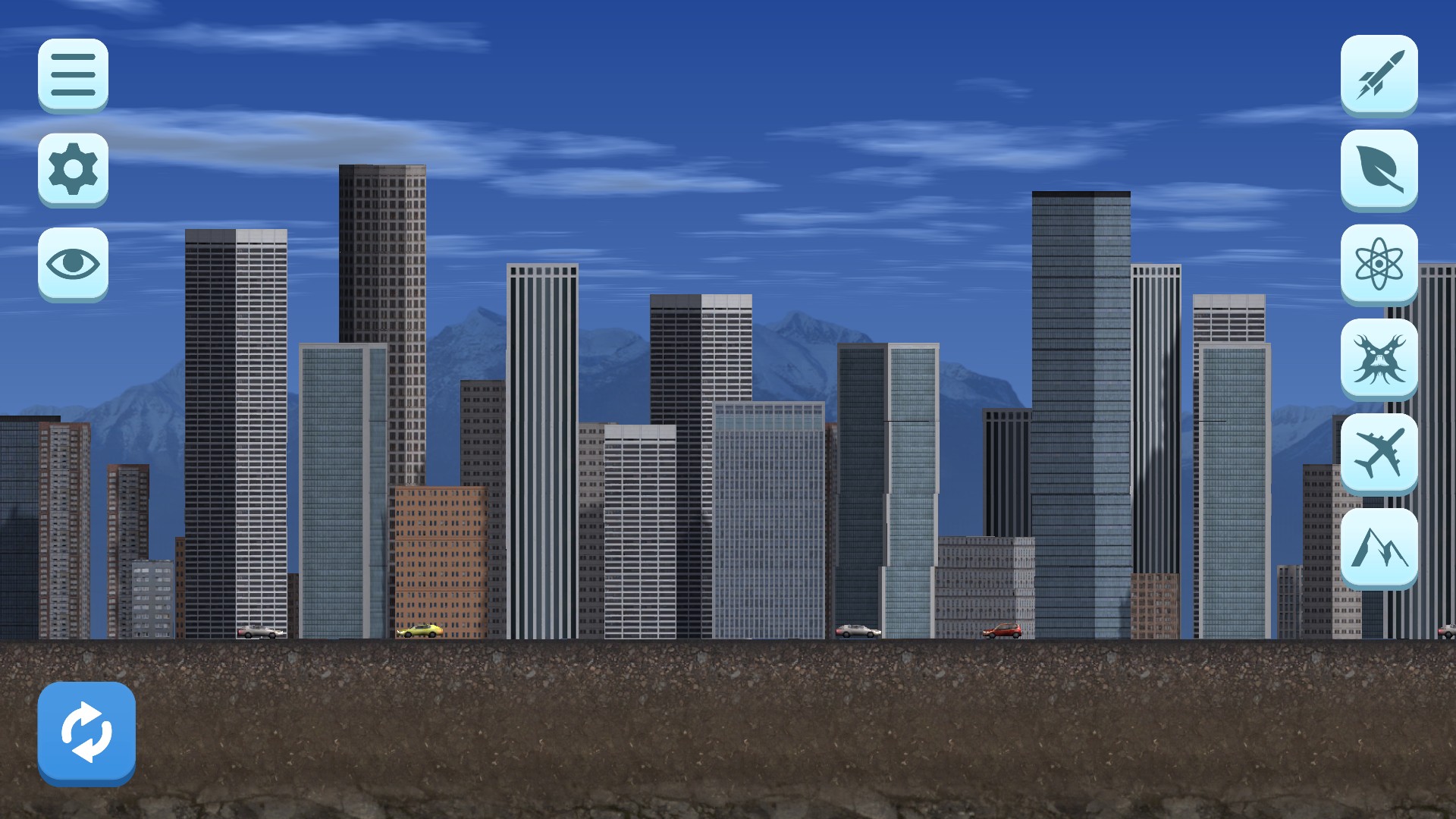
A fresh skyline with City Smash's destruction tools ready beside the city.
Two independent controls for cluster-bomb count and volcano fireball count.
View resources →A free one-shot action that loads a fresh first city.
View game actions →Download the Windows app and follow the setup prompts.
Set up the browser extension in Chrome or Edge, then open the supported YouTube Playable. Follow the connection guide if the game is already running.
Review the available options in the app and choose the ones that suit how you play.