
Choose your Cat Cruise Coins balance
Pick a saved Coins amount to plan your next room furnishing. The cruise continues to earn Coins through normal play after the balance is set.
Requires the Windows app and the Bytonian Mods browser extension for Chrome or Edge. Browser setup guide
Saved Coins for Cat Cruise rooms
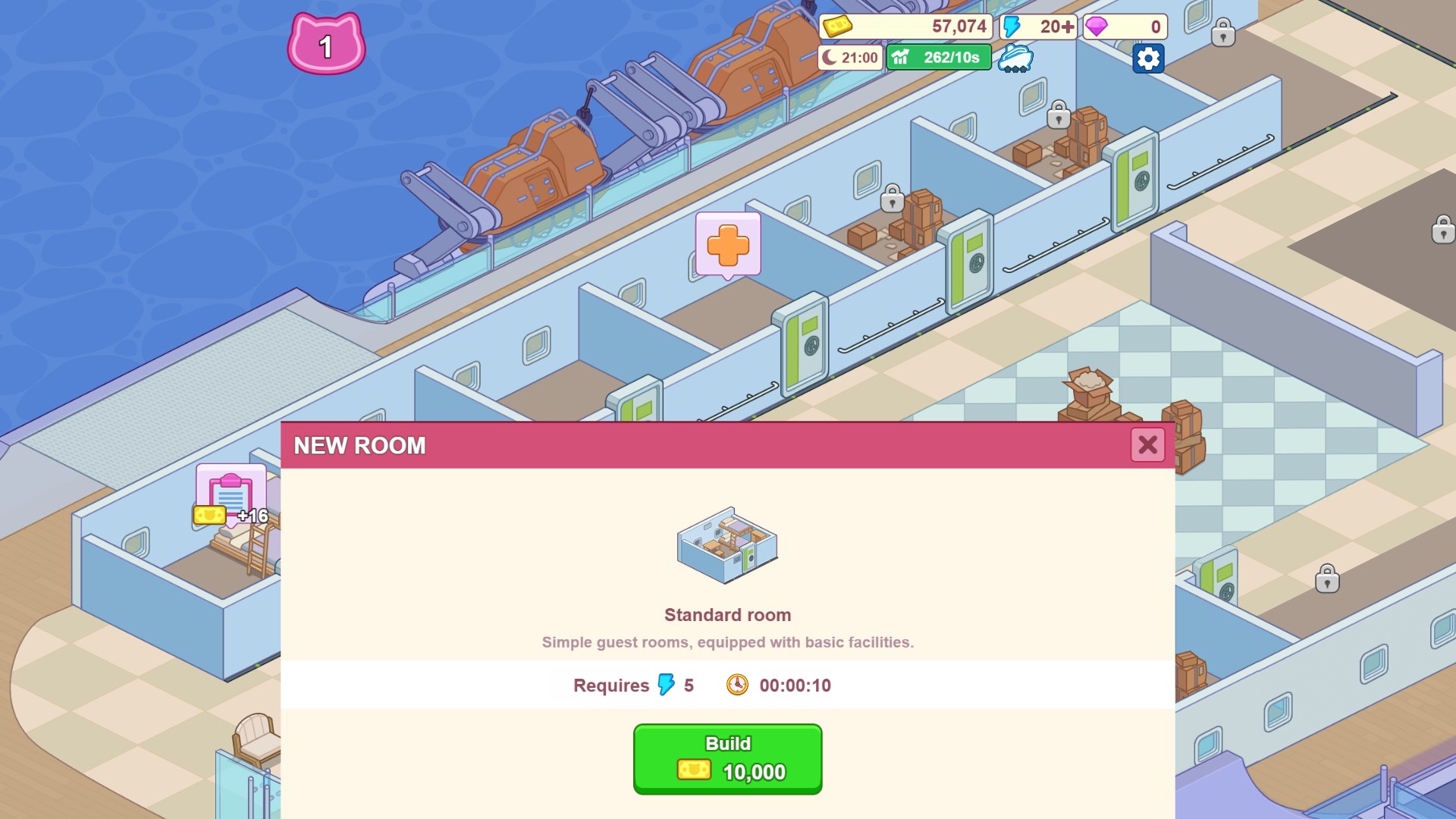
The room menu shows a Standard room priced at 10,000 Coins beside the saved balance.
Set and use Coins
Enter a whole number from 0 to 100,000 and apply it. Your Coin balance is available in the game HUD, and the normal room menu shows what you can furnish with it.
This control changes the Coin balance. It does not directly add furnishings, gems or energy.
Available customisation options
CoinsFree
Choose the saved Coins balance used for Cat Cruise room furnishings.
Enter a whole-number amount from 0 to 100,000 and apply it, then use the game's room menu for normal furnishing choices.
Changes Coins only; furnishings, gems and energy are not added directly. The balance can rise as the cruise earns income.
Using these features
Connect your game, then open Customise in the Windows app. Choose an option, check its available values and follow its instructions. Each option lists its own requirements and limits.
Setup for Cat Cruise →