

Move on to the next customer vehicle
Switch workshop jobs with the free Next Car action. It loads the next customer and vehicle, giving you a different task when you are ready to move past the current car.
How to use Next Car
Wait until the current vehicle has loaded, then press Next Car once. Let the new customer's introduction finish and accept their request to start the job.
The action moves on from your current vehicle. Choose it when you want another job, and use the normal tools when you want to finish the car already in the workshop.
Available game actions
Next CarFree
Leave the current vehicle behind and load the next customer's car.
With a customer vehicle loaded, press Next Car once. Wait for the new introduction, then accept the customer's request to start the next job.
Before you use it: Moves past the current job; it does not finish cleaning that vehicle.
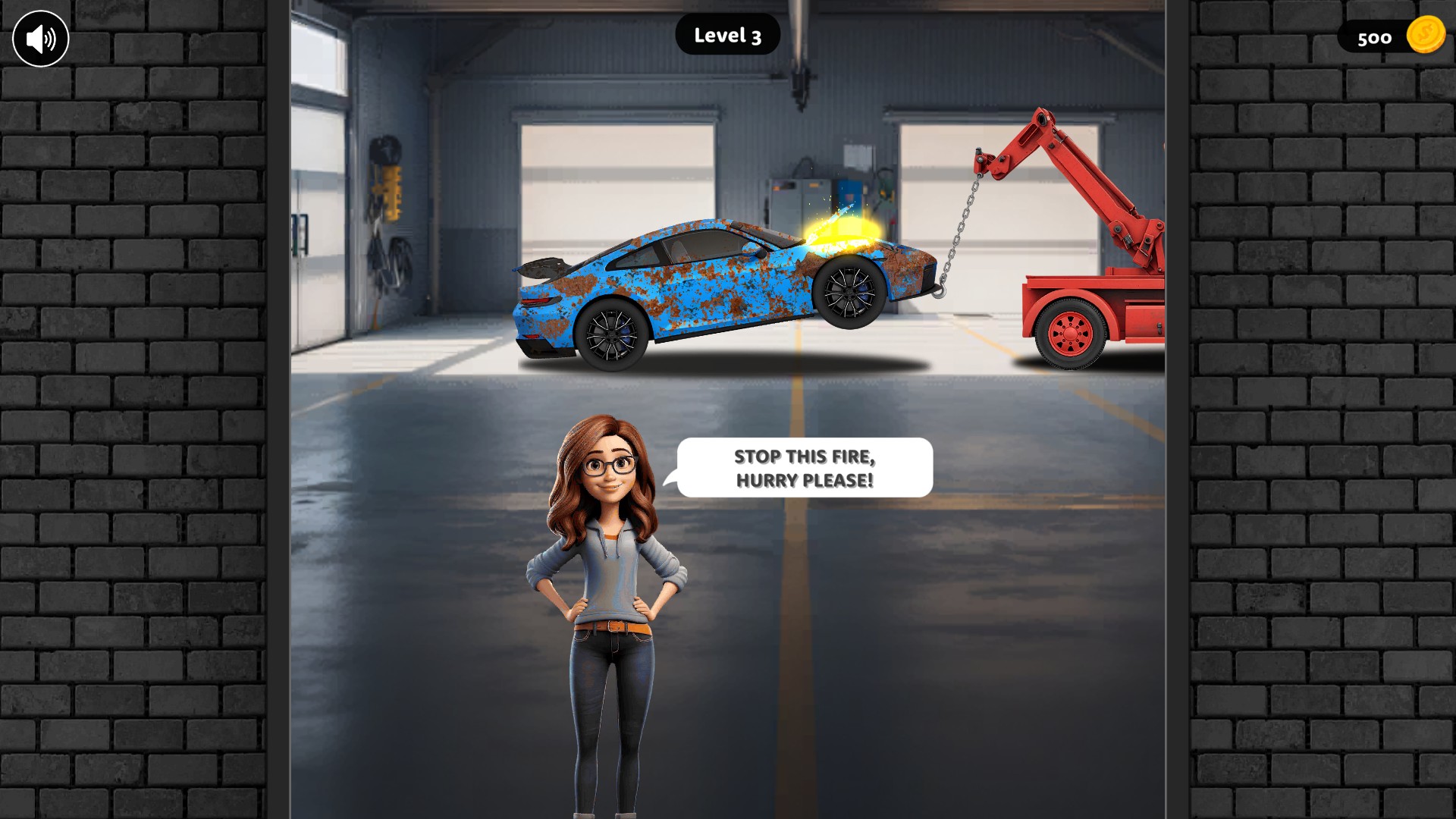
Move on to a different customer vehicle
Next Car leaves the current job behind and loads the next customer's vehicle. Here the food van has been replaced by a new Level 3 repair job.
Using these features
Choose the feature in the Windows app after connecting your game. Check its requirements before making a change.
Setup for Car Wash DIY →