

Game Actions
1 optionA one-press action to leave the current vehicle and load the next job.
View game actions →Car Wash DIY puts customer vehicles in your workshop for hands-on cleaning and repair tasks. Drag the tools over dirty areas and tackle the job in front of you. When you would rather work on another vehicle, the free Next Car action moves you to the next customer.
Open the Game Actions category and choose Next Car while your current job is loaded. After the next customer arrives, accept their request to begin working on the new vehicle.
A one-press action to leave the current vehicle and load the next job.
View game actions →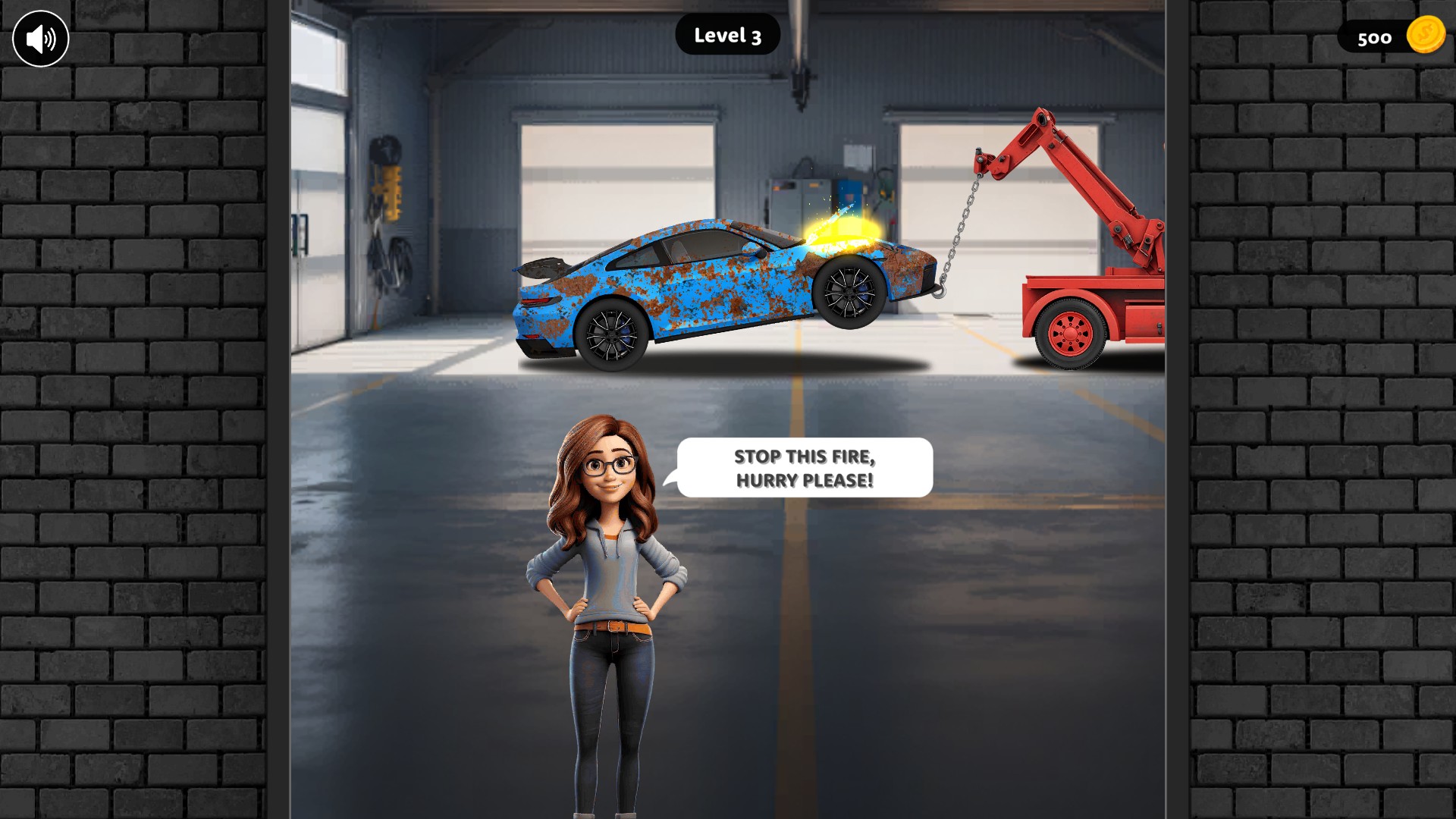
Choose a different workshop job
Move on from the current car and meet the next customer with the free Next Car action.
Download the Windows app and follow the setup prompts.
Set up the browser extension in Chrome or Edge, then open the supported YouTube Playable. Follow the connection guide if the game is already running.
Review the available options in the app and choose the ones that suit how you play.