
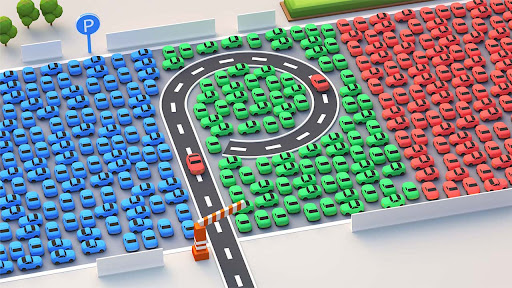
Coins for your next vehicle unlock
Have your eye on a different set of cars? Choose your coins here, then head to the Vehicle shop and use Random Unlock to add a new look to your collection.
Requires the Windows app and the Bytonian Mods browser extension for Chrome or Edge. Browser setup guide
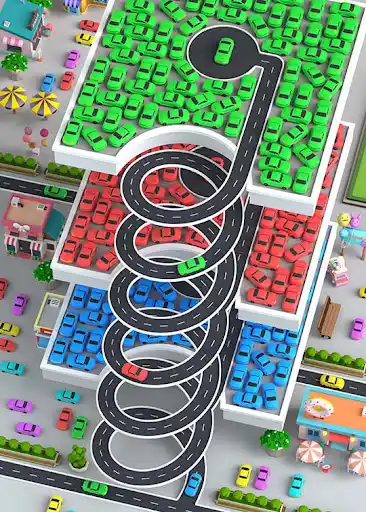
Use coins in the Vehicle shop
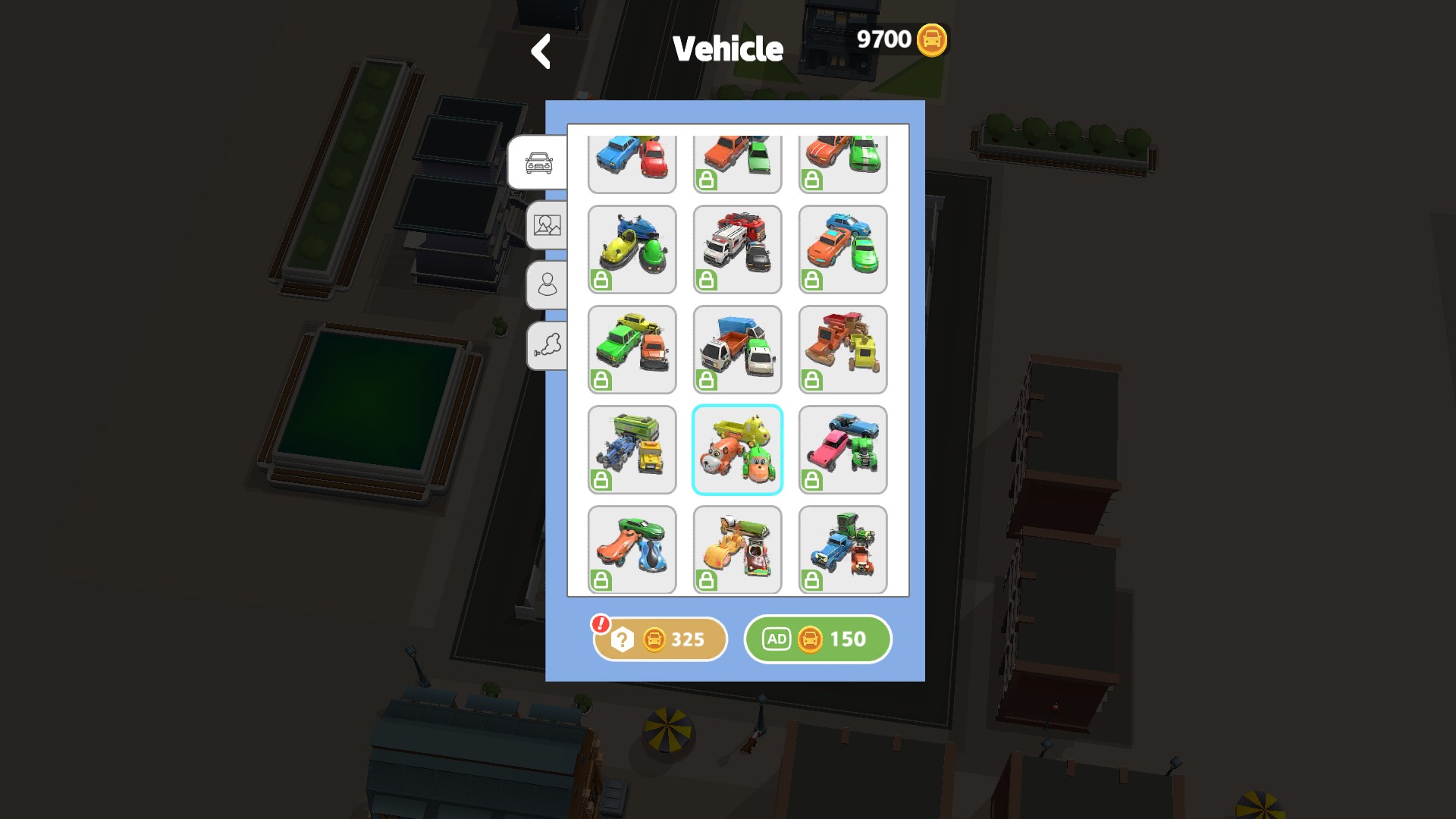
Enter the amount you want and apply it before returning to the shop. The next random unlock shows its price, and that price rises as you buy more sets.
Choose from the sets you own
After an unlock, browse your available vehicle sets and select the look you want. Task and level rewards follow their usual requirements.
Available customisation options
CoinsPremium
Choose how many coins you have for the Vehicle shop's random unlocks.
Apply your coin amount, open the Vehicle shop and check the price of the next random unlock.
Vehicle sets earned through tasks or completed levels keep their usual requirements.
More coins for your next vehicle unlock
Choose your coins, then use the vehicle shop's random unlock to add a new look to your parking puzzles.
Questions about customisation options
- Can I choose which set Random Unlock gives me?
- The shop chooses the new set at random. Once you own a set, you can select it in the Vehicle menu.
Using these features
Connect your game, then open Customise in the Windows app. Choose an option, check its available values and follow its instructions. Each option lists its own requirements and limits.
Setup for Car Out →