
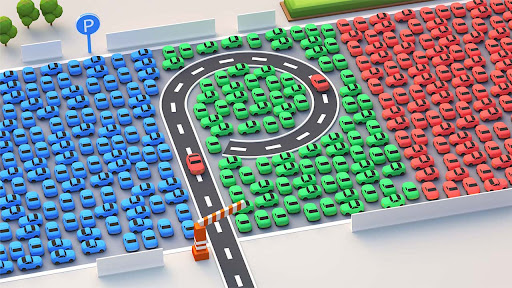
Customise
1 optionSet your coins before browsing the Vehicle shop's random unlocks.
View customisation options →Set coins for a random vehicle unlock in the Vehicle shop. Look for clear routes and slide cars out of the crowded car park.
Requires the Windows app and the Bytonian Mods browser extension for Chrome or Edge. Browser setup guide
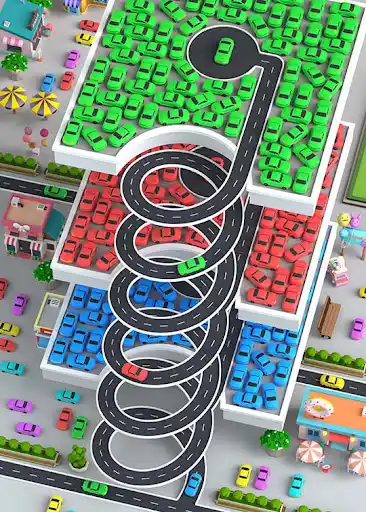
Find a new look for your parking puzzles
Browse Car Out's vehicle sets and use the shop's random unlock to add more variety to the car park.
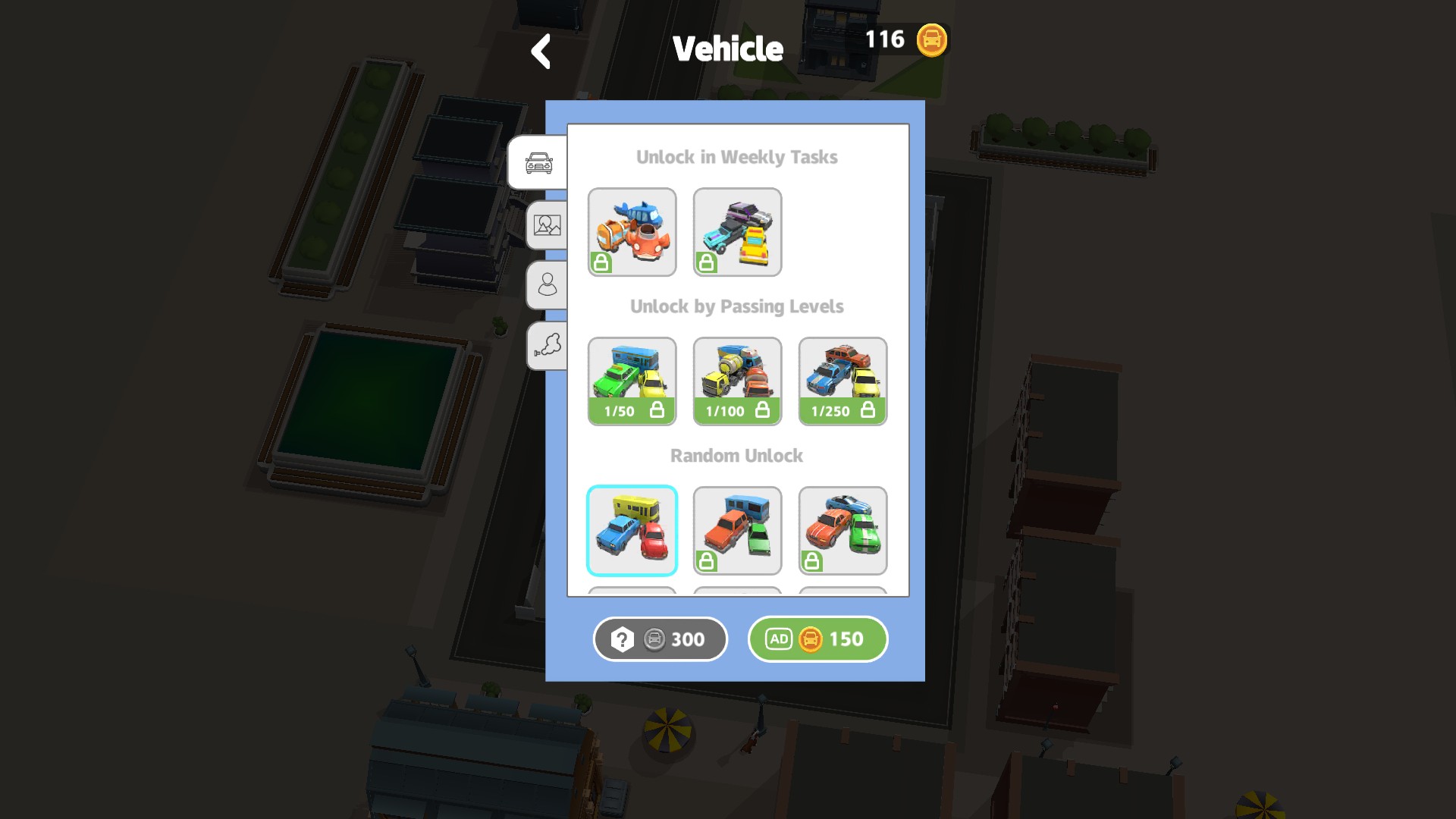
The Customization page lets you choose your coin amount. Use those coins with the Vehicle shop's random unlock, then pick from the vehicle sets you own.
Open Car Out through Bytonian Mods, find Coins in Customization and apply the amount you want. Return to the game and open the Vehicle shop to use the random unlock.
Set your coins before browsing the Vehicle shop's random unlocks.
View customisation options →Download the Windows app and follow the setup prompts.
Set up the browser extension in Chrome or Edge, then open the supported YouTube Playable. Follow the connection guide if the game is already running.
Open Customise in Bytonian Mods, choose an option and follow its instructions. Check the available values and any limits before making your change.