
Saved Coins for Candy Merge
Set your saved Coins before playing, then unlock available spaces on the candy board with the game's normal Coin prices.
Requires the Windows app and the Bytonian Mods browser extension for Chrome or Edge. Browser setup guide

Make room for more candy
Open priced spaces on the board as you build your candy shop. This control changes saved Coins; Gems, orders and other progress keep their current values.
Available customisation options
Saved CoinsFree
Choose the Coins saved for local grid-cell unlocks.
Set a Coin balance, load the game and buy an available board space at its normal price.
Changes saved Coins only. Gems, orders and other progress remain as they are.
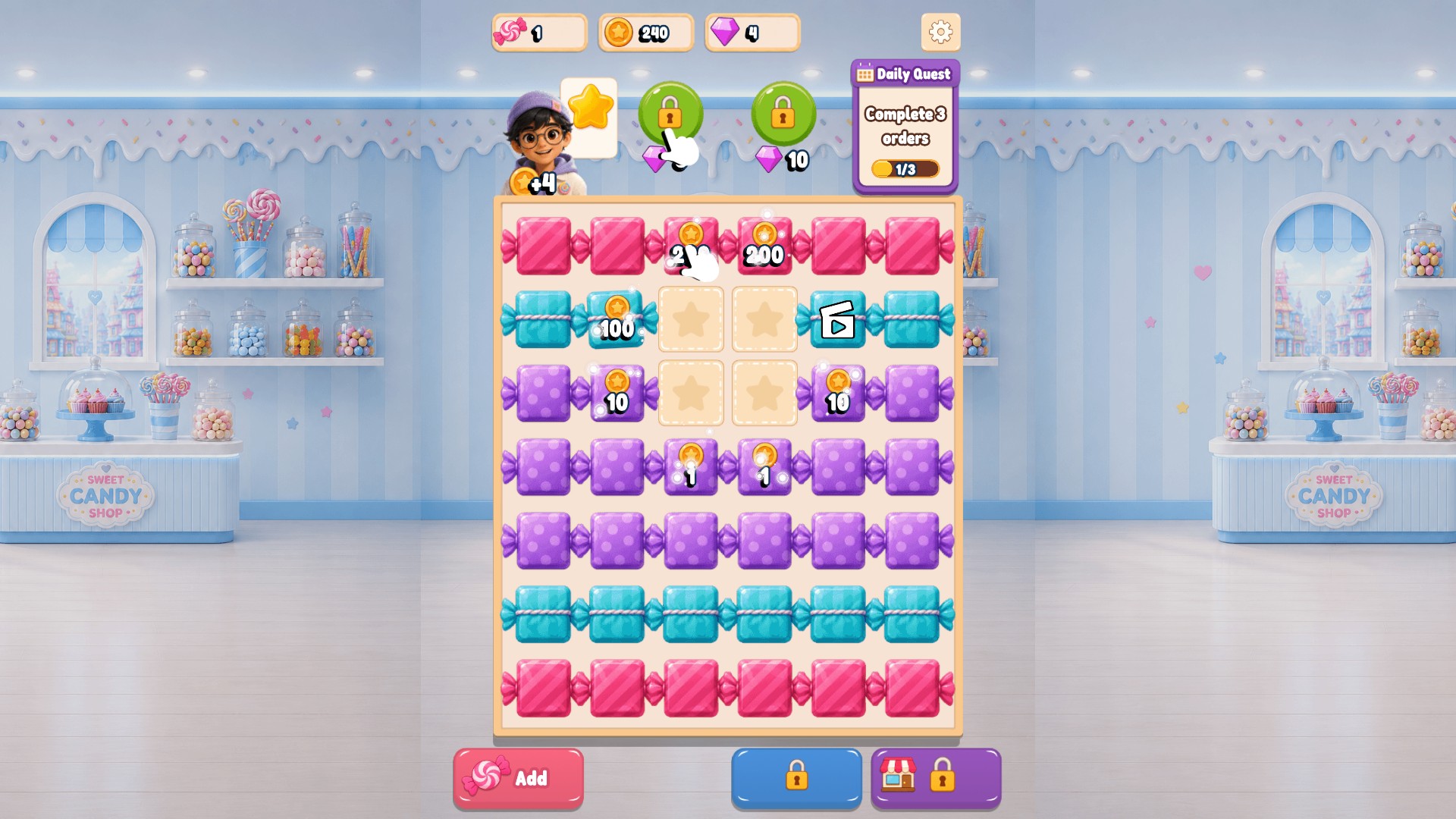
Coins for candy shop space
Set your saved Coins and unlock more spaces on the candy board as you play.
Using these features
Connect your game, then open Customise in the Windows app. Choose an option, check its available values and follow its instructions. Each option lists its own requirements and limits.
Setup for Candy Merge →