
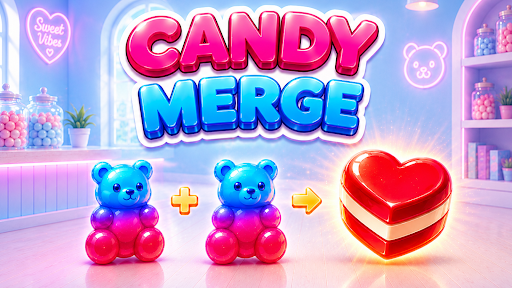
Customise
1 optionChoose a saved Coin balance for local grid unlocks.
View customisation options →Build a colorful candy shop by merging sweets, filling customer orders and opening more spaces on the board.
Requires the Windows app and the Bytonian Mods browser extension for Chrome or Edge. Browser setup guide
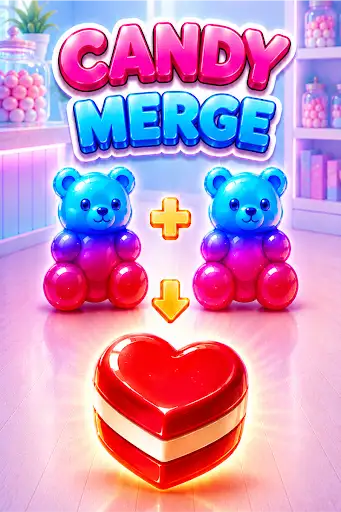
Start with free mods
Download Bytonian Mods for Windows and try these free features. Choose one to see how it works and any requirements.
Choose the Coins saved for local grid-cell unlocks.
Set a Coin balance, load the game and buy an available board space at its normal price.
Changes saved Coins only. Gems, orders and other progress remain as they are.
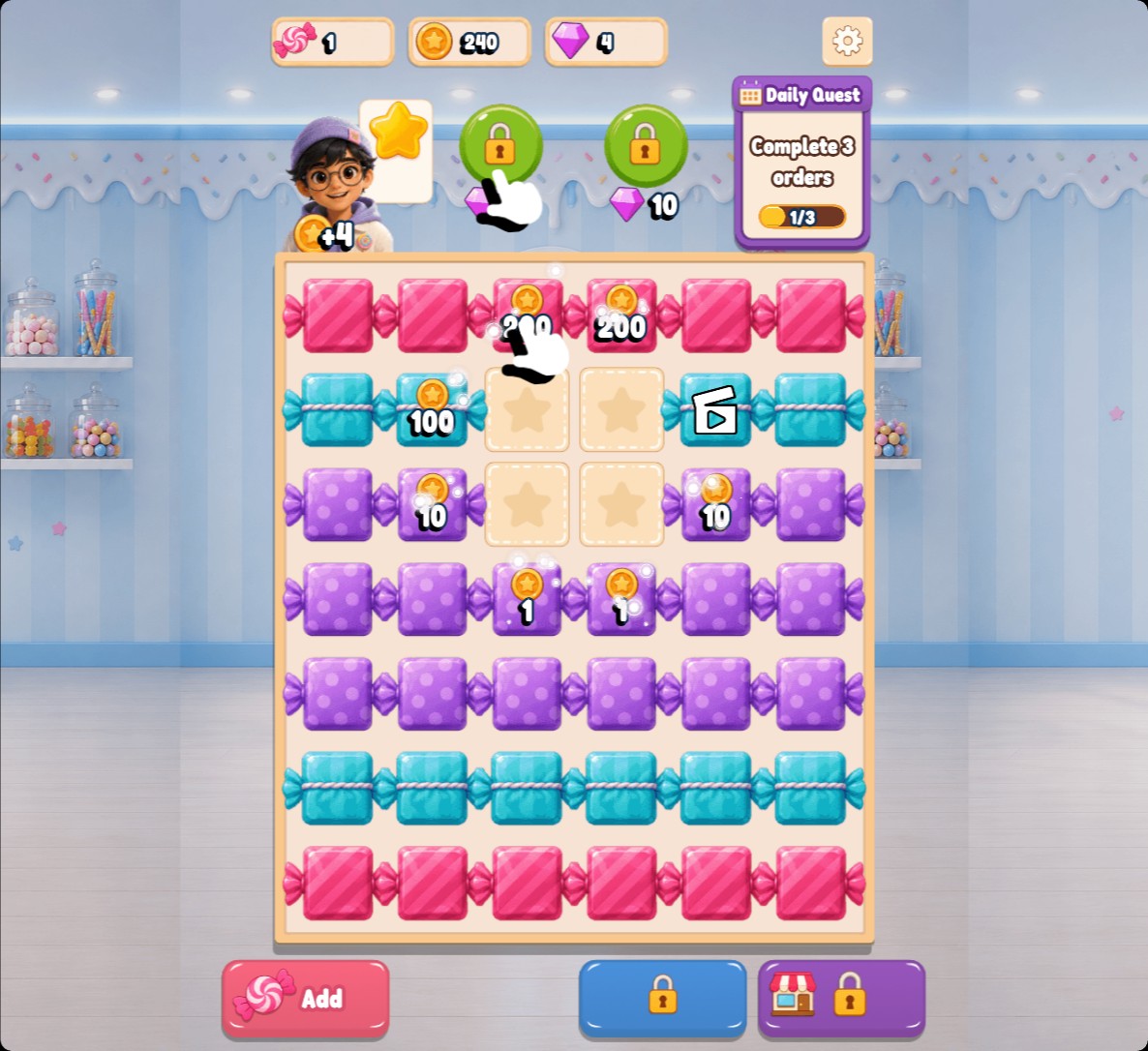
Candy Merge shop
Build your candy shop by combining sweets and opening new spaces on the board.
Match sweets to make new candy and complete customer orders for Coins. Spend Coins on available board spaces as your shop grows.
Choose the Coins saved for your next visit, then use them on local grid unlocks in the game. Gems and other progress stay as they were.
Choose a saved Coin balance for local grid unlocks.
View customisation options →Download the Windows app and follow the setup prompts.
Set up the browser extension in Chrome or Edge, then open the supported YouTube Playable. Follow the connection guide if the game is already running.
Open Customise in Bytonian Mods, choose an option and follow its instructions. Check the available values and any limits before making your change.