
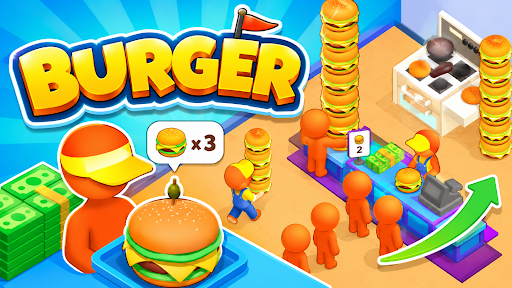
Get more from each trip across the shop
Trips between the burger machine and the counter are part of running the shop. Choose a walking pace that feels comfortable and add carrying space when you want to take a bigger load.
Requires the Windows app and the Bytonian Mods browser extension for Chrome or Edge. Browser setup guide

Choose your walking pace
Movement speed lets you raise your walking pace from the normal setting. Use the percentage control to choose the boost and switch it off when you want your usual pace back.
Carry a bigger load
Carrying capacity adds space for more burgers and packages. Choose the extra slots, switch it on and collect food from the machine as usual. Build the machine and ordering counter as the tutorial asks before starting your first delivery.
Available stat modifiers
Carrying capacityPremium
Carry more burgers and packages in each trip around your shop.
Choose the extra carrying slots and switch Carrying capacity on. Collect burgers from the machine as usual once the tutorial has introduced food pickup.
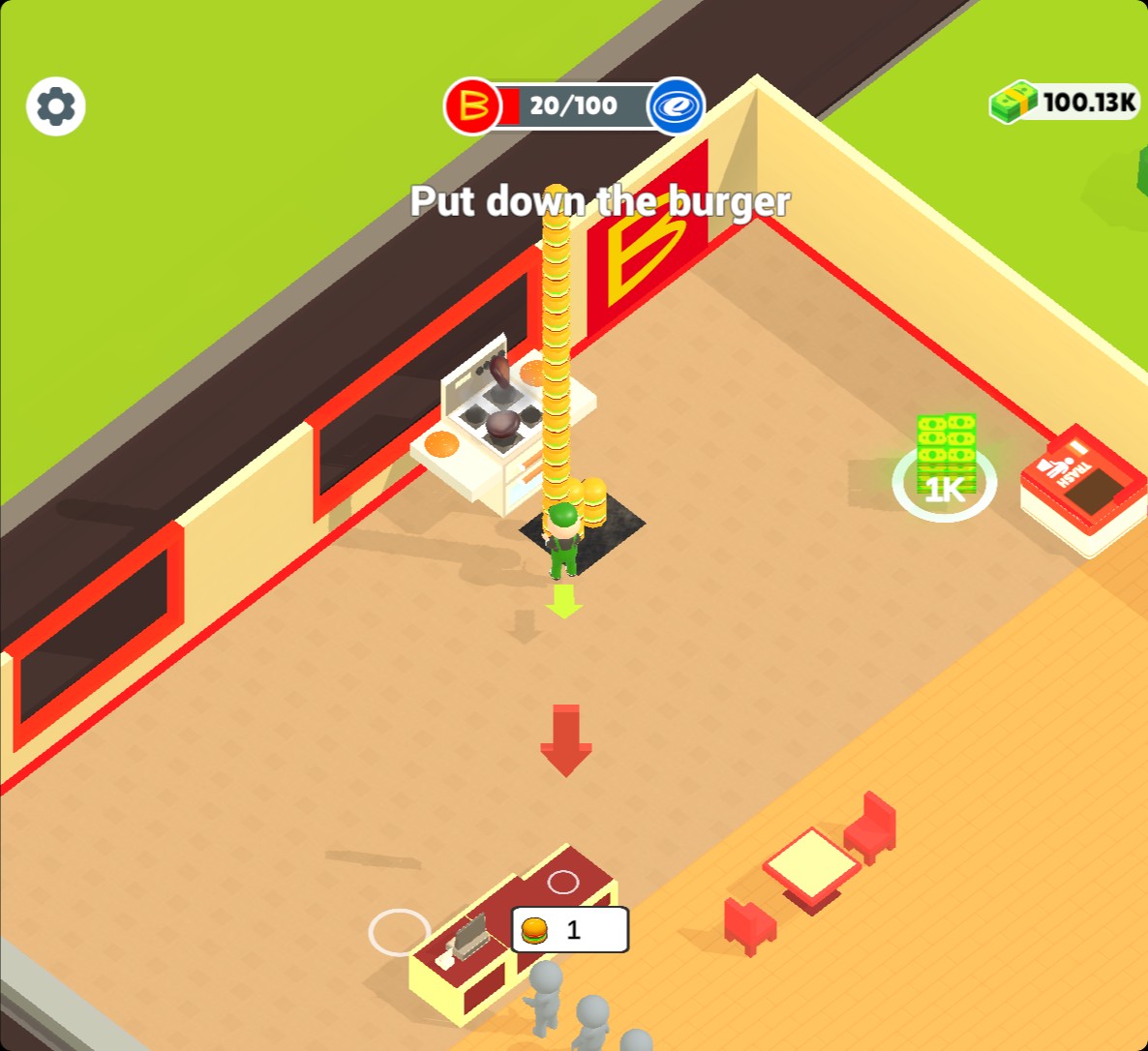
Carry a bigger burger stack
Take a larger load from the burger machine with extra carrying space.
Movement speedPremium
Walk around your Burger shop at a faster pace of your choosing.
Choose a walking percentage and switch Movement speed on. Switch it off to return to your usual pace.
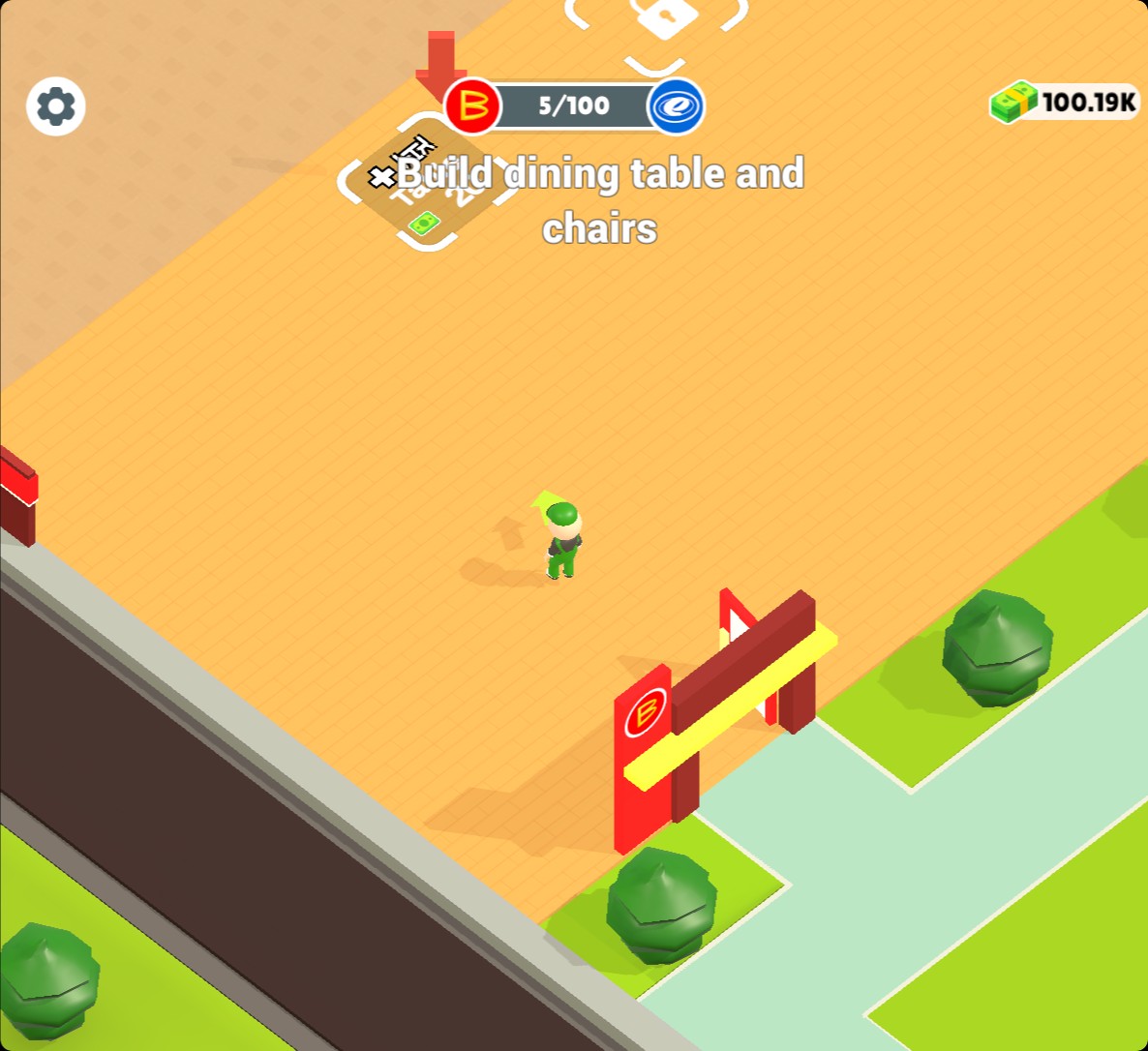
Move around your burger shop
Set your own walking pace for trips across the shop floor.
More ways to customise Burger
- Burger resources
Set your cash balance for the next round of shop building.
Questions about stat modifiers
- Do I need to rebuild my shop to change these settings?
- Use the walking and carrying controls while you play. The shop's building spots and food pickup remain part of normal gameplay.
Using these features
Choose the feature in the Windows app after connecting your game. Check its requirements before making a change.
Setup for Burger →