
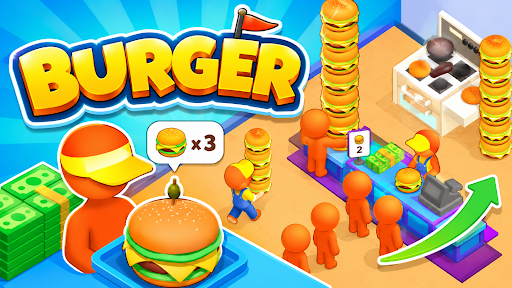
Resources
1 optionSet your cash balance for the next round of shop building.
View resources →Build out your Burger shop with a cash balance you choose, or carry more burgers and packages on each trip. Adjust walking speed as you build the entrance, bring food to the counter and set up the shop.
Requires the Windows app and the Bytonian Mods browser extension for Chrome or Edge. Browser setup guide

Start with free mods
Download Bytonian Mods for Windows and try these free features. Choose one to see how it works and any requirements.
Choose the cash available for building and expanding your Burger shop.
Read your current balance, enter the amount you want and apply it. Move onto the shop's building spots to spend it as usual.
Use Cash when your next building project needs a bigger budget. Movement speed and Carrying capacity help with the trips between the burger machine and the rest of the shop.
Open Burger and connect it to Bytonian Mods. Choose your cash amount or switch on the walking and carrying controls, then continue building and running the shop through its normal prompts.
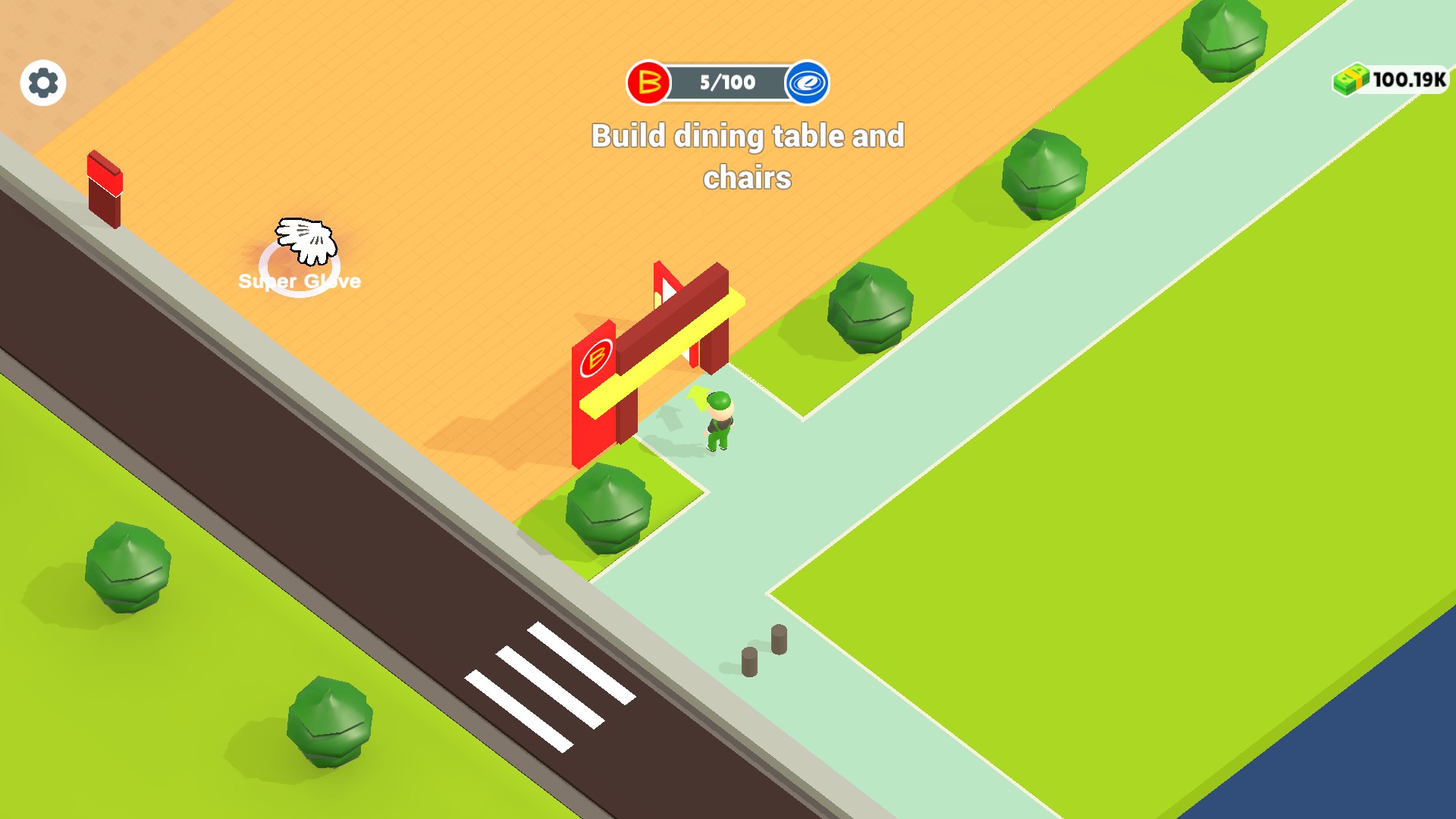
Cash for your burger shop
Build your shop with more than 100,000 cash ready for the next expansion.
Set your cash balance for the next round of shop building.
View resources →Adjust your walking pace and carry more burgers or packages per trip.
View stat modifiers →Download the Windows app and follow the setup prompts.
Set up the browser extension in Chrome or Edge, then open the supported YouTube Playable. Follow the connection guide if the game is already running.
Review the available options in the app and choose the ones that suit how you play.