

Torso size
Change the runner's silhouette with a larger torso appearance while keeping the course in view.

Change your runner's silhouette
Enter a level and apply Torso size once for a larger torso. Use it to give your runner a different look as you move through the makeover course.
Available presentation modifiers
Torso sizePremium
Give the current runner a larger torso appearance.
Enter a level, then apply Torso size once.
Before you use it: This control changes your runner's appearance.
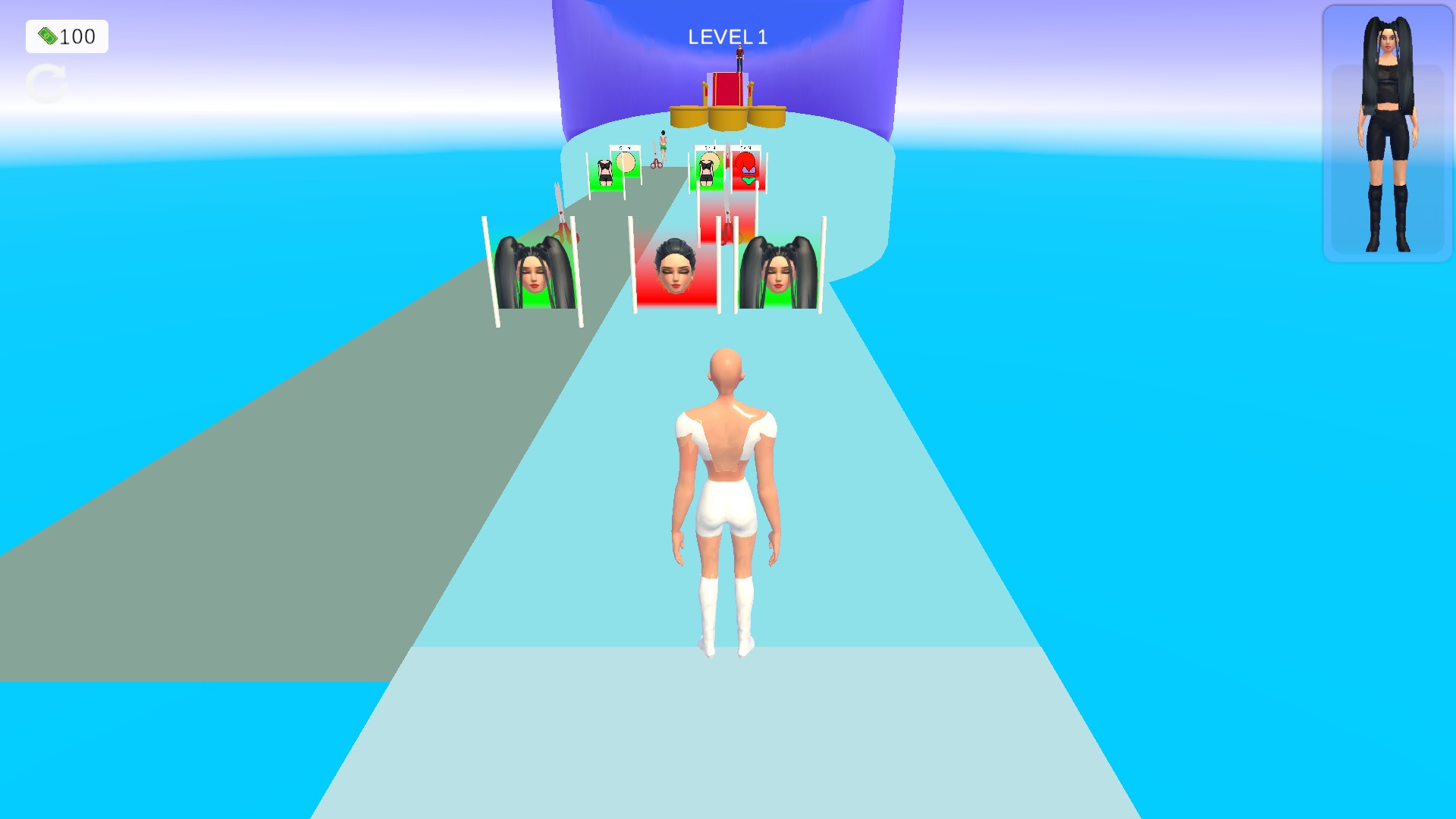
Larger torso appearance
The runner has a larger torso appearance on the Level 1 course.
More ways to customise Build a Queen
- Build a Queen resources
Check and adjust your cash from one handy control.
- Build a Queen stat modifiers
An experimental pace setting for the current runner.
- Build a Queen ability modifiers
Activate the current runner's shield bubble.
Using these features
Choose the feature in the Windows app after connecting your game. Check its requirements before making a change.
Setup for Build a Queen →