

Resources
1 optionCheck and adjust your cash from one handy control.
View resources →Guide your runner through makeover gates to match the target look. Change the current cash value, activate a shield bubble, give the runner a larger torso appearance or try an experimental pace setting.

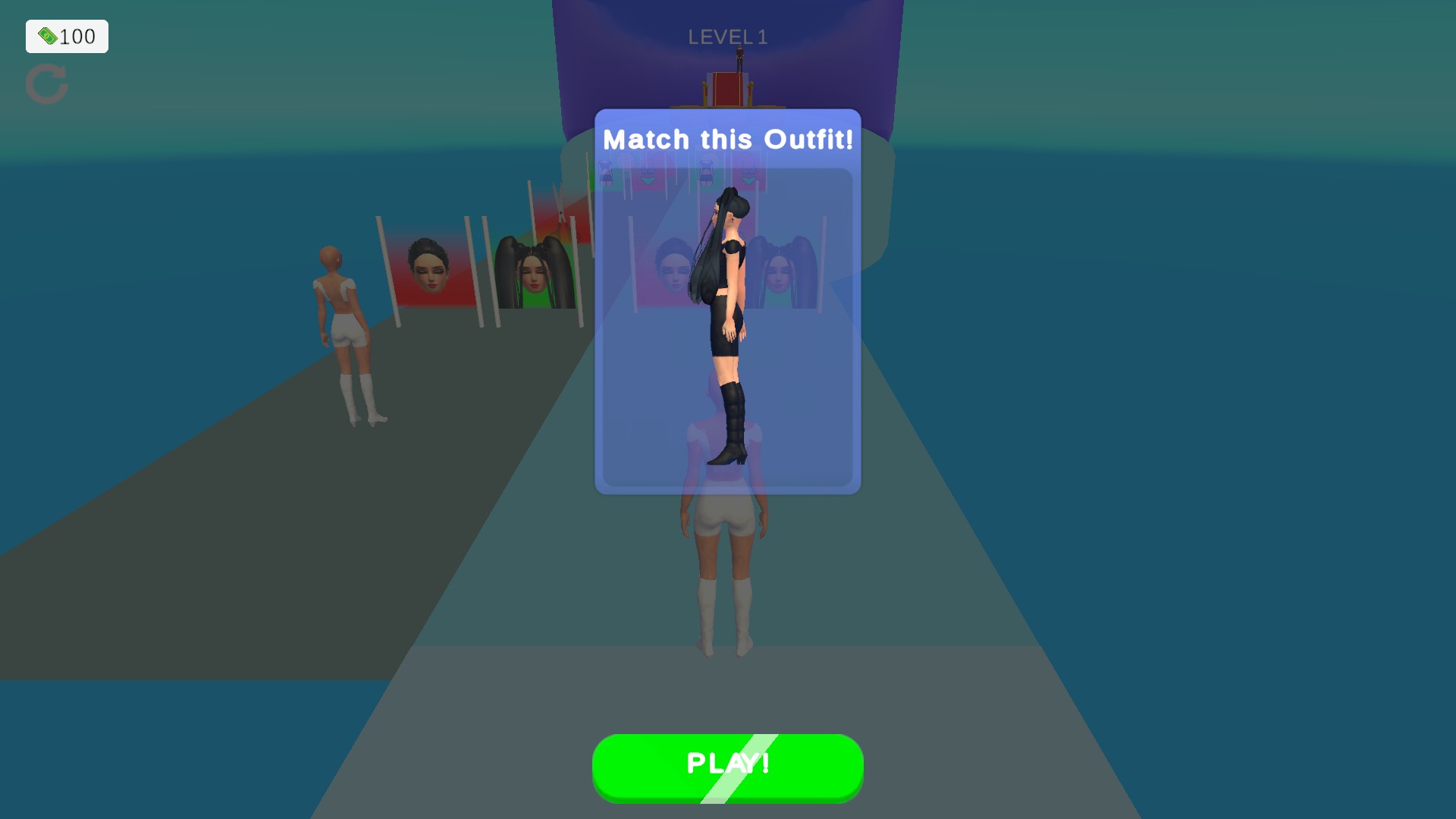
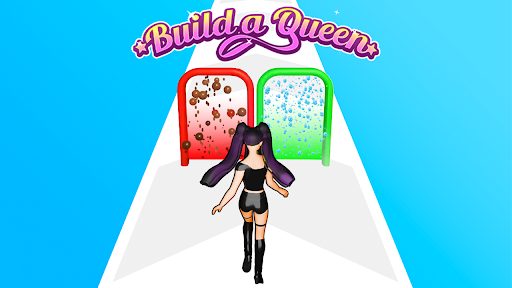
Build a Queen gameplay
Choose your next makeover look and guide your runner through the outfit challenge in Build a Queen.
Choose Cash to check and adjust your balance, Shield to bring up a bubble around your runner, or Torso size to change the character's silhouette. Runner pace offers an experimental maximum pace setting to try during a level.
Open Build a Queen through Bytonian Mods, enter a level and choose the control you want to use. Apply one change at a time.
Check and adjust your cash from one handy control.
View resources →An experimental pace setting for the current runner.
View stat modifiers →Activate the current runner's shield bubble.
View ability modifiers →Apply a larger torso appearance to the current runner.
View presentation modifiers →Download the Windows app and follow the setup prompts.
Set up the browser extension in Chrome or Edge, then open the supported YouTube Playable. Follow the connection guide if the game is already running.
Review the available options in the app and choose the ones that suit how you play.