

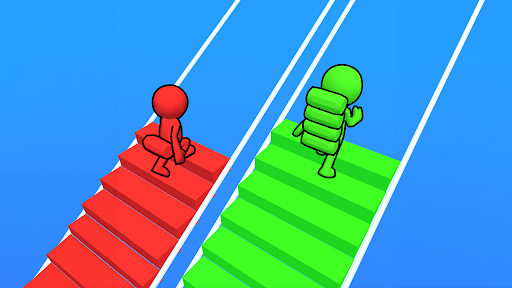
Add bricks to your Bridge Race stack
Use the Premium Brick stack action to add extra bricks to the stack you carry in an active Bridge Race run. Choose an amount from 1 to 1,000, then use Add bricks before heading back to your route.
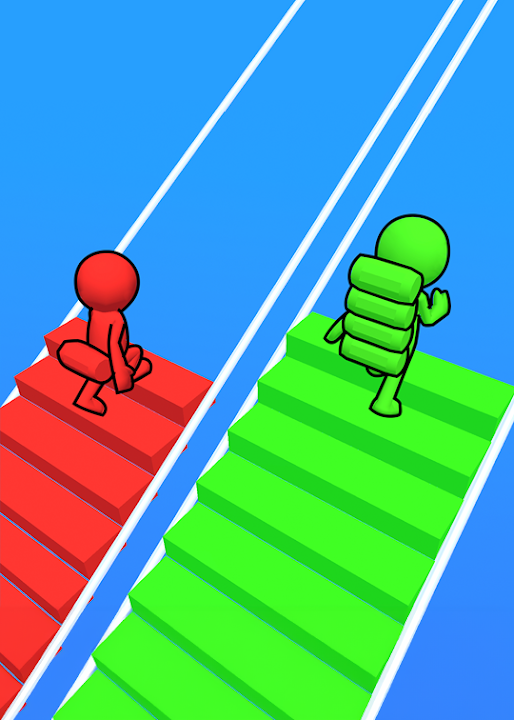
Add bricks between bridge crossings
Keep the game visible during an active race. Stand still away from a bridge, choose Extra bricks and press Add bricks. Wait for the pickup animation and check your stack before adding again.
What this action changes
Brick stack adds to your carried bricks. It does not change your Coins or guarantee a first-place finish. If you want to adjust Coins, use the free Resources option.
Use the Bridge Race overview for app and browser setup.
Available game actions
Brick stackPremium
Add extra bricks to the stack you carry during an active race.
Keep the game visible, stand still away from a bridge, choose 1–1,000 Extra bricks and press Add bricks. Wait for the pickup animation before adding again.
Before you use it: Requires an active race. Changes your brick stack rather than your Coins.
More ways to customise Bridge Race
- Bridge Race resources
Read or adjust your Coins with the free resource control.
Questions about game actions
- Why does the stack take a moment to update?
- The bricks are added through the game's pickup animation. Allow it to finish and inspect your stack before pressing Add bricks again.
Using these features
Choose the feature in the Windows app after connecting your game. Check its requirements before making a change.
Setup for Bridge Race →