

Resources
1 optionRead or adjust your Coins with the free resource control.
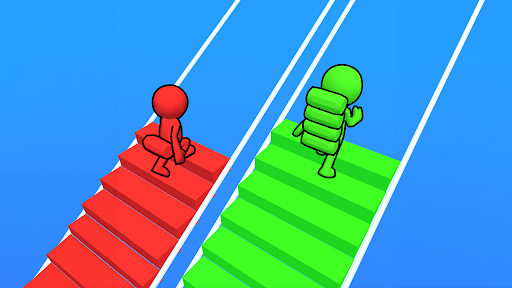
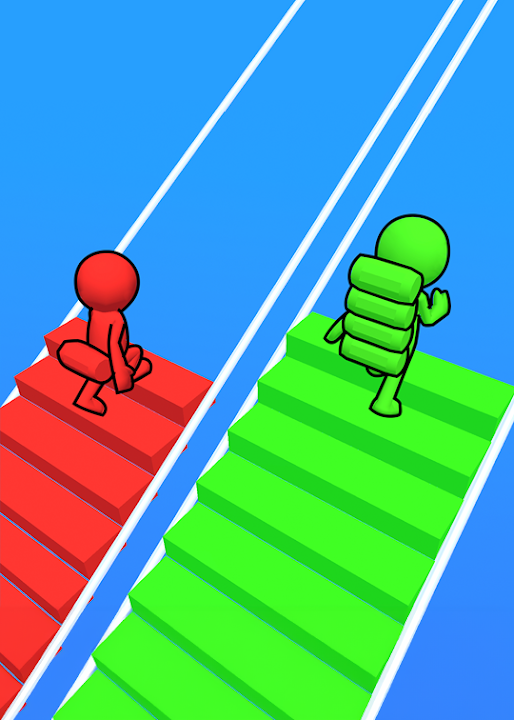
View resources →Collect blocks of your color and build a route toward the finish in Bridge Race. Bytonian Mods offers two ways to change your YouTube Playables game: adjust Coins or add bricks to the stack you carry during a race.
Resources contains the free Coins control for reading and changing your balance. Game Actions contains the Premium Brick stack feature for adding extra bricks during an active race. Choose the category that matches what you want to change.
Install the Bytonian Mods Windows app and set up its browser extension in Chrome or Edge. Open Bridge Race on YouTube Playables, connect the game, then choose your option in the app. Use the browser extension setup guide below for the connection steps.
Read or adjust your Coins with the free resource control.
View resources →Add 1–1,000 bricks during a race; stand still away from a bridge and allow the pickup animation to finish.
View game actions →Download the Windows app and follow the setup prompts.
Set up the browser extension in Chrome or Edge, then open the supported YouTube Playable. Follow the connection guide if the game is already running.
Review the available options in the app and choose the ones that suit how you play.