

Complete the quiz you're playing
Use this action when you want to finish the current Brain Up puzzle. It brings up the result screen without requiring you to solve the puzzle first.
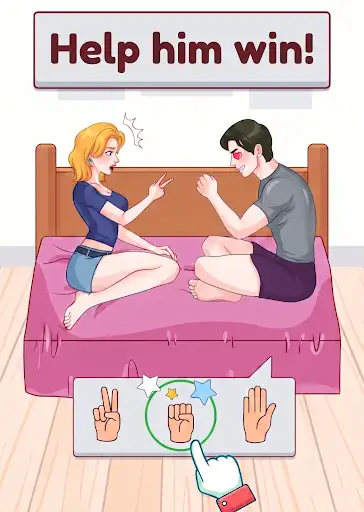
From puzzle to results
Start a quiz normally, then press Complete current quiz. If the game is in the background, click back into it so the result screen can appear. Use the game's result buttons to continue.
Available game actions
Complete current quizFree
Finish the current quiz and bring up its result screen.
Open a quiz, press the action, then return to the game. Click back into the game if it was in the background.
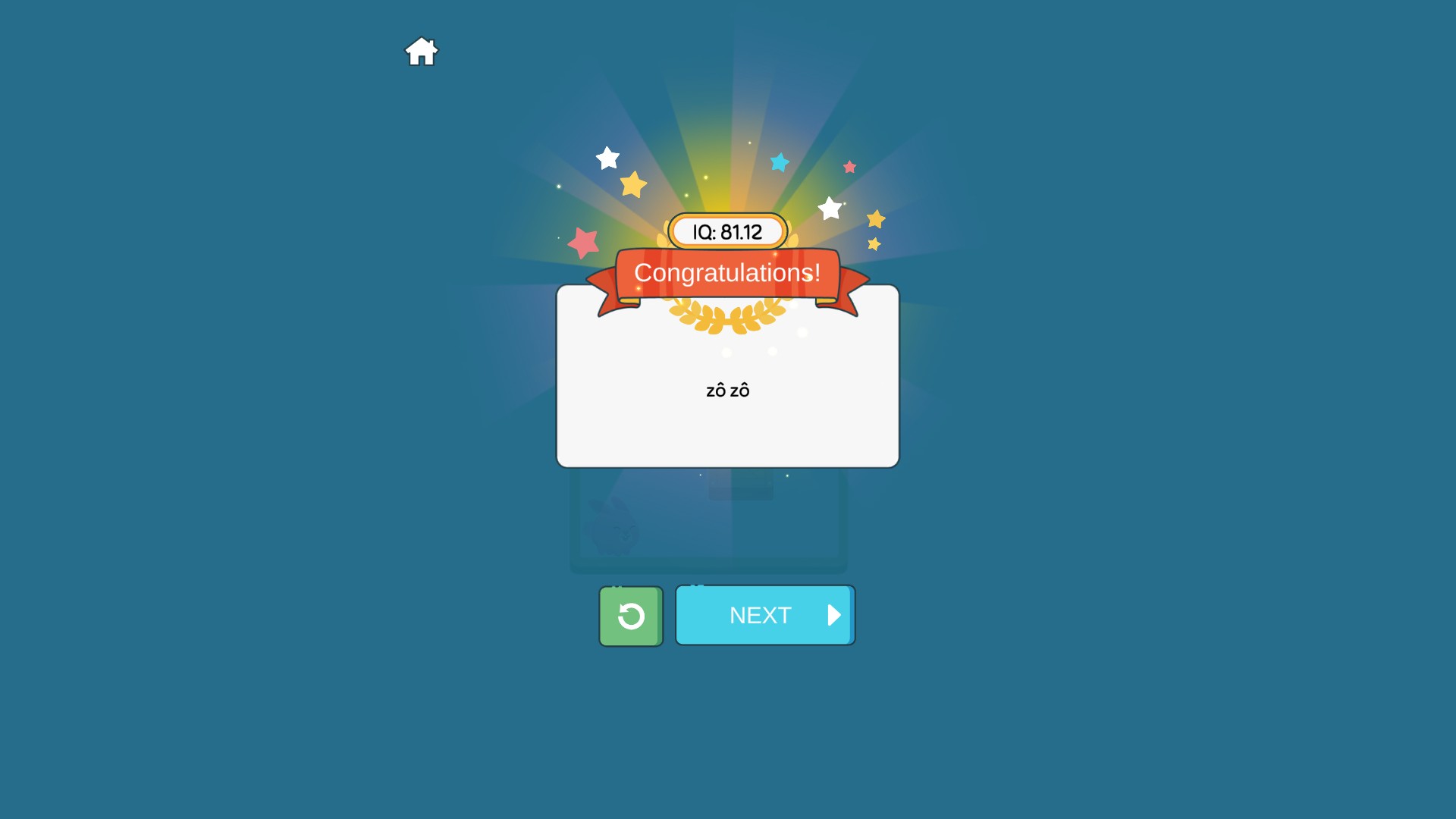
Reach the quiz result screen
Complete the current quiz to bring up its Congratulations screen, then choose what to play next.
Using these features
Choose the feature in the Windows app after connecting your game. Check its requirements before making a change.
Setup for Brain Up: Tricky Quiz →