

Game Actions
1 optionFinish the active quiz with one action.
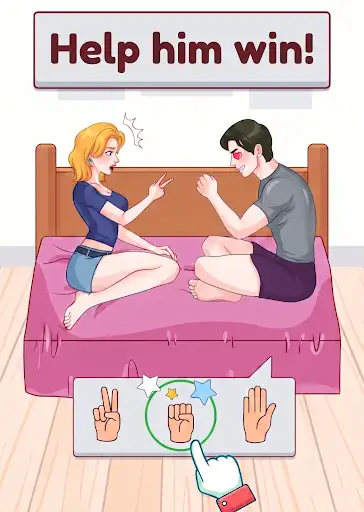
View game actions →Brain Up: Tricky Quiz mixes word puzzles with playful visual challenges. If a quiz has you stuck, use Complete current quiz to bring up its result screen.
Open a quiz and press Complete current quiz in Bytonian Mods. Return to the game to see its Congratulations screen and choose what to do next.
Finish the active quiz with one action.
View game actions →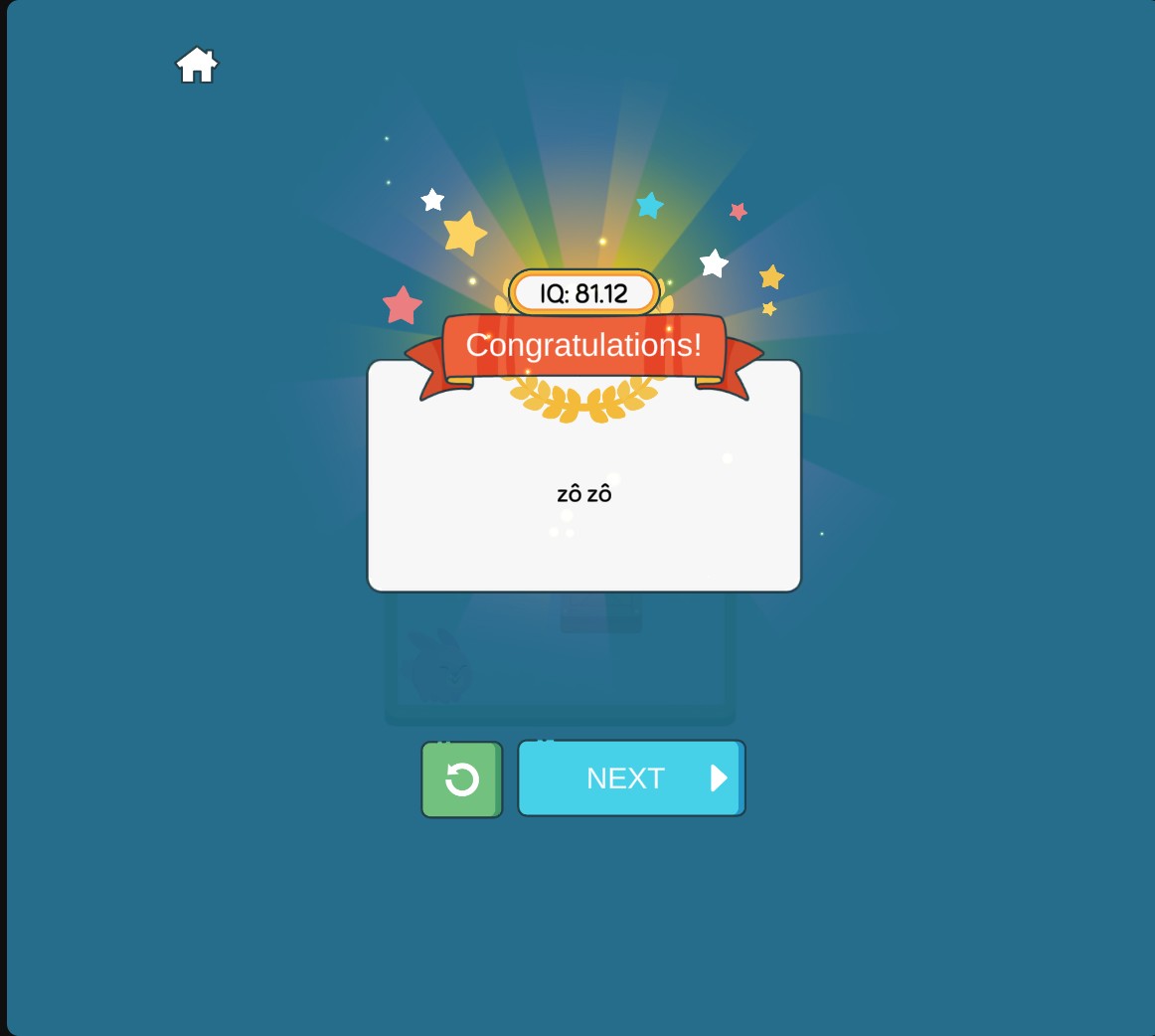
Brain Up quiz completion
Reach the result screen when you want to finish the current quiz.
Download the Windows app and follow the setup prompts.
Set up the browser extension in Chrome or Edge, then open the supported YouTube Playable. Follow the connection guide if the game is already running.
Review the available options in the app and choose the ones that suit how you play.