
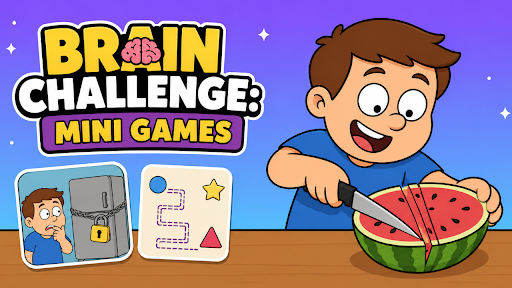
Move on from the current puzzle
Ready to try another challenge? Skip puzzle loads the next puzzle so you can keep exploring Brain Challenge - Mini Games.
Requires the Windows app and the Bytonian Mods browser extension for Chrome or Edge. Browser setup guide
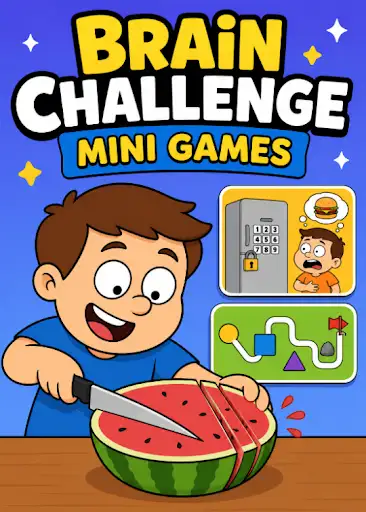
How to skip a puzzle
Open the game and press Skip puzzle. Wait for the next scene to load, then follow the new puzzle's instructions.
Pick up the next challenge
Your next puzzle can use a different kind of input or a new set of rules. Check the level heading and instructions, then play as usual.
Available game actions
Skip puzzleFree
Move to the next puzzle when you want a fresh challenge.
Press Skip puzzle once, wait for the next scene to load and then follow its instructions.
Wait for the next puzzle to finish loading before using the action again.
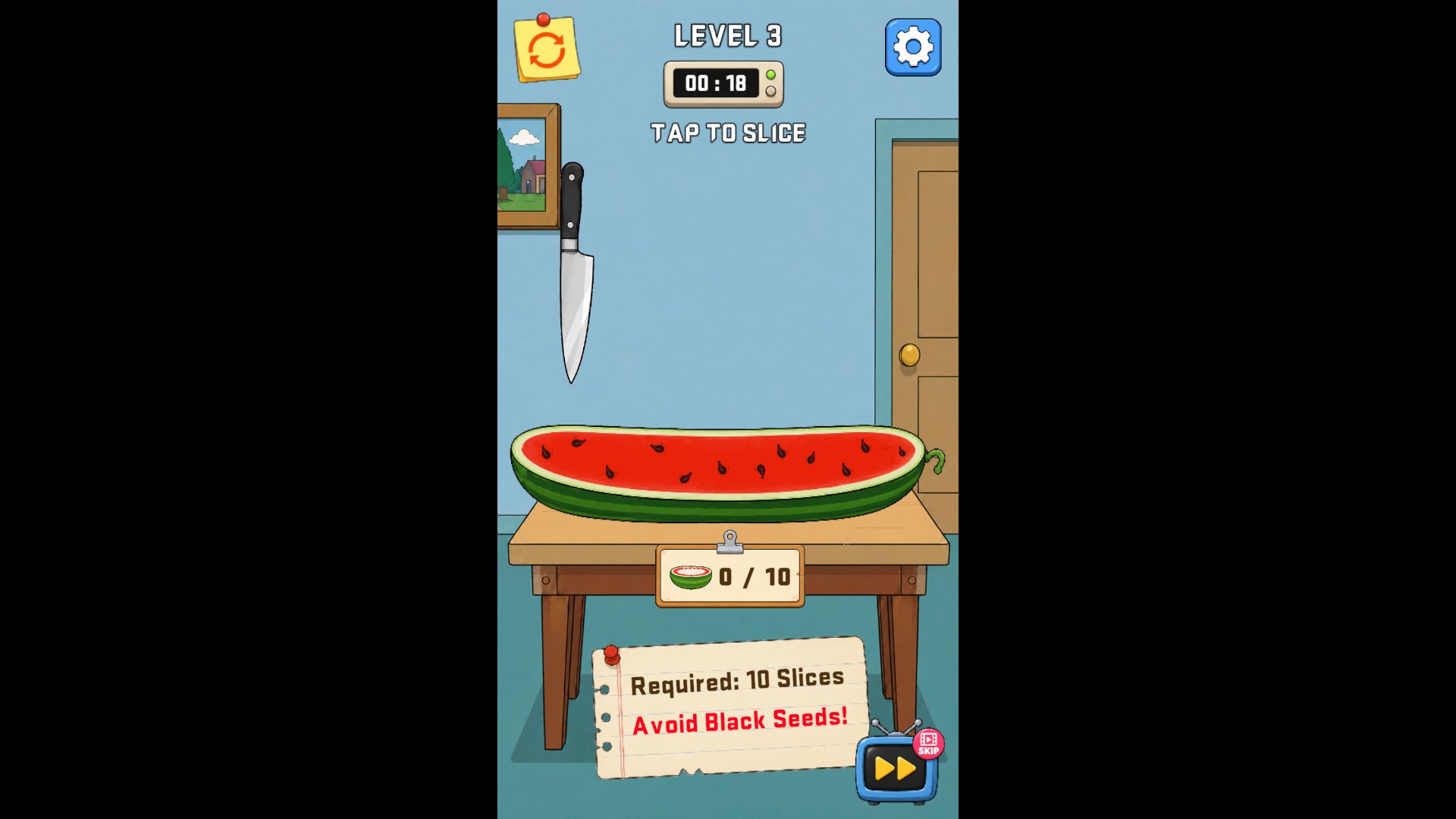
On to the next puzzle
Leave the current challenge behind and try a different puzzle.
Questions about game actions
- How do I use Skip puzzle?
- Press the action once, wait for the next puzzle to load and then continue playing.
Using these features
Choose the feature in the Windows app after connecting your game. Check its requirements before making a change.
Setup for Brain Challenge - Mini Games →