
Game Actions
1 optionOne action to load your next puzzle.
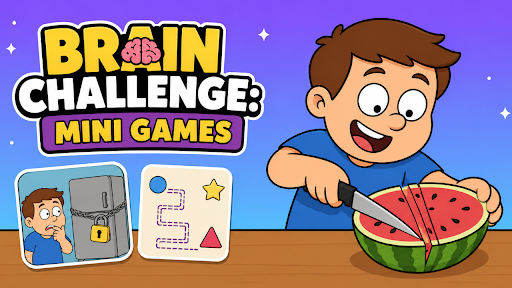
View game actions →Skip the current puzzle and try the next challenge in Brain Challenge - Mini Games. Move between short puzzles such as number memory, burger building and slicing.
Requires the Windows app and the Bytonian Mods browser extension for Chrome or Edge. Browser setup guide
Start with free mods
Download Bytonian Mods for Windows and try these free features. Choose one to see how it works and any requirements.
Move to the next puzzle when you want a fresh challenge.
Press Skip puzzle once, wait for the next scene to load and then follow its instructions.
Wait for the next puzzle to finish loading before using the action again.
Use Skip puzzle to leave the current challenge and load the next puzzle. It gives you another scene to explore when you are ready to move on.
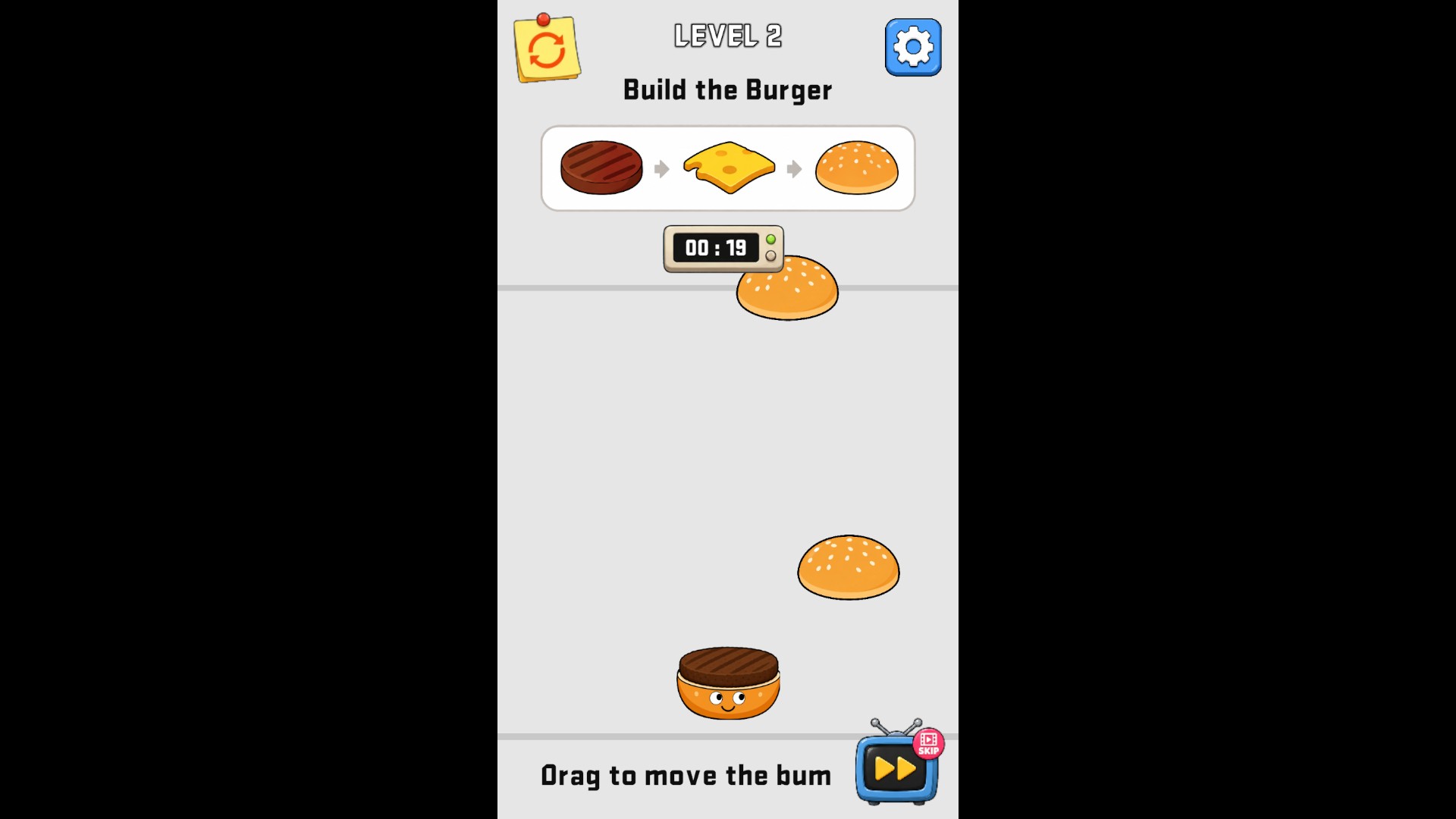
Look at the new puzzle's instructions before jumping in. The number-memory challenge uses a keypad, while Build the Burger asks you to move a bun beneath falling ingredients.
A new kind of challenge
Match the burger recipe as ingredients fall, then discover another bite-sized puzzle.
One action to load your next puzzle.
View game actions →Download the Windows app and follow the setup prompts.
Set up the browser extension in Chrome or Edge, then open the supported YouTube Playable. Follow the connection guide if the game is already running.
Review the available options in the app and choose the ones that suit how you play.