


Choose your Bolly Beat gems
Set the gems you want available for ball skins, apply the change and open the Skins menu.

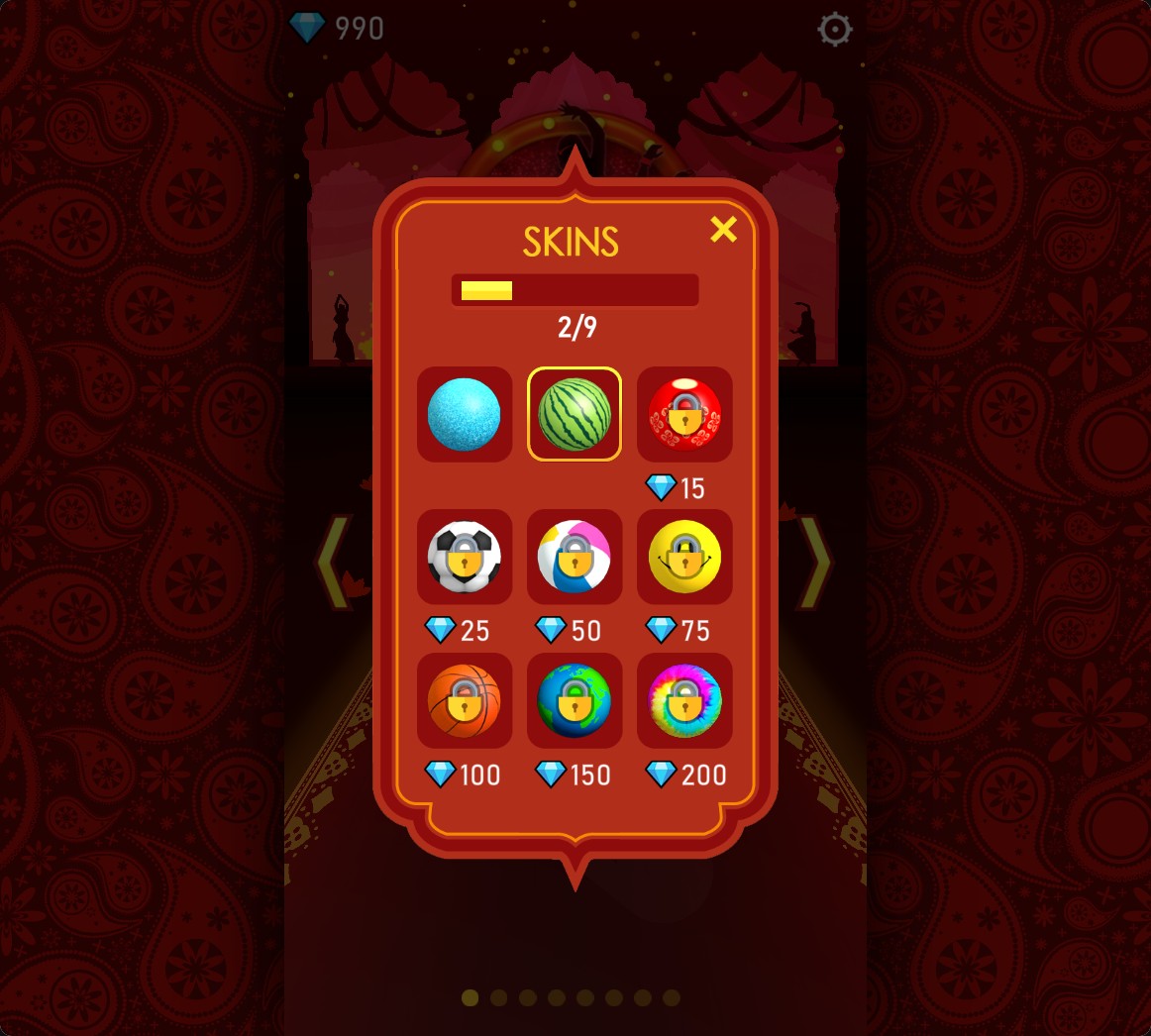
Gems for ball skins
The watermelon ball selected after a normal gem purchase.
Buy and select a skin
Press the ball icon at the bottom of song selection to open Skins. Choose a locked design at its gem price. The purchase spends gems normally and adds the design to your collection.
Available customise
GemsFree
Choose your gem balance for ball-skin purchases.
Set a value and apply it, then open Skins from the ball icon and choose a design at its gem price.
Questions about customise
- How do I use the Gems control?
- Choose a balance and apply it. Open Skins with the ball icon, then buy and select a design.
Using these features
Choose the feature in the Windows app after connecting your game. Check its requirements before making a change.
Setup for Bolly Beat →