

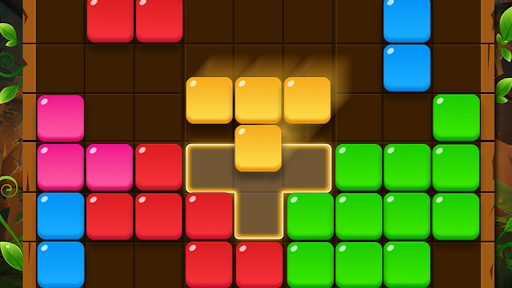
Choose your refresh count
Refreshes gives you a direct choice of the count shown on your puzzle's refresh control. Enter the amount you want before returning through Resume.
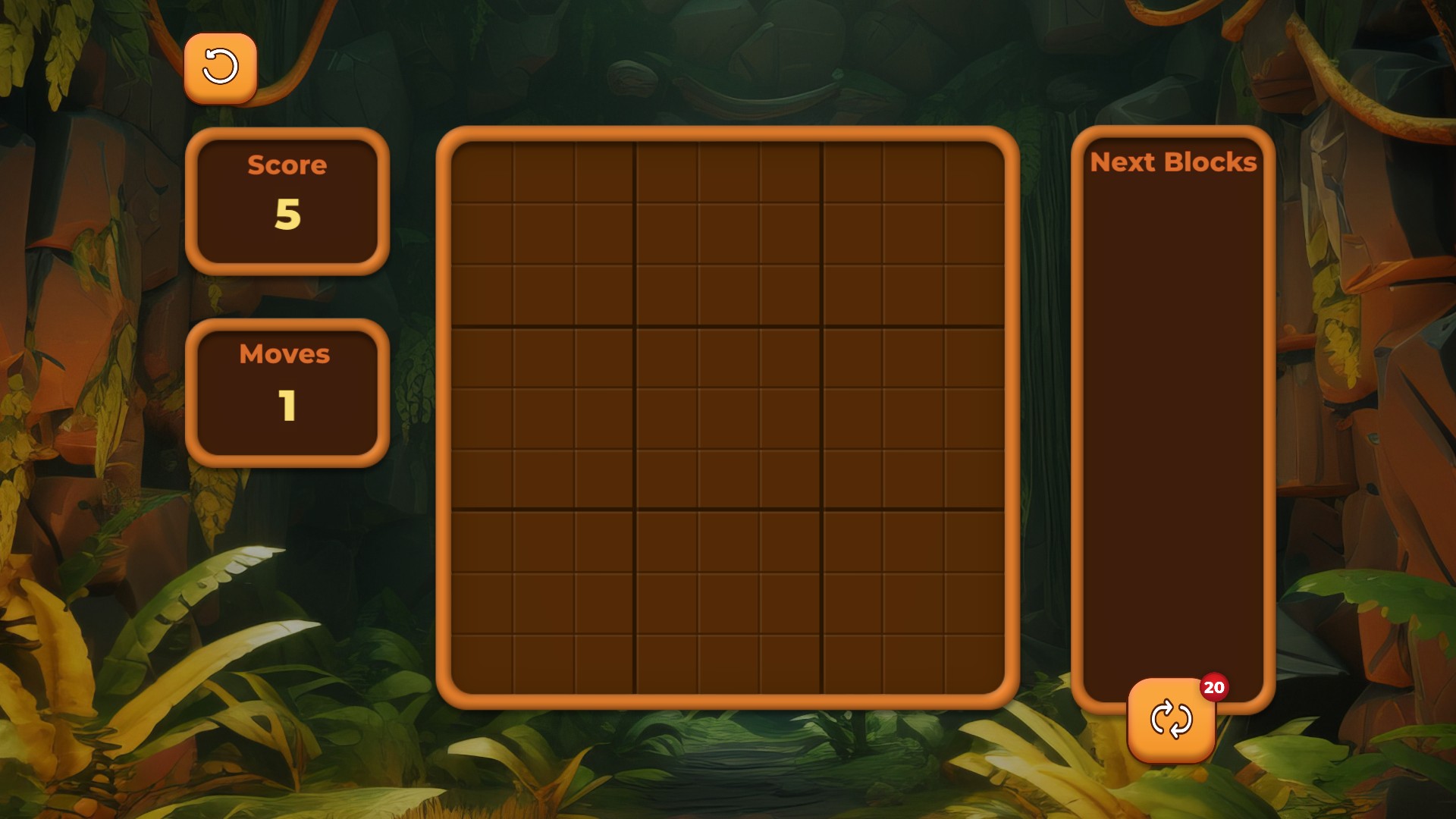
Refresh count set to 20
The saved puzzle shows 20 refreshes on its refresh control. This option changes the count and does not restore missing blocks.
Keep an existing puzzle
Use this control with a puzzle you can resume. It changes the refresh count and does not restore missing board or upcoming blocks.
Available customise
RefreshesFree
Choose the refresh count for your existing puzzle.
Enter a whole number from 0 to 99, apply it, then use Resume to return to the puzzle.
Before you use it: This changes the refresh count and does not restore missing blocks.
Questions about customise
- Does this change my score?
- No. Refreshes changes the refresh count; your score and move count are separate.
Using these features
Choose the feature in the Windows app after connecting your game. Check its requirements before making a change.
Setup for Blocks Adventure Jungle Saga →