

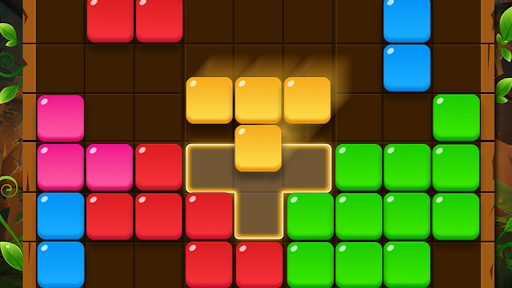
Customise
1 optionSet the refresh count between 0 and 99.
View customise →Fit colorful shapes onto the grid and complete rows or columns to make room. The free Refreshes control lets you choose the refresh count for a puzzle you can resume.
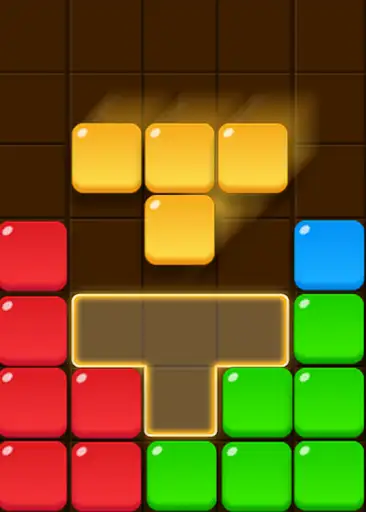
Look at the shapes waiting beside the board before choosing a position. Filling a row or column clears space for later pieces.
Open this game in Bytonian Mods, choose Refreshes under Customization, enter a whole number from 0 to 99 and apply it. Use Resume to return to your existing puzzle.
Set the refresh count between 0 and 99.
View customise →Download the Windows app and follow the setup prompts.
Set up the browser extension in Chrome or Edge, then open the supported YouTube Playable. Follow the connection guide if the game is already running.
Review the available options in the app and choose the ones that suit how you play.