
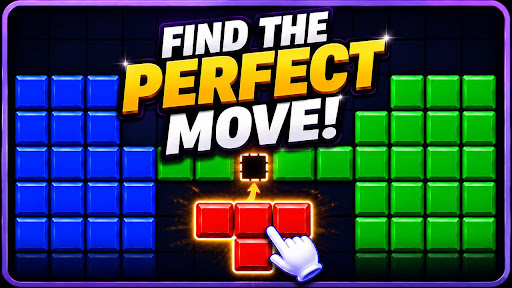
Move Past a Puzzle
Ready for another challenge? Complete Puzzle finishes the puzzle you're playing in Levels mode and takes you to the game's normal completion screen.
Requires the Windows app and the Bytonian Mods browser extension for Chrome or Edge. Browser setup guide
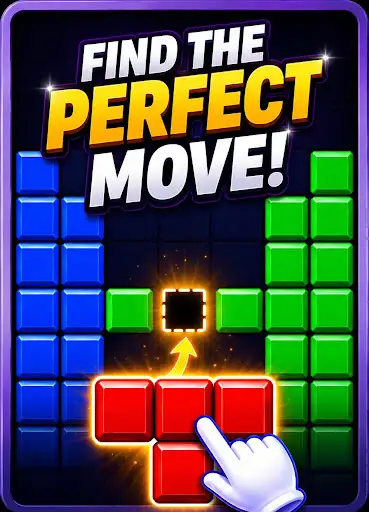
Start a Levels Puzzle First
Open Levels mode and press Start before using Complete Puzzle. When the completion screen appears, choose Next level to carry on.
Available game actions
Complete PuzzlePremium
Finish the current Levels puzzle and reach the normal completion screen.
Start a Levels puzzle first, then use Complete Puzzle. Choose Next level to continue.
Available during a puzzle in Levels mode.
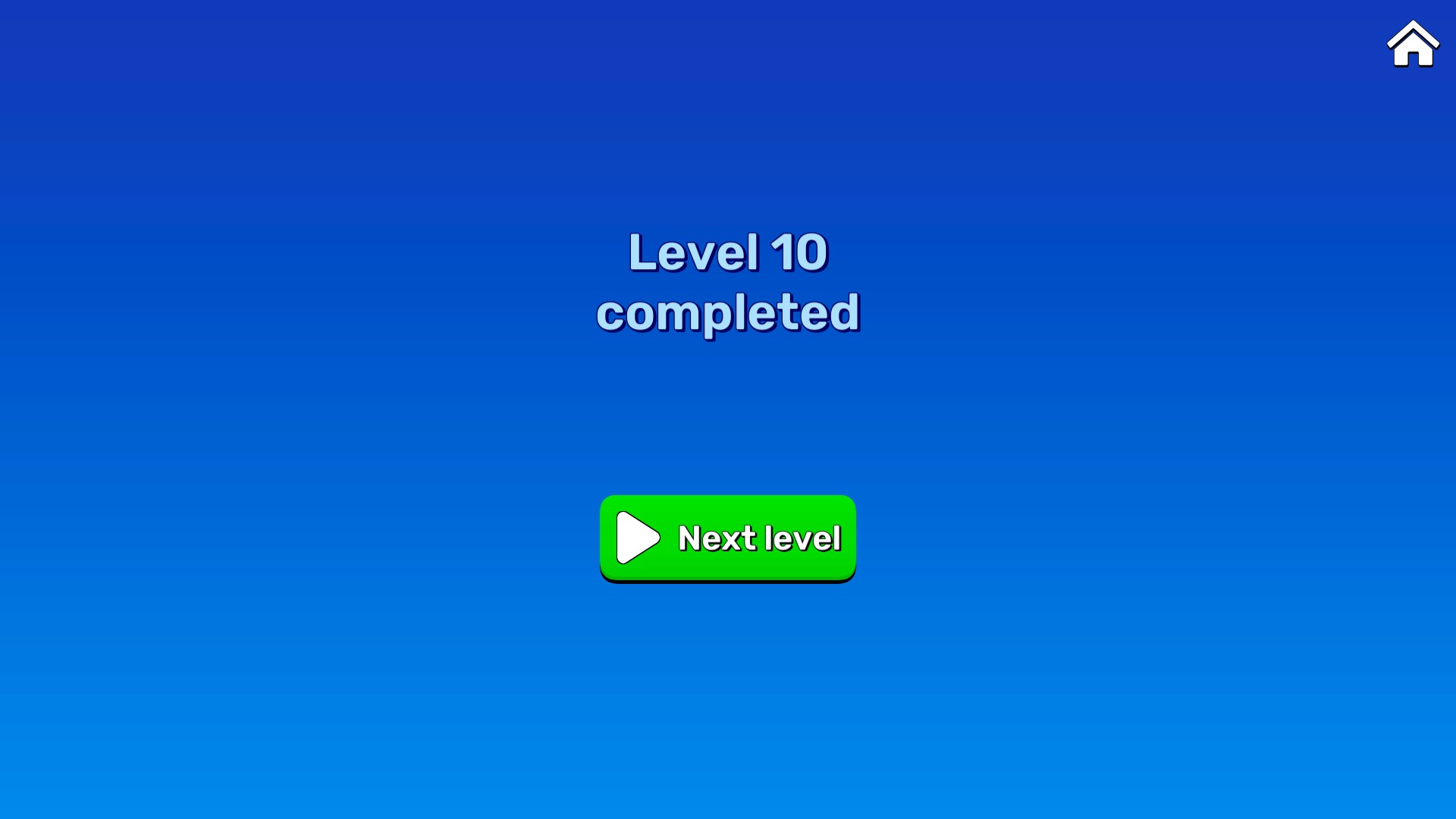
Finish a Puzzle and Move Ahead
Complete the current puzzle in Levels mode and reach the game's normal completion screen. Level 10 is finished here, with the next puzzle ready to open.
More ways to customise Block Master - Super Puzzle
- Block Master - Super Puzzle customisation options
Set boost supplies and choose your next Levels puzzle.
Using these features
Choose the feature in the Windows app after connecting your game. Check its requirements before making a change.
Setup for Block Master - Super Puzzle →