
Customise
3 optionsSet boost supplies and choose your next Levels puzzle.
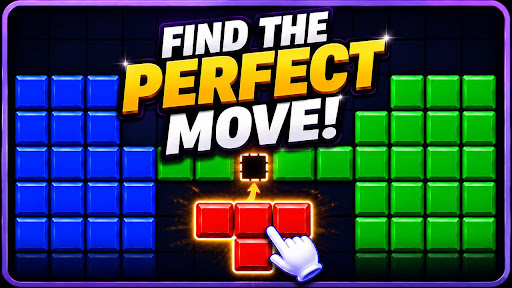
View customisation options →Stock up on boosts for tight boards, choose a level or finish the current Levels puzzle. Fit shapes onto the grid and collect the gems your level needs.
Requires the Windows app and the Bytonian Mods browser extension for Chrome or Edge. Browser setup guide
Start with free mods
Download Bytonian Mods for Windows and try these free features. Choose one to see how it works and any requirements.
Choose how many Clear Rows Boosts you have ready. Use one to remove placed blocks and collect gems from the cleared spaces.
Apply your choice, start a puzzle and use the arrow boost button when you need room.
Customization lets you set your Clear Rows and Change Figures boost supplies or choose your current level. Game Actions gives you a quick way to finish an active Levels puzzle.
Open Block Master - Super Puzzle in YouTube Playables and select its controls in Bytonian Mods. Apply your boost or level choices, then open Levels mode and press Start. To use Complete Puzzle, start the puzzle first and run the action when you're ready to move on.
Set boost supplies and choose your next Levels puzzle.
View customisation options →Finish the active Levels puzzle and continue to the next one.
View game actions →Download the Windows app and follow the setup prompts.
Set up the browser extension in Chrome or Edge, then open the supported YouTube Playable. Follow the connection guide if the game is already running.
Review the available options in the app and choose the ones that suit how you play.