

Adjust your simulated cash balance
Choose the in-game cash available to your mining operation. Set a whole-number balance or add and remove an amount as you play.
Works with the Steam version of the game.
Change your balance
Open a game, refresh the cash card and enter a whole-number amount. Set a new total or use the add and subtract controls. If the balance changes while you edit, refresh and try again.
Available resources
In-game cashFree
Set, add or remove simulated cash in your game.
Open a game and use the cash control to choose a whole-number amount.
If the balance changes while you edit, refresh the card and try again.
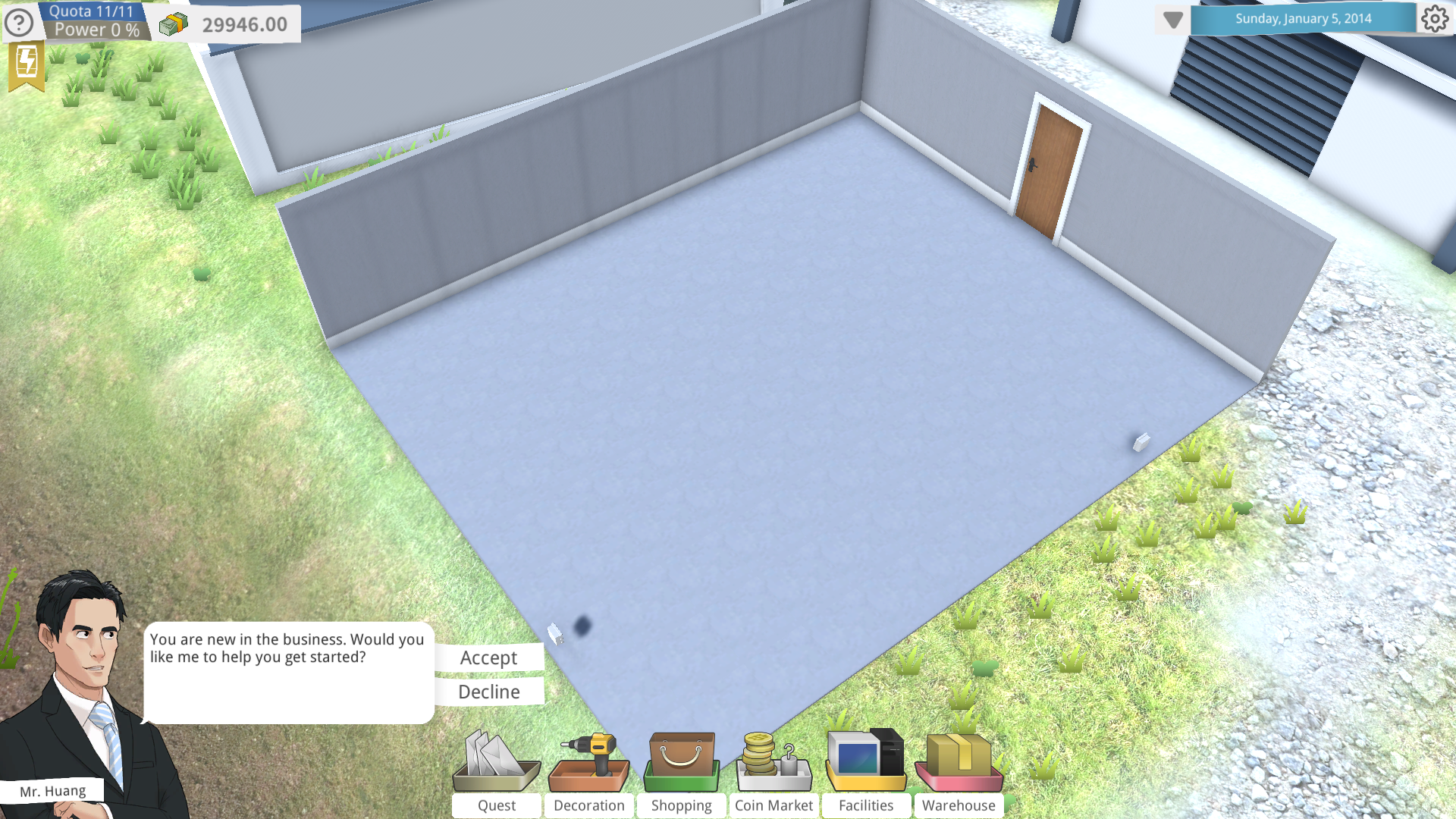
Adjust in-game cash
The game displays the adjusted cash balance while you manage your operation.
Using these features
Choose the feature in the Windows app after connecting your game. Check its requirements before making a change.
Setup for Bitcoin Tycoon - Mining Simulation Game →