

Resources
1 optionSet, add or remove simulated cash during a game.
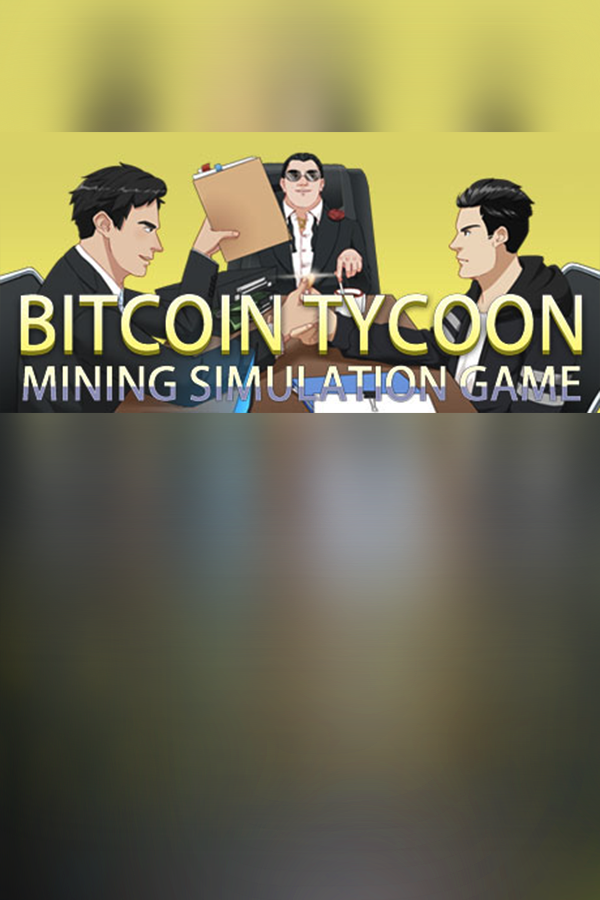
View resources →Build a virtual mining operation in Bitcoin Tycoon - Mining Simulation Game and adjust your in-game cash balance with this Windows mod.
Start with free mods
Download Bytonian Mods for Windows and try these free features. Choose one to see how it works and any requirements.
Set, add or remove simulated cash in your game.
Open a game and use the cash control to choose a whole-number amount.
If the balance changes while you edit, refresh the card and try again.
Choose a cash balance or add and remove cash while managing your operation. The control uses the same units displayed by the game.
Set, add or remove simulated cash during a game.
View resources →Browse the Steam achievement names and descriptions for Bitcoin Tycoon - Mining Simulation Game. Choose and unlock achievements for free with Bytonian Mods in the Windows app.
View all achievements →Download the Windows app and follow the setup prompts.
Open Bitcoin Tycoon - Mining Simulation Game and select it in Bytonian Mods. Follow the app’s connection prompts.
Review the available options in the app and choose the ones that suit how you play.