
Choose your bank balance
Build the budget you want for your next upgrades. The free Money control can set your bank balance, add money or subtract it, while leaving you to choose your upgrades in the normal skill tree.

Adjust money during a run or after it
Start a run, or open Upgrades when it ends. Refresh your balance before editing it. Close the pause menu and let it finish closing before making a change.
Available resources
MoneyFree
Set, add or subtract your bank balance, then spend it on normal upgrades.
Start a run or open its post-run Upgrades screen, then refresh your balance and choose the change you want.
Close the pause menu and let it finish closing before editing money. Start-menu and pre-run setup screens do not accept changes.
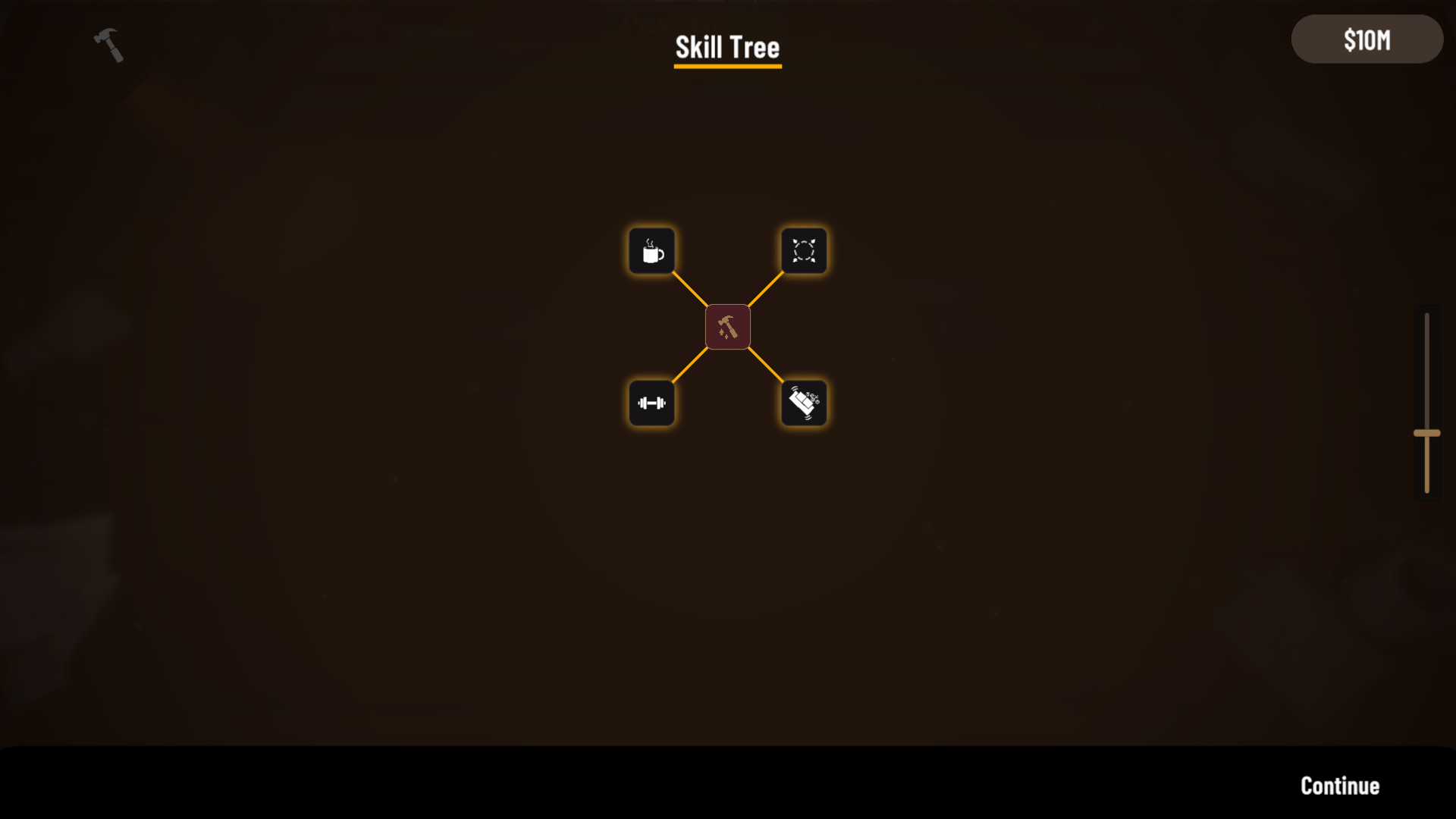
Build your upgrade budget
Set, add or subtract your bank balance, then spend it through the normal skill tree. Here, the wallet displays $10M after the Money control was used.
More ways to customise Bills Must Be Paid
- Bills Must Be Paid rule modifiers
Refill stamina during active play, with a toggle to return to normal drain.
Using these features
Choose the feature in the Windows app after connecting your game. Check its requirements before making a change.
Setup for Bills Must Be Paid →