

Resources
1 optionA free Money control for your bank balance and normal upgrade purchases.
View resources →Smash piggy banks, build your upgrade path and work through your bills. Choose a bank balance with the free Money control, or keep stamina topped up while a run is active.

Start with free mods
Download Bytonian Mods for Windows and try these free features. Choose one to see how it works and any requirements.
Set, add or subtract your bank balance, then spend it on normal upgrades.
Start a run or open its post-run Upgrades screen, then refresh your balance and choose the change you want.
Close the pause menu and let it finish closing before editing money. Start-menu and pre-run setup screens do not accept changes.
The Money control lets you set a total, add money or subtract it. Spend your balance through the game's normal upgrade choices.
Keep Stamina refills toward your normal maximum during active play. Switch it off whenever you want stamina to drain normally again.
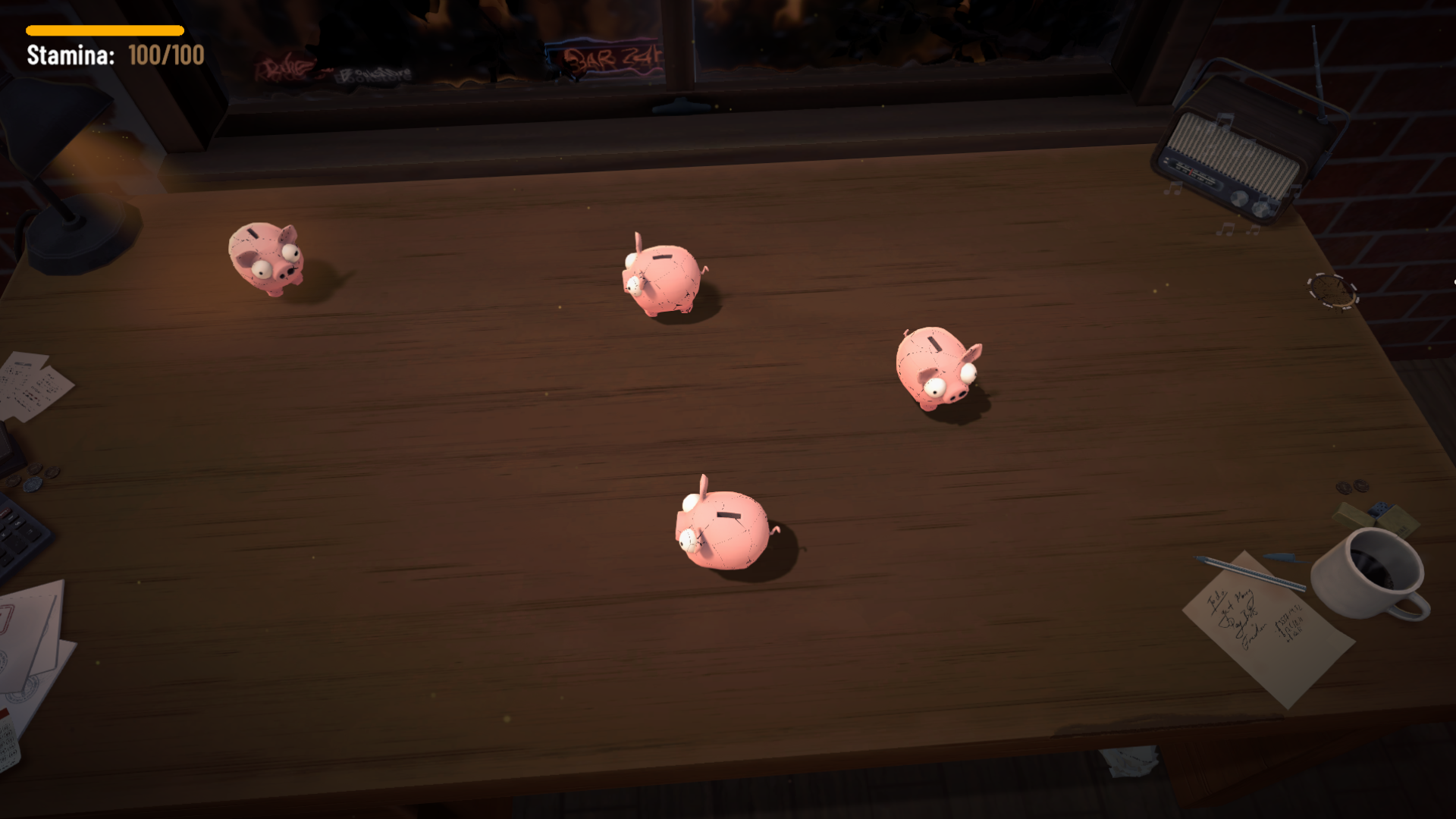
Shape your next piggy-bank run
Choose your upgrade budget with Money, or keep stamina topped up during active play. Here, Keep Stamina holds the bar at its normal 100-point maximum.
A free Money control for your bank balance and normal upgrade purchases.
View resources →Refill stamina during active play, with a toggle to return to normal drain.
View rule modifiers →Browse the Steam achievement names and descriptions for Bills Must Be Paid. Choose and unlock achievements for free with Bytonian Mods in the Windows app.
View all achievements →Download the Windows app and follow the setup prompts.
Open Bills Must Be Paid and select it in Bytonian Mods. Follow the app’s connection prompts.
Review the available options in the app and choose the ones that suit how you play.