
Garage money and first-slot bike options
Set Garage Money to buy parking spaces, then personalize the bike already parked in your first space. Change it into the Singularity Hyperbike, choose a paint variant or set the value it uses as starting cash.
Requires the Windows app and the Bytonian Mods browser extension for Chrome or Edge. Browser setup guide
Keep a Bike First
Finish a run and keep the earned bike in the first parking space. The first-bike options need an existing bike in that space. They do not fill empty spaces.
Garage Changes and Normal Runs
Return to the garage to see your bike's model and paint. A run can change the model at tier gates and the paint at color gates, just as it does during normal play.
One Bike Value, Two Uses
First Bike Starting Cash changes the value of the bike in the first parking space. The garage shows that amount on its Sell button, and playing that bike uses the same value to start the run. Normal gates keep changing your cash as you ride.
Available customisation options
Garage MoneyFree
Set the garage balance used to buy parking spaces.
Choose a balance, apply it, then open a locked parking space and buy it from the garage.
Garage money is separate from the cash used during a run.
Turn First Bike into a HyperbikePremium
Turn the bike in your first parking space into the Singularity Hyperbike.
Keep a bike in the first parking space, then select this option and apply it.
Its existing value and paint variant stay the same. Normal tier gates can change the model during a run.
First Bike PaintPremium
Choose one of five paint variants for the bike in your first parking space.
Keep a bike in the first parking space, choose a paint variant and apply it.
The visible finish depends on the bike model. Color gates can replace its paint during a run.
First Bike Starting CashPremium
Set the value of your first parked bike, used as starting cash when you play it.
Keep a bike in the first parking space, set an amount and apply it, then play that bike.
The bike's sale value changes too. Gates continue changing your cash during the run.
More Room for Your Bikes
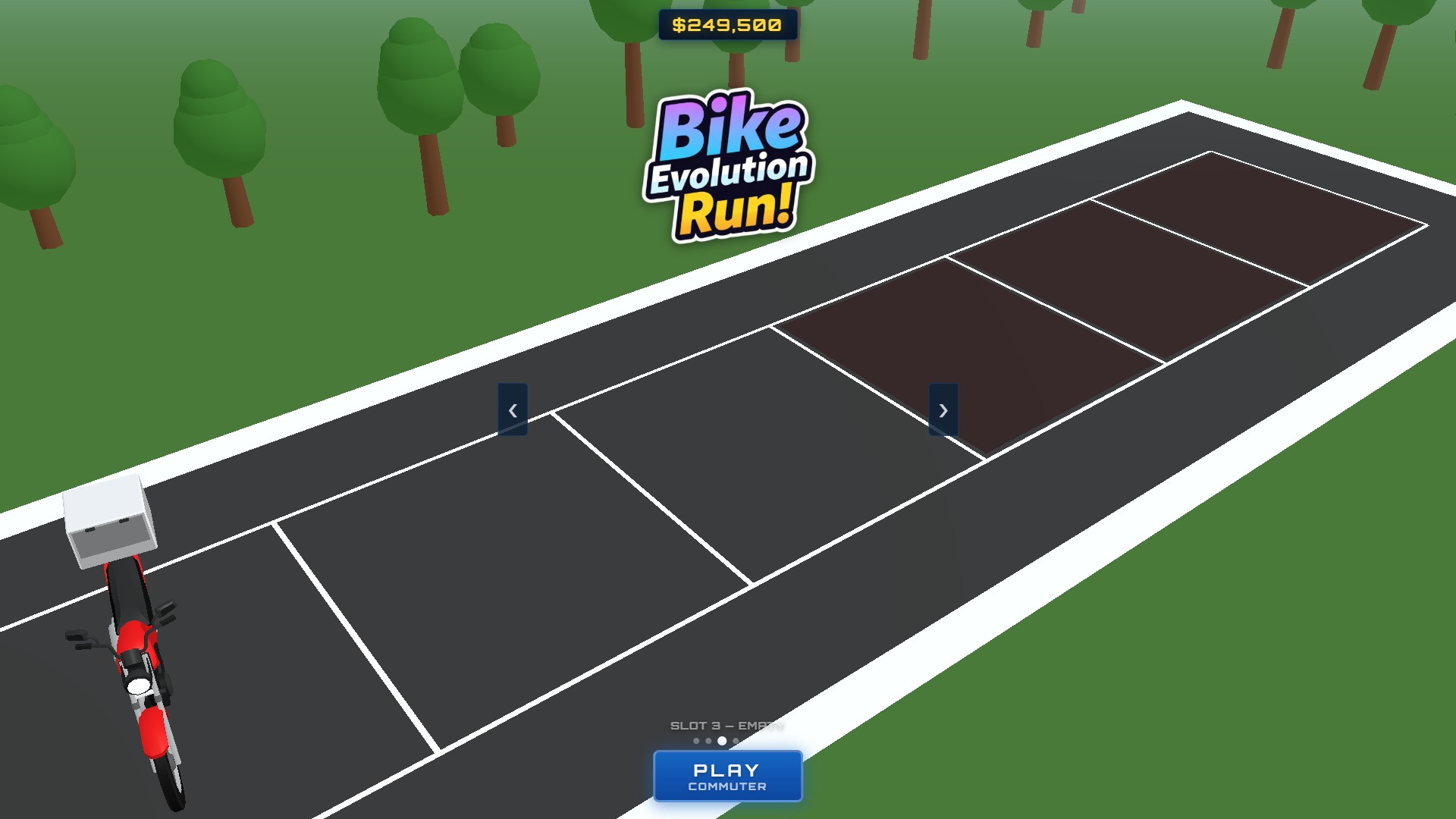
Set Garage Money, then buy extra parking spaces from the normal garage menu. The third space is open here after a $500 purchase.
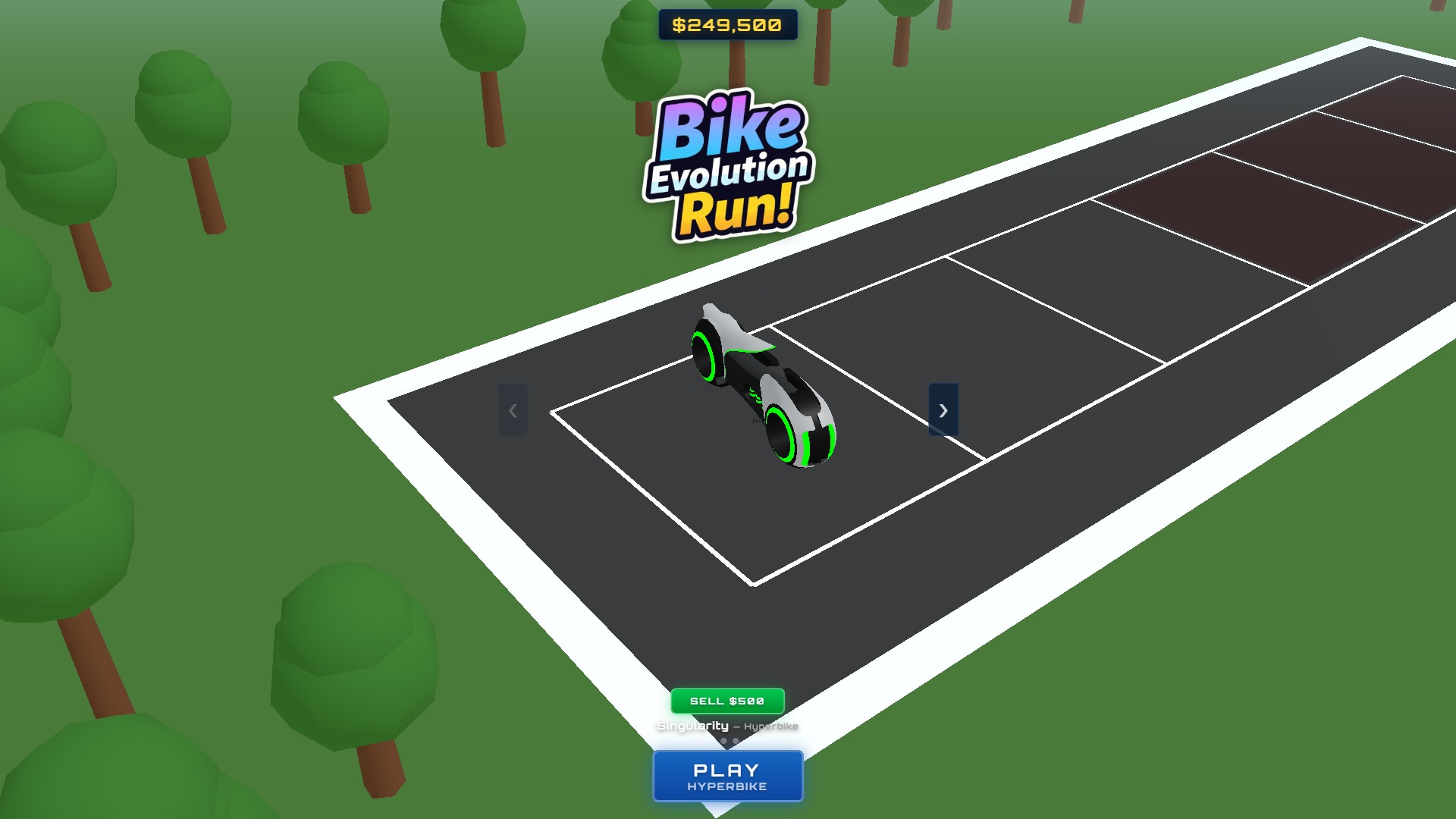
Park the Singularity Hyperbike
Turn the bike in the first parking space into the Singularity Hyperbike while keeping its existing value and paint variant.
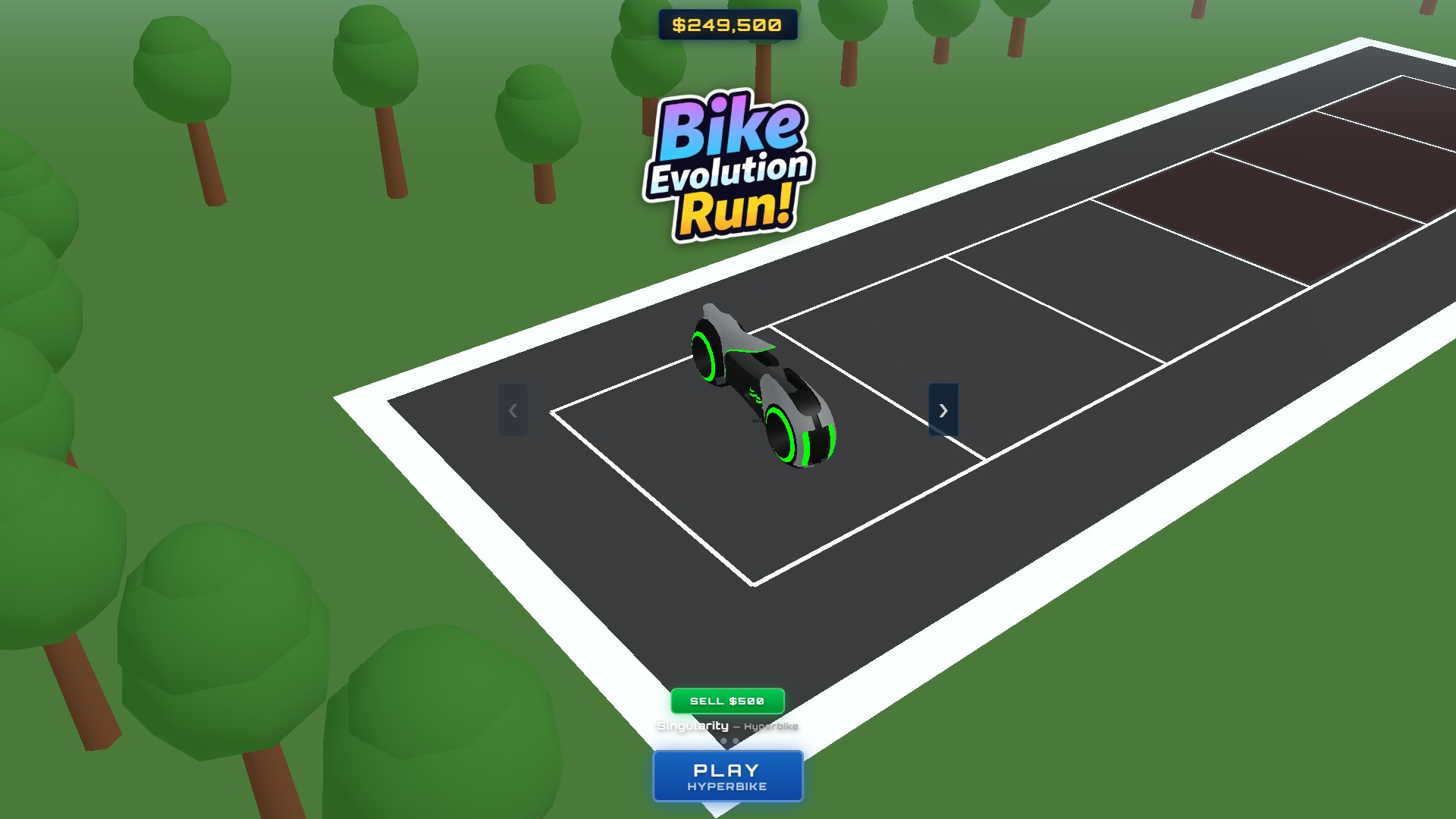
A Different Finish for Your First Bike
Choose a paint variant for the bike in your first parking space. Paint 4 gives this Hyperbike a darker body finish while its green accents remain.
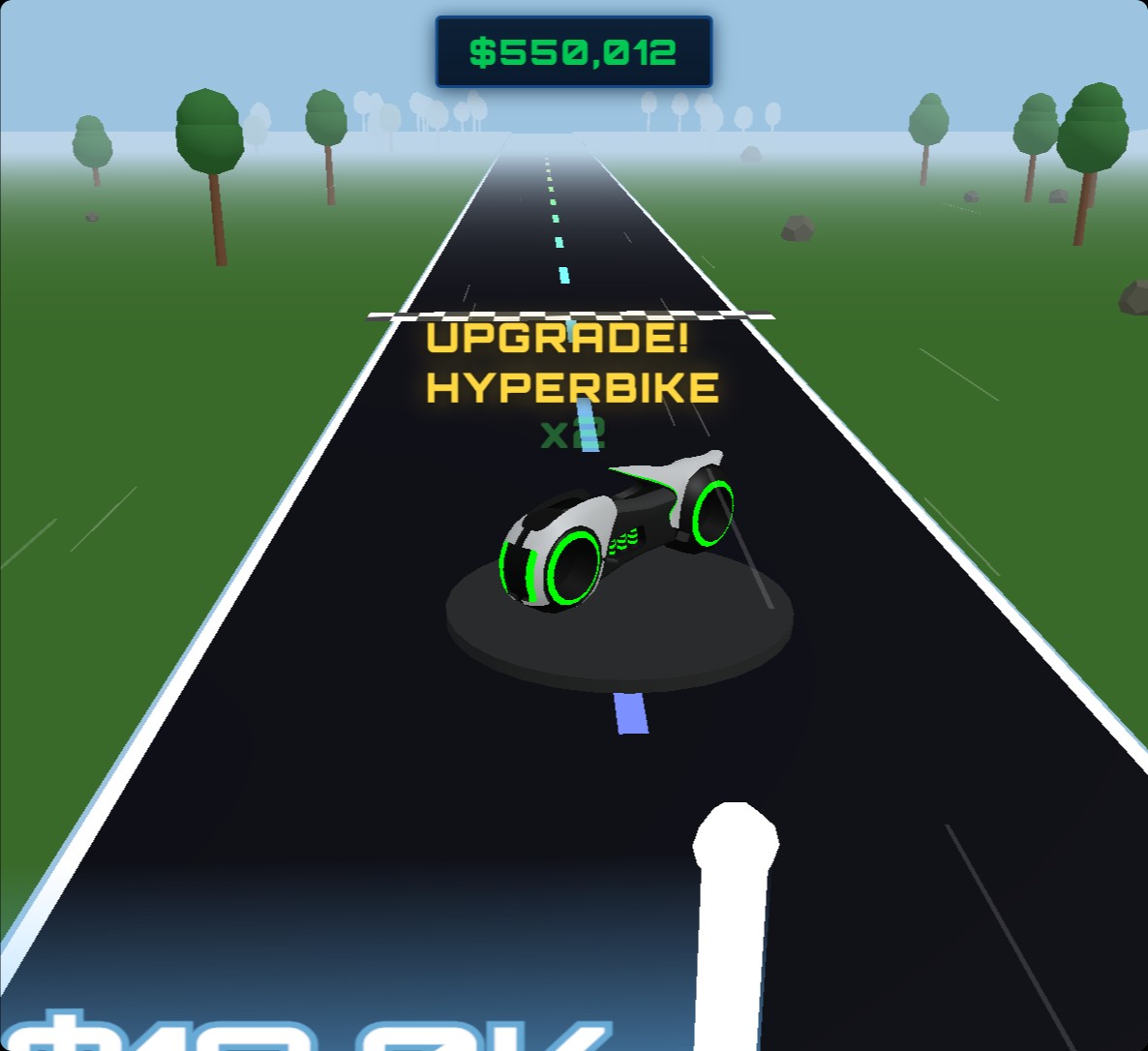
Give Your First Bike a Cash Head Start
Set the value of the bike in the first parking space, then play that bike to use its value as starting cash. Normal gates keep changing the balance as you ride, shown here at $550,012 after a multiplier.
Using these features
Connect your game, then open Customise in the Windows app. Choose an option, check its available values and follow its instructions. Each option lists its own requirements and limits.
Setup for Bike Evolution Run! →