
Customise
4 optionsFree garage money and premium first-bike Hyperbike, paint and starting-cash controls.
View all customisation options →Set your garage money for more parking spaces, or change the model, paint or value of the bike in your first space. Steer through the money gates, then decide whether to keep or sell the bike after the run.
Requires the Windows app and the Bytonian Mods browser extension for Chrome or Edge. Browser setup guide

Start with free mods
Download Bytonian Mods for Windows and try these free features. Choose one to see how it works and any requirements.
Set the garage balance used to buy parking spaces.
Choose a balance, apply it, then open a locked parking space and buy it from the garage.
Garage money is separate from the cash used during a run.
Garage Money lets you set the balance used to buy parking spaces. Open a locked space in the garage and make the normal purchase, giving you room to keep more bikes from your runs.
Keep a bike in the first parking space, then turn it into the Singularity Hyperbike or choose one of five paint variants. The model option keeps the bike's value and paint variant. Paint changes the finish, so the parts that change depend on the model.
Set the value of the bike in your first parking space, then play that bike to use its value as starting cash. Gates continue adding, subtracting and multiplying cash during the run. Selling the bike pays its edited value too.
Evolve Your Bike Through Money Gates
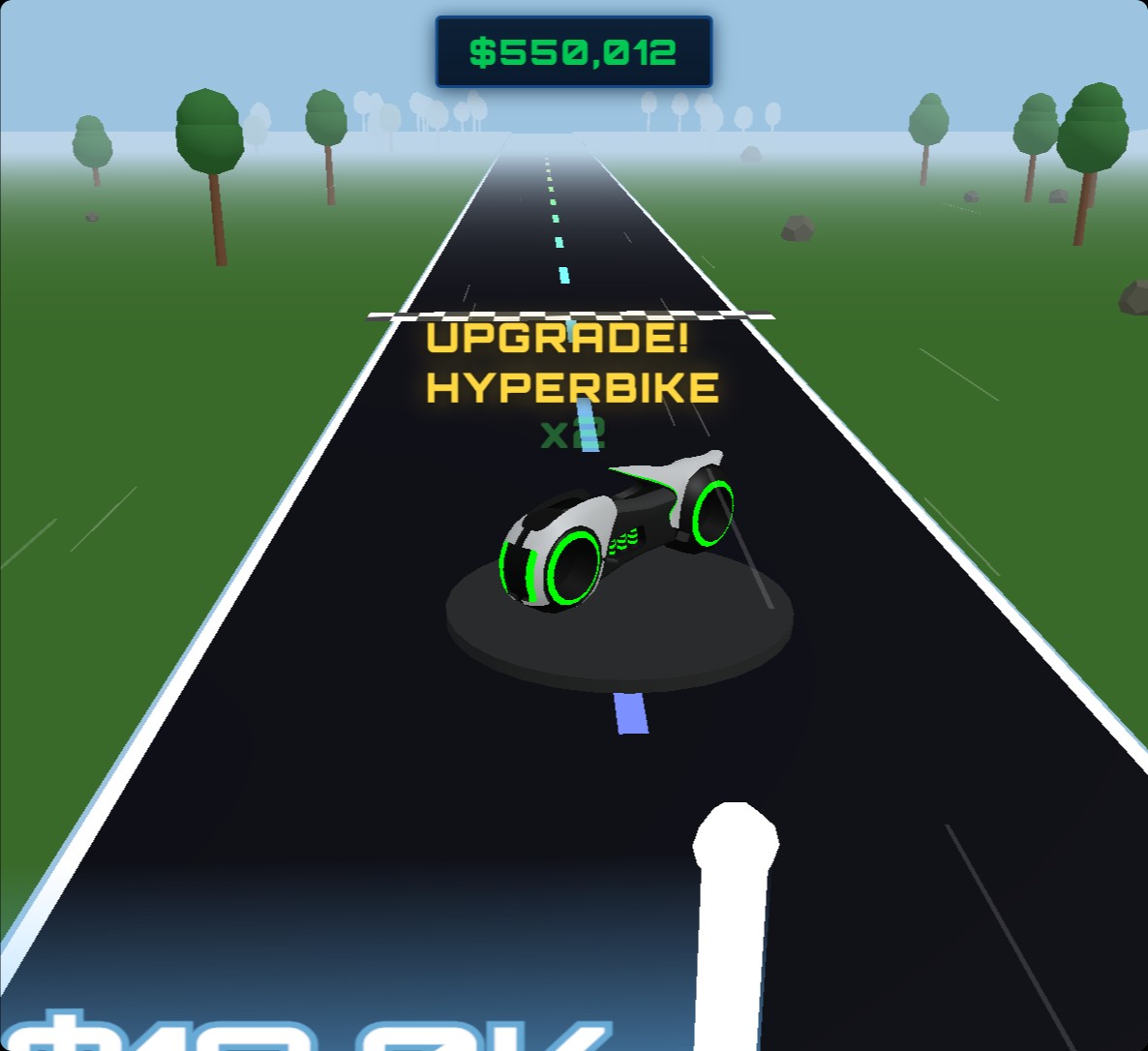
A normal Bike Evolution Run! round with the Hyperbike upgrade visible after a multiplier gate. The cash balance keeps changing as you ride.
Free garage money and premium first-bike Hyperbike, paint and starting-cash controls.
View all customisation options →Download the Windows app and follow the setup prompts.
Set up the browser extension in Chrome or Edge, then open the supported YouTube Playable. Follow the connection guide if the game is already running.
Open Customise in Bytonian Mods, choose an option and follow its instructions. Check the available values and any limits before making your change.