
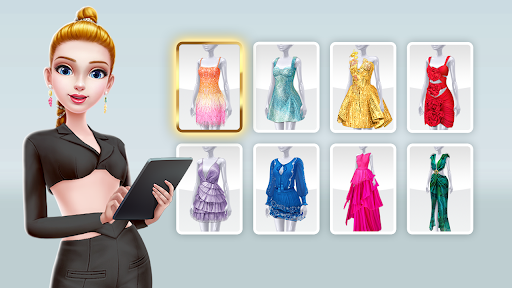
Unlock catalogs in Become a Super Stylist girl in a fashion show!
Open All Catalogs unlocks the 20 catalogs in the current game. It advances story progress to mission 121 and clears any active client request when the game reloads.
Requires the Windows app and the Bytonian Mods browser extension for Chrome or Edge. Browser setup guide
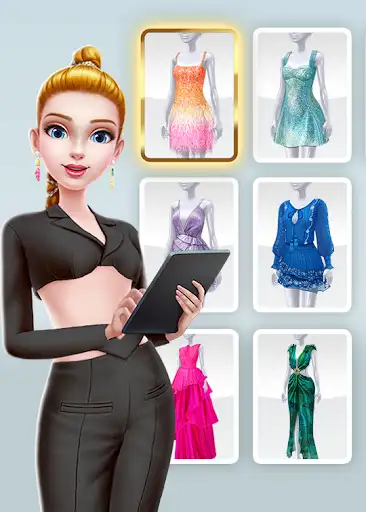
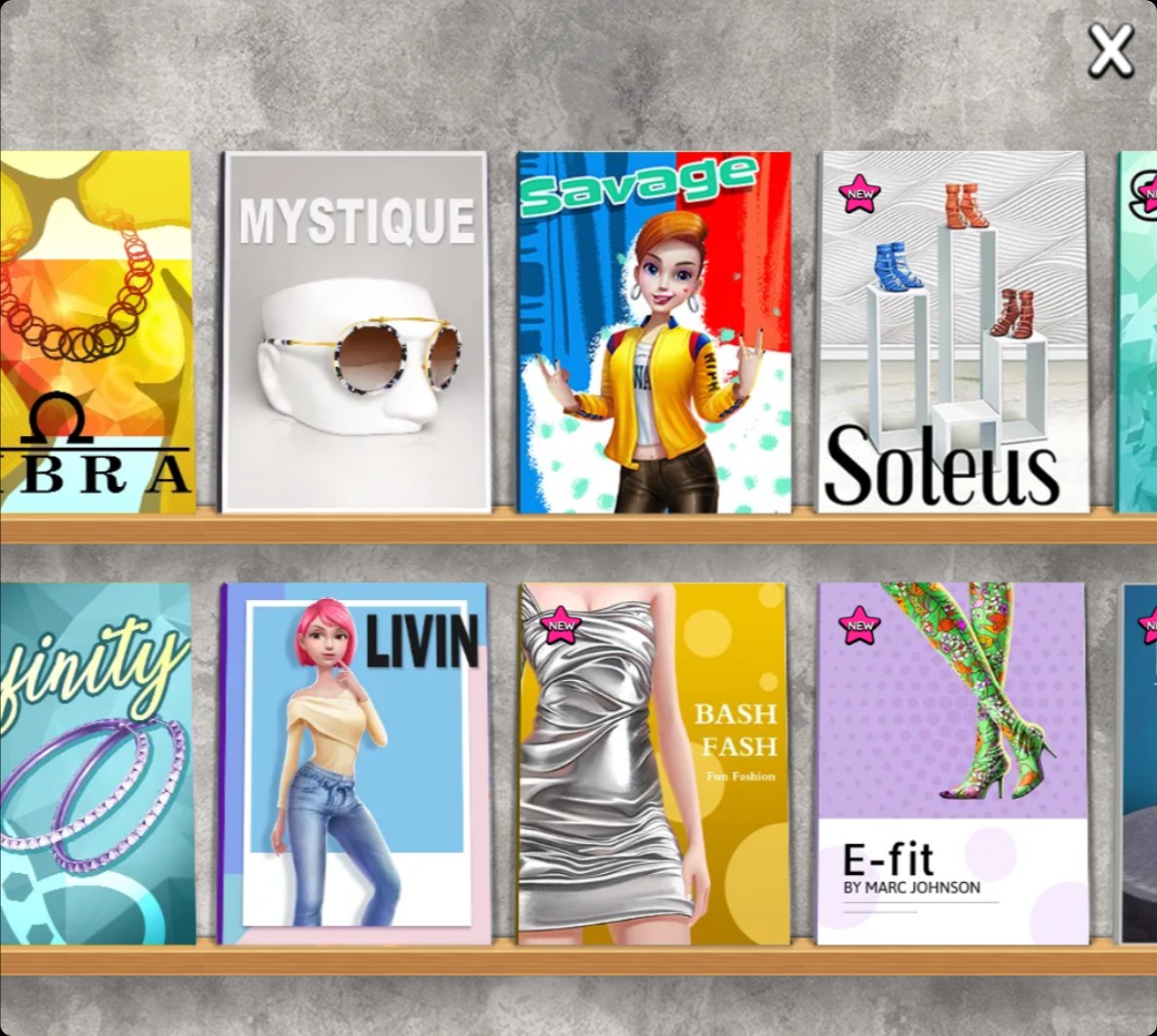
Open the full catalog shelf
Open the 20 current catalogs by advancing the story to mission 121. Applying reloads the game and clears any active client request.
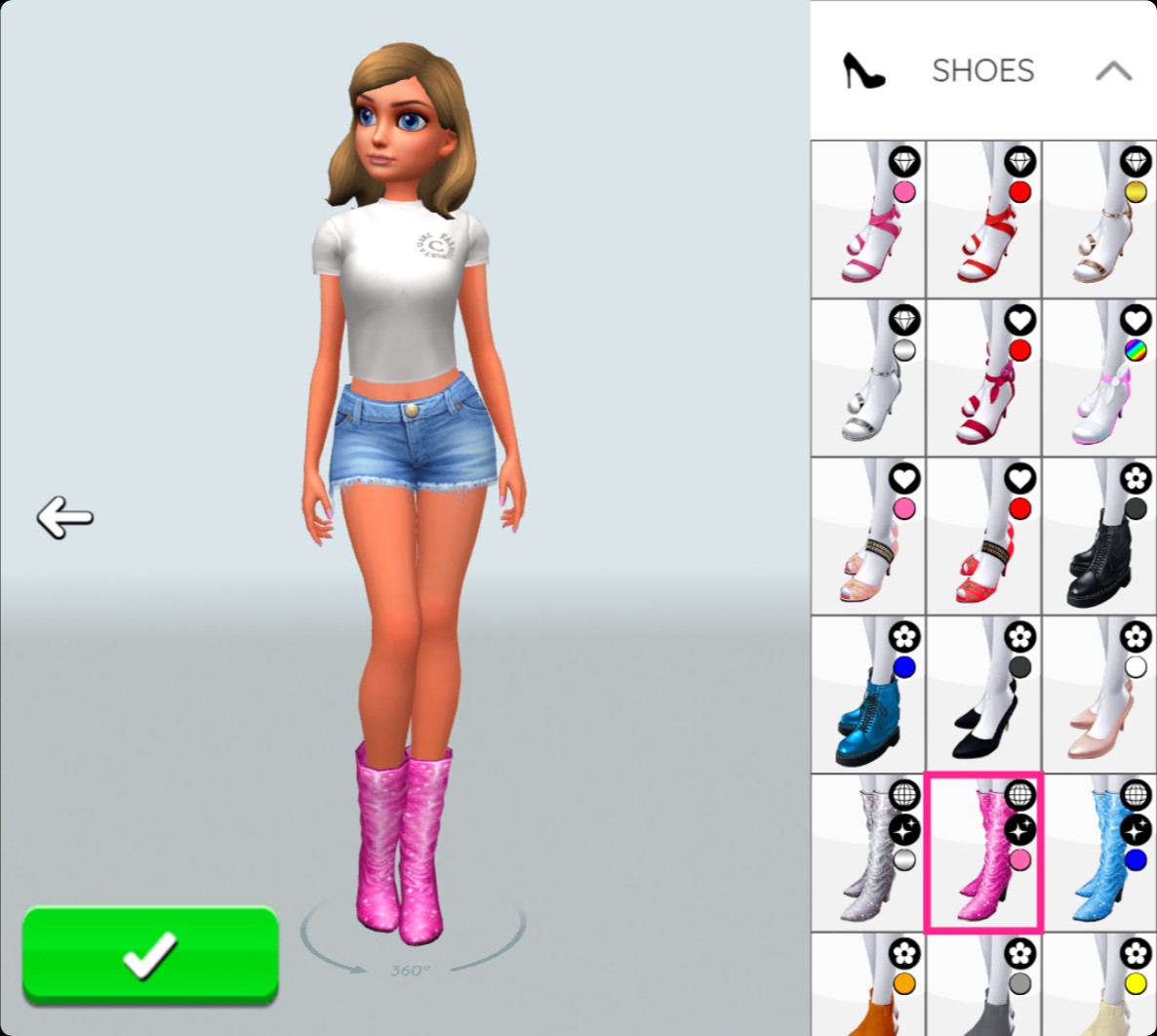
Wear your unlocked choices
Open the catalogs, enter the wardrobe through your profile portrait and choose a new look. Here, the character wears pink boots that were previously mission-locked.
Apply when you are ready to move ahead
Finish any client request you want to keep before applying. This control changes your story progress; it does not leave the active request in place.
Choose an unlocked outfit
After reload, open the home-screen profile portrait and select the character preview in the Closet. Browse dresses, shoes and the other normal wardrobe categories to select available items.
Available customisation options
Open All CatalogsFree
Unlock the 20 current catalogs for wardrobe choices by advancing the story to mission 121 and clearing any active client request.
Applying advances story progress to mission 121, clears any active client request and reloads the game. Afterwards, open your profile portrait and select the character preview in the Closet to enter the wardrobe.
Questions about customisation options
- Where can I use the unlocked clothes?
- Enter the wardrobe through your profile portrait, then select your character preview in the Closet.
- Does applying reload the game?
- Yes. The game reloads with the catalogs unlocked and story progress advanced.
Using these features
Connect your game, then open Customise in the Windows app. Choose an option, check its available values and follow its instructions. Each option lists its own requirements and limits.
Setup for Become a Super Stylist girl in a fashion show! →