
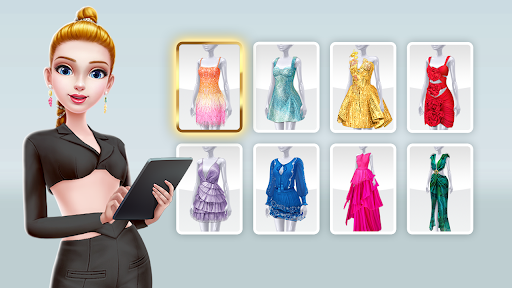
Customise
1 optionUnlock the catalog gates, then choose clothes through your profile.
View customisation options →Open all 20 current catalogs and choose later-brand clothes through the wardrobe in Become a Super Stylist girl in a fashion show! Style outfits for clients and your own character as you explore new looks.
Requires the Windows app and the Bytonian Mods browser extension for Chrome or Edge. Browser setup guide
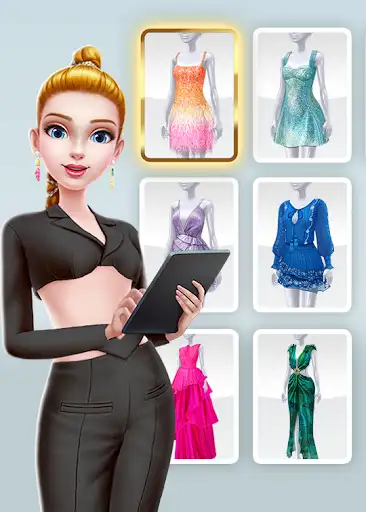
Start with free mods
Download Bytonian Mods for Windows and try these free features. Choose one to see how it works and any requirements.
Unlock the 20 current catalogs for wardrobe choices by advancing the story to mission 121 and clearing any active client request.
Applying advances story progress to mission 121, clears any active client request and reloads the game. Afterwards, open your profile portrait and select the character preview in the Closet to enter the wardrobe.
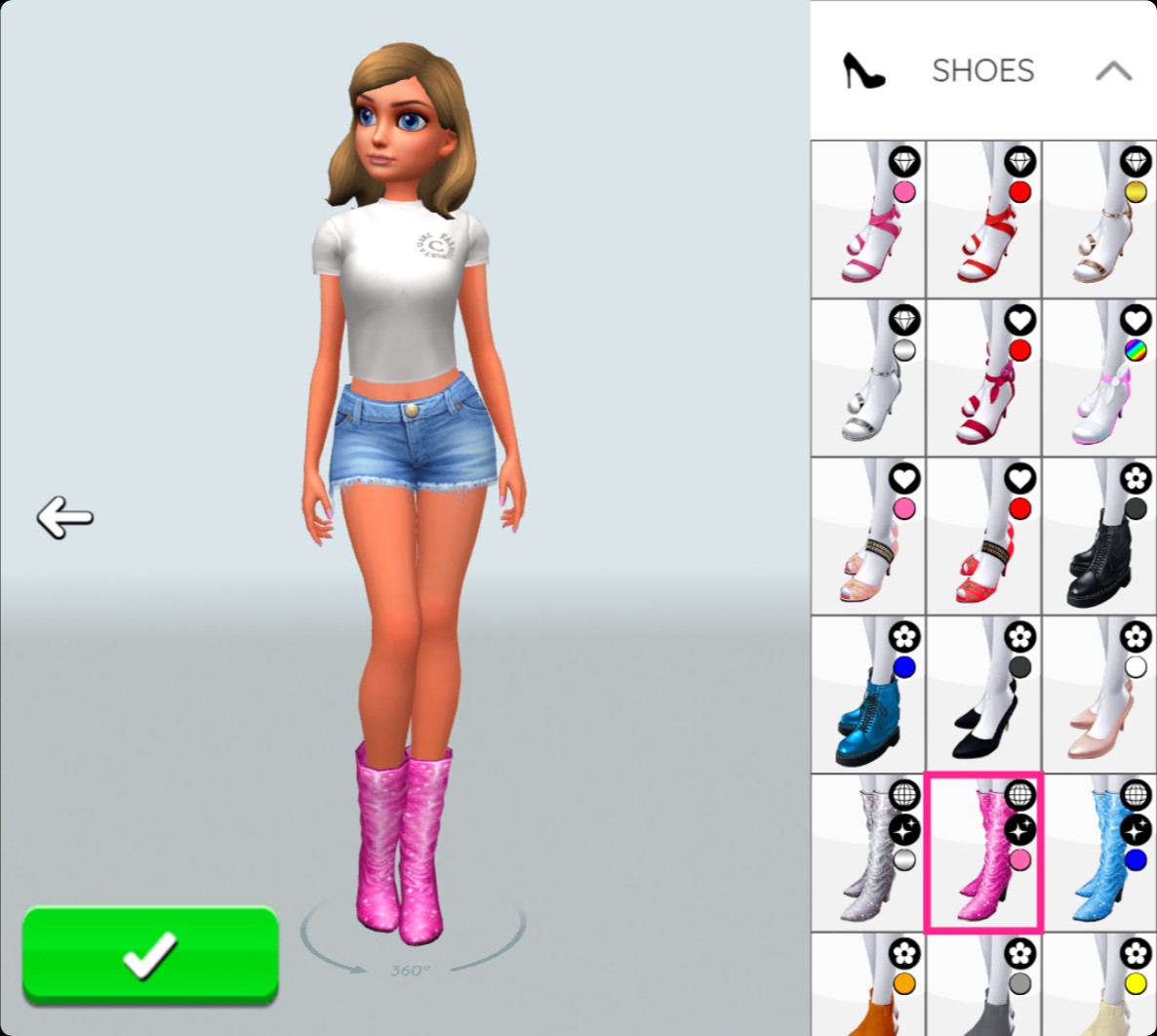
Open up catalogs such as Bash, Soleus and E-fit, then browse their clothing choices in your wardrobe. Choose a pair of boots or another available item to change your character's look.
This control advances story progress to mission 121, clears any active client request and reloads the game. Use it when you are ready to move ahead in the story.
From the home screen, open your profile portrait. Select the character preview in the Closet, then choose clothes through the normal categories.
More choices for your wardrobe
Unlock all 20 current catalogs and choose later-brand clothes through the normal wardrobe. This control moves the story to mission 121 and clears any active client request.
Unlock the catalog gates, then choose clothes through your profile.
View customisation options →Download the Windows app and follow the setup prompts.
Set up the browser extension in Chrome or Edge, then open the supported YouTube Playable. Follow the connection guide if the game is already running.
Open Customise in Bytonian Mods, choose an option and follow its instructions. Check the available values and any limits before making your change.