

Set your coins for the next upgrade
Choose a whole-number coin balance with the Coins card, then use the game's ordinary upgrade buttons to spend it.
Requires the Windows app and the Bytonian Mods browser extension for Chrome or Edge. Browser setup guide

Read, choose and set
Read the current balance, enter the amount you want within the card's range and set it. Head to the game's upgrade buttons when you are ready to spend.
Available resources
CoinsPremium
Set your coin balance and put it toward ordinary upgrades.
Read the balance, enter a whole-number amount within the card's range and set it.
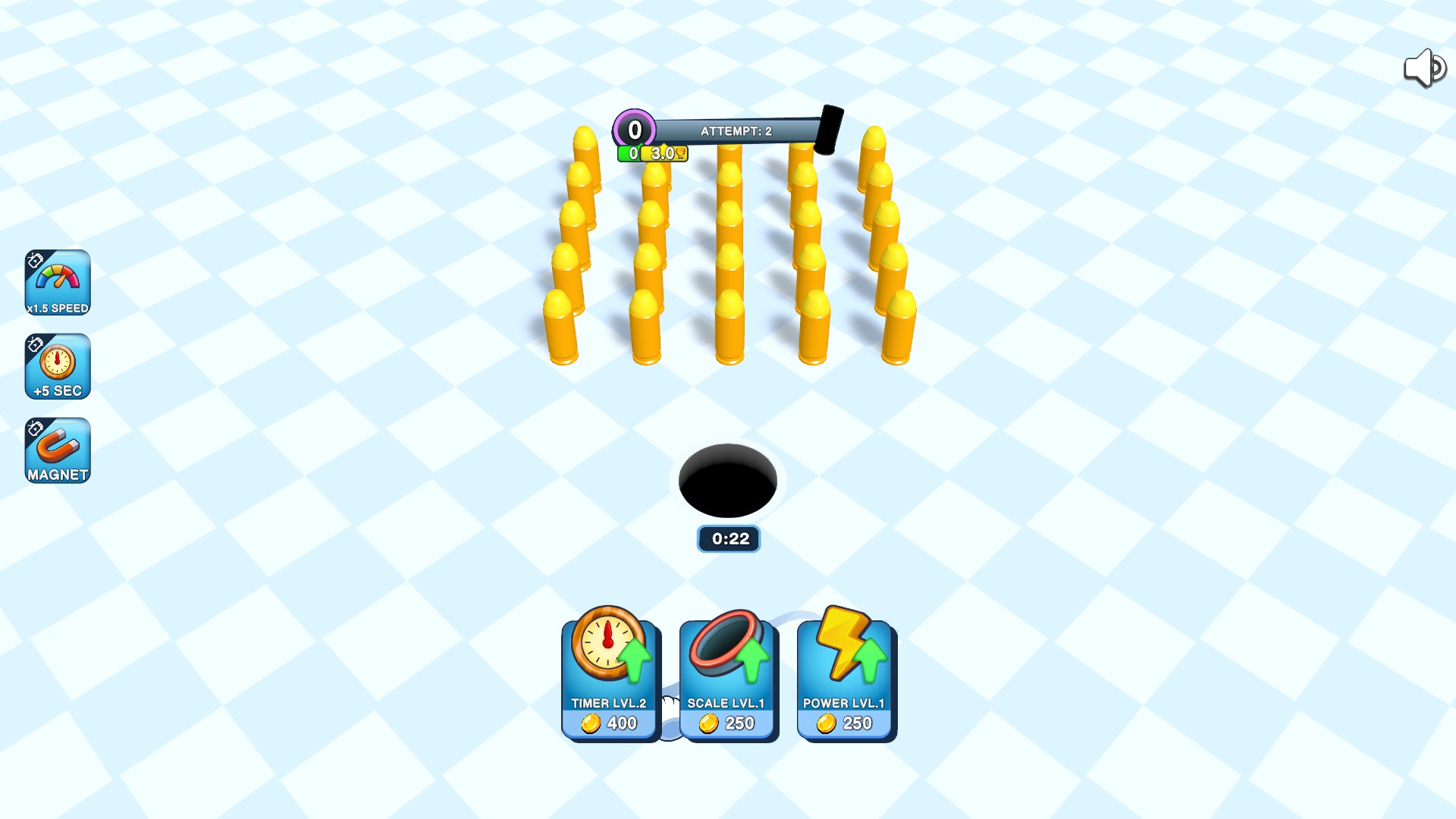
Put your coins toward the next upgrade
Choose your coin balance and spend it on ordinary upgrades before the next collection round. Here, a timer upgrade is ready for a longer run through the ammunition field.
More ways to customise Battle Hole
- Battle Hole stat modifiers
Enlarge your hole or adjust movement pace during collection.
- Battle Hole game actions
Add collection time, activate the magnet or restart the round.
Using these features
Choose the feature in the Windows app after connecting your game. Check its requirements before making a change.
Setup for Battle Hole →