
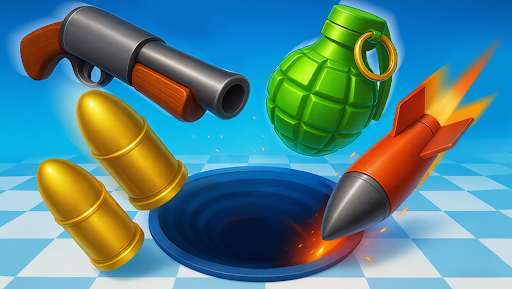
Resources
1 optionSet your coin balance and choose the upgrades that suit your next run.
View resources →Give yourself longer to collect, widen the hole or adjust its pace. Gather ammunition before the clock runs out, then take your haul into the boss round.
Requires the Windows app and the Bytonian Mods browser extension for Chrome or Edge. Browser setup guide

Start with free mods
Download Bytonian Mods for Windows and try these free features. Choose one to see how it works and any requirements.
Adjust your hole's movement pace.
Press to cycle through the pace settings. Faster movement needs careful steering around ammunition.
Start the round again with a fresh timer and ammunition field.
Dismiss the opening prompt after restarting, then plan another route.
Retry clears ammunition gathered in that round.
Coins support ordinary upgrades. Extra collection time gives you another minute to gather ammunition, while Hole growth widens your opening and Magnet activates the collection boost.
Movement pace and Retry round are free controls. Adjust your movement for a different feel, or start the round again to try a new route.
Open Battle Hole in your connected browser, select the game in Bytonian Mods and enable the control you want to use. Enter the round before applying a collection control.
Use the Coins card to read and set your balance. Other cards apply their change when pressed. After Retry, dismiss the opening prompt to begin collecting again.
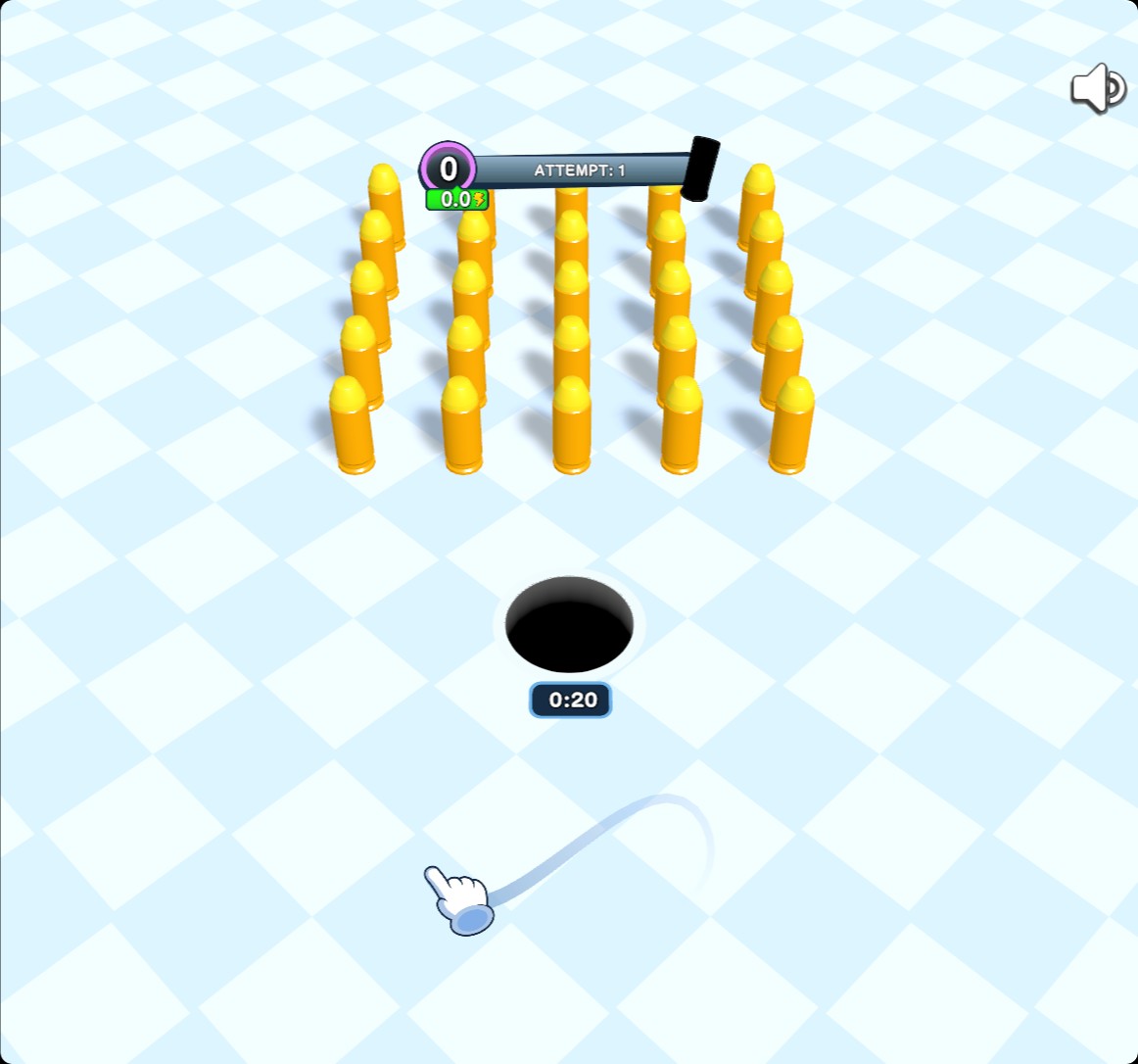
Plan your route through the ammunition
Guide the hole through ammunition before the collection clock runs out, then take your haul into the boss encounter.
Set your coin balance and choose the upgrades that suit your next run.
View resources →Enlarge your hole or adjust movement pace during collection.
View stat modifiers →Add collection time, activate the magnet or restart the round.
View game actions →Download the Windows app and follow the setup prompts.
Set up the browser extension in Chrome or Edge, then open the supported YouTube Playable. Follow the connection guide if the game is already running.
Review the available options in the app and choose the ones that suit how you play.