


Resources
4 optionsFour separate overworld resource controls: free Wood and Premium Gold, Stone and Wheat.
View all resources →Try the demo's ball-bouncing combat and overworld development with control over resources and survival. Set Gold, Stone, Wheat or Wood for available upgrades, or choose enemy-damage prevention or health recovery during a run.

Looking for the full game? View BALL x PIT mods.
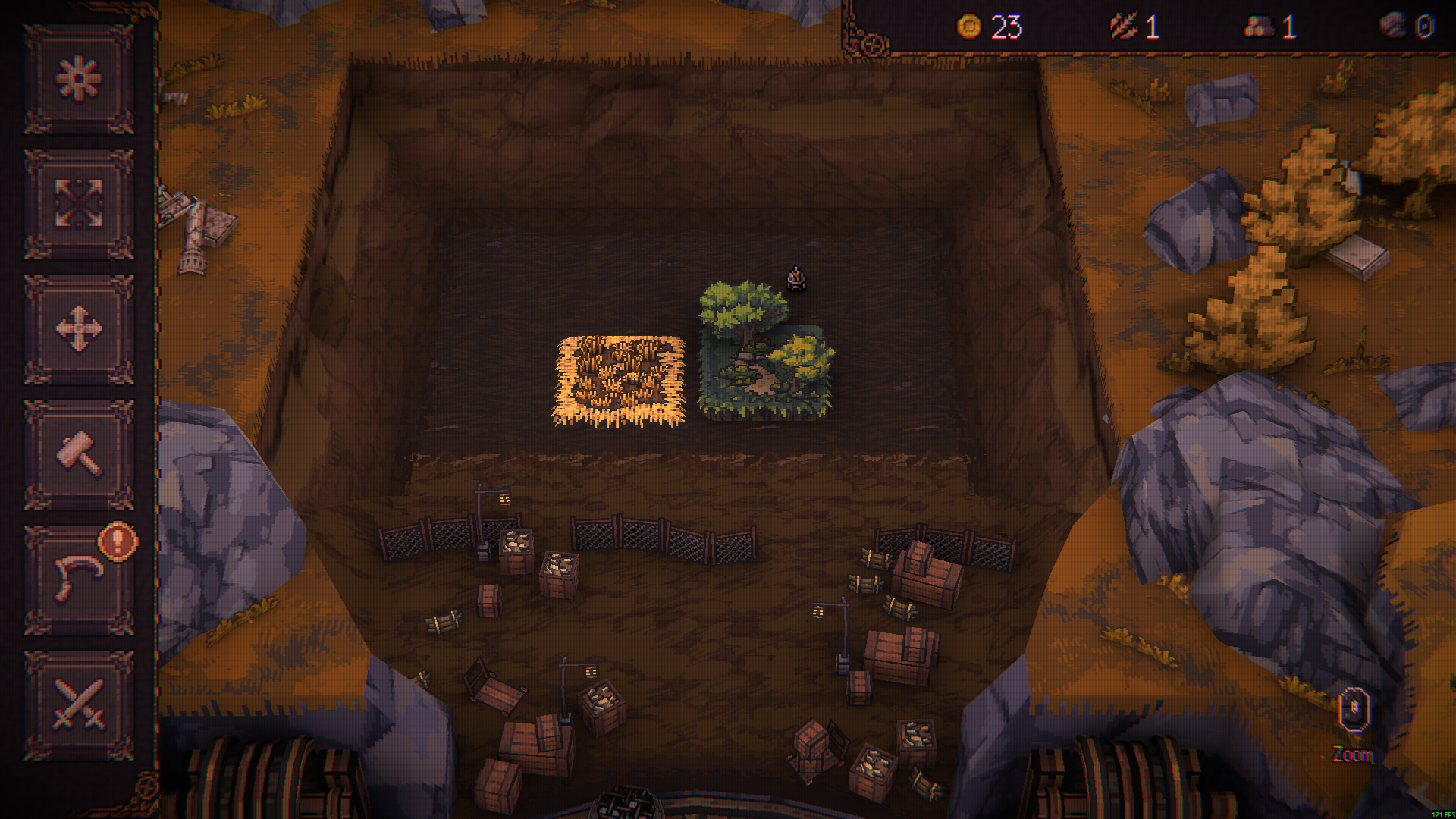
New Ballbylon in BALL x PIT Demo
Plan your next expedition from the overworld in BALL x PIT Demo.
Resources contains Gold, Stone, Wheat and Wood. Wood is free; the other three resource options require Premium. Rule Modifiers contains two Premium combat options: No Damage prevents enemy damage, while Full Health refills health after a nonlethal hit.
Use the category pages to compare the controls and their practical limits.
Install Bytonian Mods, open BALL x PIT Demo and select the demo in the Windows app. Follow the connection prompts, then choose Resources or Rule Modifiers.
Select BALL x PIT Demo in the Windows app after connecting. These options change the demo's available resources and combat rules; they do not add full-game levels or remove progression requirements.
Four separate overworld resource controls: free Wood and Premium Gold, Stone and Wheat.
View all resources →Two Premium combat controls: enemy-damage prevention and health recovery.
View rule modifiers →Download the Windows app and follow the setup prompts.
Open BALL x PIT Demo and select it in Bytonian Mods. Follow the app’s connection prompts.
Review the available options in the app and choose the ones that suit how you play.