


Set Aquarium Land Cash
Choose a cash balance before returning to your aquarium's construction and upgrade controls.

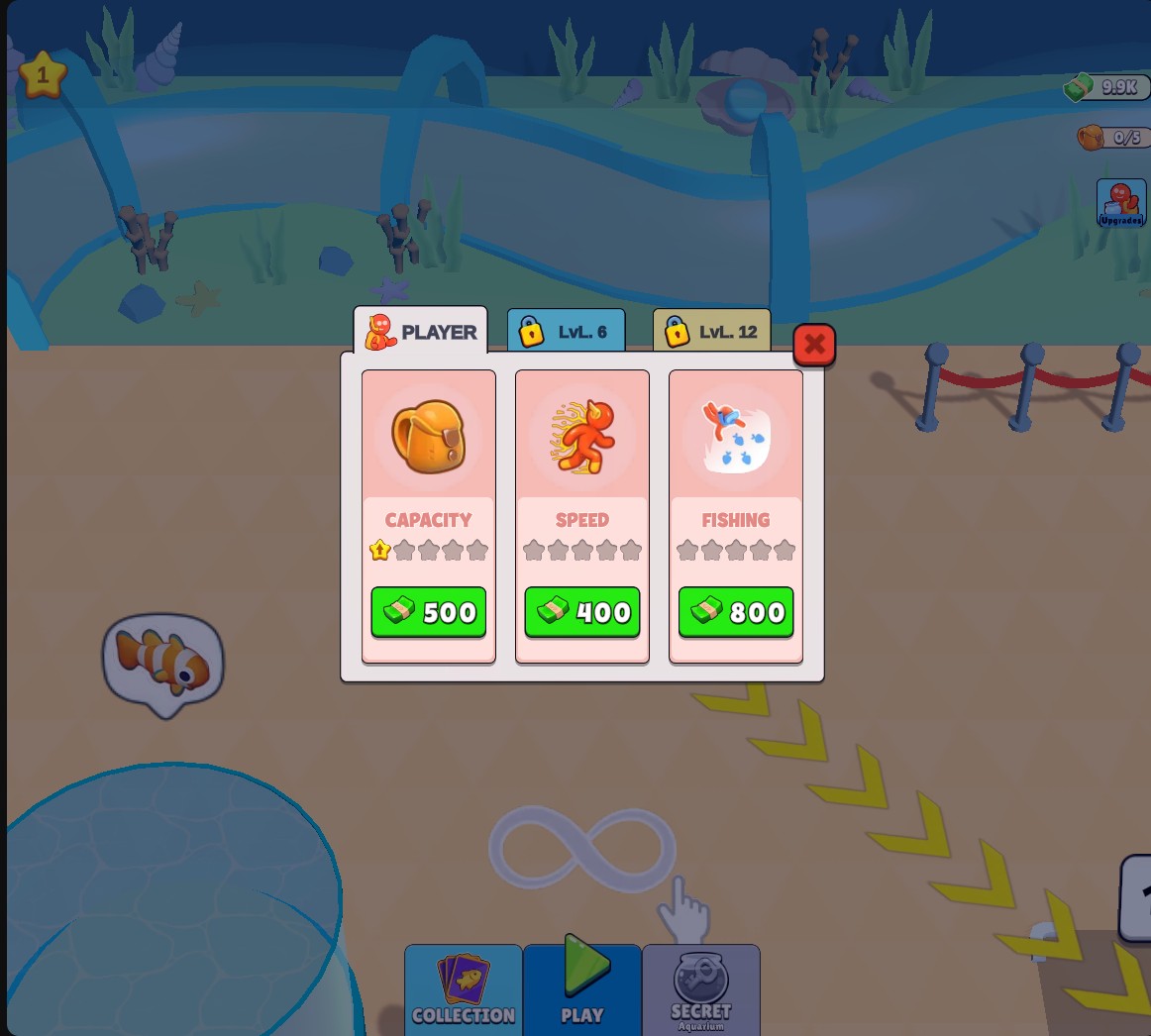
Cash for Aquarium Upgrades
Use Cash for normal upgrade purchases as you develop your aquarium.
Choose your balance
Set Cash and apply the change before making purchases. Open Upgrades to see the available improvements and their prices.
Pay for a tank
Follow the aquarium's construction markers and stand in a build area to contribute Cash. The game handles the tank build and its normal progression rewards.
Available customise
CashFree
Set cash for aquarium construction and upgrades.
Choose a balance and apply it. Spend Cash at marked build areas or through the Upgrades menu.
Questions about customise
- Does Cash build tanks automatically?
- No. Use the marked build areas to spend it on construction.
- Can I buy bag upgrades with Cash?
- Yes. Open Upgrades and use the normal Capacity purchase button.
Using these features
Choose the feature in the Windows app after connecting your game. Check its requirements before making a change.
Setup for Aquarium Land →