

Keep your cabin service moving
Set a comfortable movement pace and carry more supplies between trips to the dispenser. Movement speed and carrying capacity have separate controls, so you can choose which part of your service round to change.
Requires the Windows app and the Bytonian Mods browser extension for Chrome or Edge. Browser setup guide

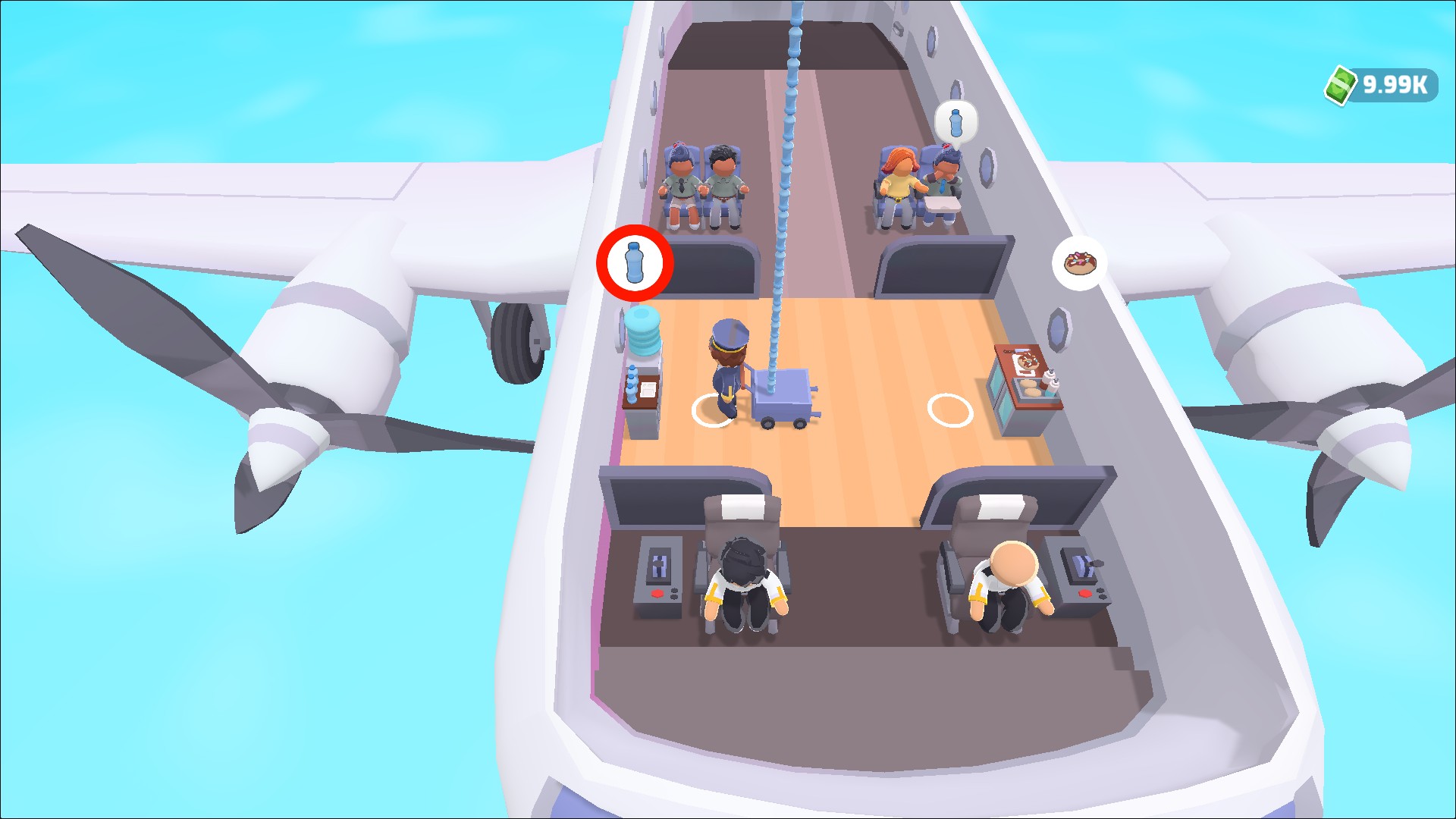
Load up for the next service round
Carry a larger supply of water from the dispenser to your waiting passengers.
Choose your attendant's pace
Turn on Movement speed and choose a speed that suits your route. You can change the amount while it is on, then turn it off to return to the usual pace.
Carry more between stops
Increase the cart's carrying allowance before loading up. If the cart was already full, step out of the dispenser's collection circle and back in to gather more supplies. Turn the control off when you want the usual carrying limit.
Available stat modifiers
Carrying capacityPremium
Load more supplies on the cart for each service round.
Turn on Carrying capacity and choose the Items allowance before stocking up at a dispenser.
If the cart was already full, step out of the dispenser's collection circle and back in to collect more.
Movement speedPremium
Move between passengers and service stations at a pace you choose.
Turn on Movement speed, then adjust Speed. Change it while the control is on, or turn it off to return to the usual pace.
More ways to customise Airplane Manager
- Airplane Manager customisation options
Choose a cash balance and use the cabin's purchase areas to add a new service station.
Questions about stat modifiers
- Can I change movement speed while the control is on?
- Yes. Adjust Speed while Movement speed is on to use a new pace without turning the control off first.
- Why isn't a full cart collecting more supplies?
- After increasing carrying capacity, move out of the dispenser's collection circle and step back in to load more.
Using these features
Choose the feature in the Windows app after connecting your game. Check its requirements before making a change.
Setup for Airplane Manager →