
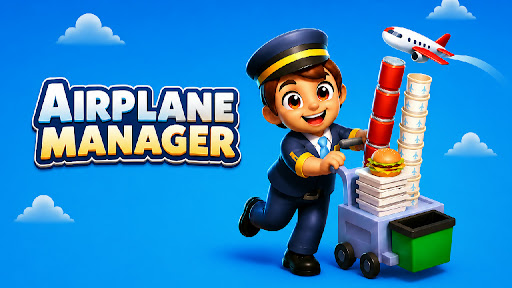
Cash for the next cabin purchase
Set your cash balance when you're ready to add a new service station. Then use the game's usual purchase areas to choose what the cabin needs.
Requires the Windows app and the Bytonian Mods browser extension for Chrome or Edge. Browser setup guide

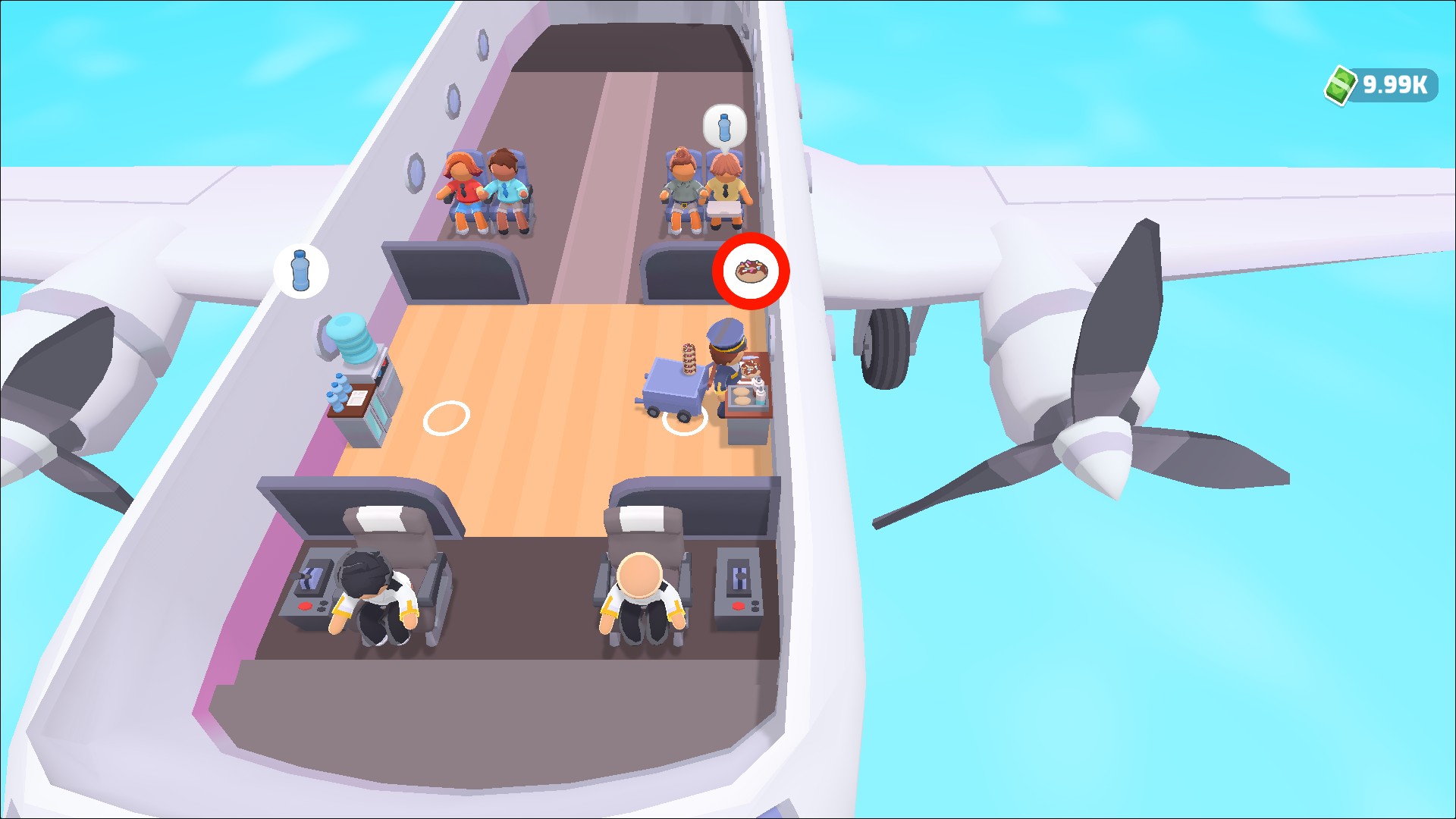
Make room for more treats
Choose your cash balance and buy new service stations through the game's usual controls.
Spend it through the game
Move your attendant into an affordable purchase area. The game takes the cost from your balance and builds the station, ready for you to collect its supplies and serve passengers.
Available customisation options
CashFree
Choose a cash balance for your next cabin purchase and add a service station through the game's usual purchase areas.
Enter the balance you want and apply it, then return to the cabin to make your purchase.
Purchases reduce the balance as usual.
More ways to customise Airplane Manager
- Airplane Manager stat modifiers
Adjust your attendant's pace and load more supplies for each trip to the passengers.
Questions about customisation options
- Does this keep cash from being spent?
- Purchases still use cash as usual. Choose the balance you want, then spend it on the cabin.
Using these features
Connect your game, then open Customise in the Windows app. Choose an option, check its available values and follow its instructions. Each option lists its own requirements and limits.
Setup for Airplane Manager →