

Choose your match settings
Set the starting points for your next match and choose the computer opponent's difficulty for solo play. Apply your choices before starting the game session you want to play.
Requires the Windows app and the Bytonian Mods browser extension for Chrome or Edge. Browser setup guide

Match Starting Points
Choose 101, 301 or 501 points. The selected total sets the starting points for both players when you begin the next match.
Computer Difficulty
Choose Easy, Medium or Hard for a single-player match. This selects the level of the game's computer opponent.
Start with your selections
Choose the values you want, apply them, then enter Single Player and press Play in the game. If these controls are unavailable, make your match selections in the game once, then reopen it and try again. Apply your choices for each new game session you want to customize.
Available customisation options
Match Starting PointsFree
Choose 101, 301 or 501 starting points for both players in the next match.
Choose a total and apply it for the game session you are about to play, then start a match from the game's menu.
Computer DifficultyPremium
Choose Easy, Medium or Hard for the computer opponent in your next single-player match.
Select the difficulty, apply it for the game session you are about to play, then enter Single Player and start your match.
This choice applies to single-player games against the computer.
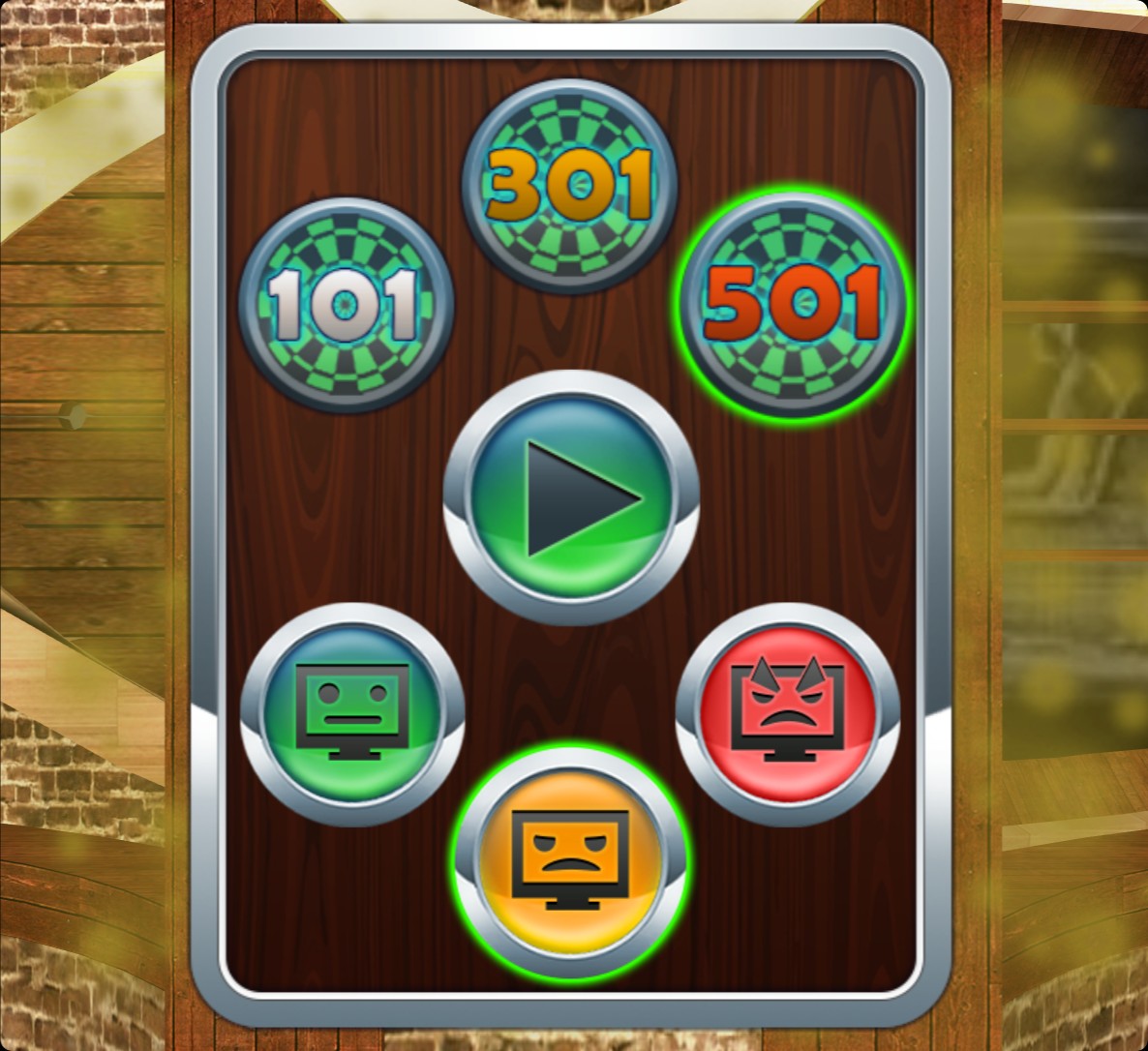
Choose your match starting points
Set up a 101, 301 or 501 match before taking your first throw. Here, 501 is selected for the next game.
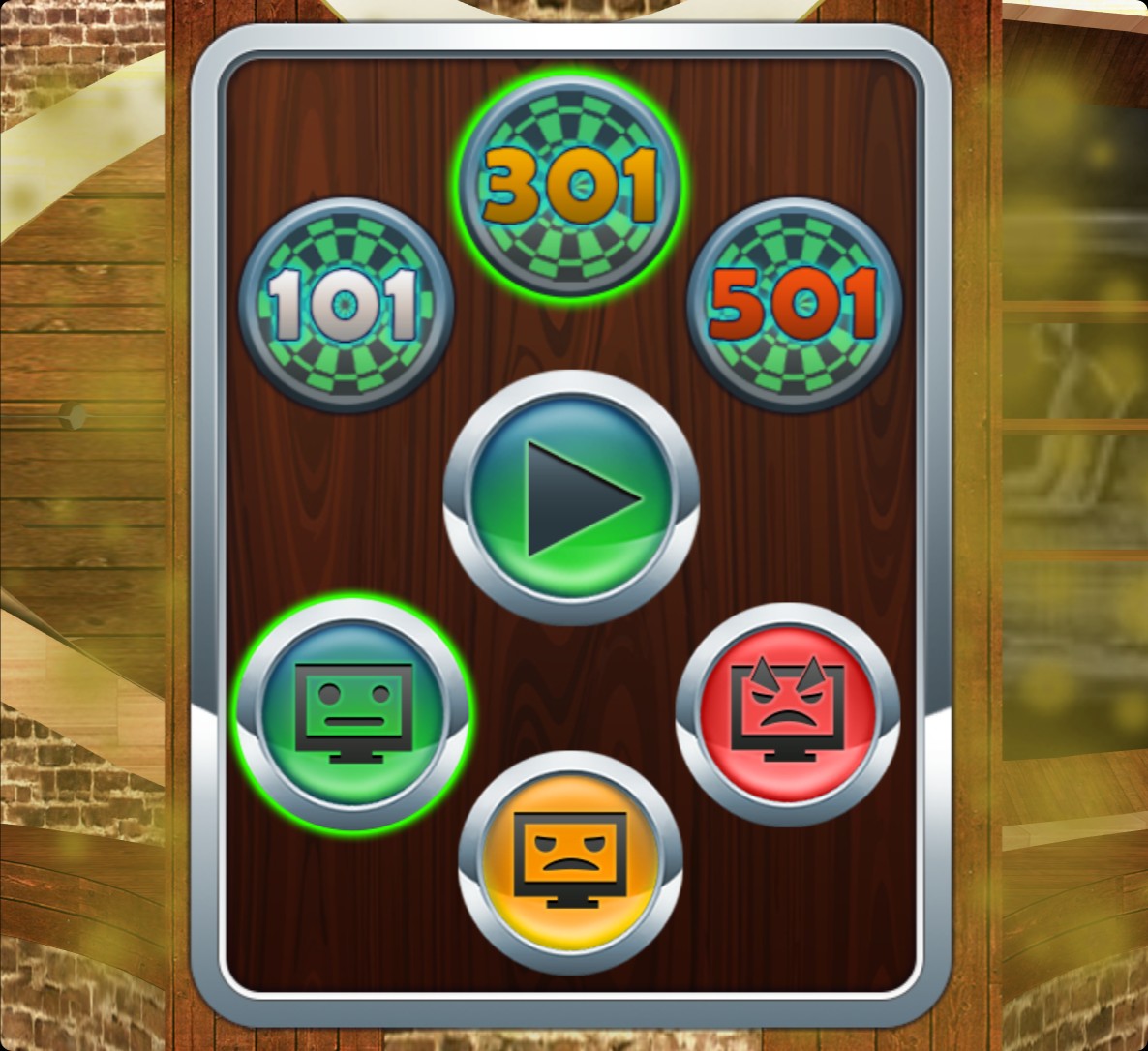
Choose your computer opponent's difficulty
Pick Easy, Medium or Hard for a single-player match. The green Easy opponent is selected here, ready for the next game.
Questions about customisation options
- Can I change the starting total without changing difficulty?
- Yes. Match Starting Points and Computer Difficulty are separate choices, so you can select the starting total independently of the solo opponent level.
Using these features
Connect your game, then open Customise in the Windows app. Choose an option, check its available values and follow its instructions. Each option lists its own requirements and limits.
Setup for 3D Darts →