
Customise
2 optionsSelect the next match's starting total and solo opponent level.
View customisation options →Choose the darts match you feel like playing. Set a starting total of 101, 301 or 501 points, or choose the computer opponent's difficulty for a solo game. Then take aim at the board and work your points down.
Requires the Windows app and the Bytonian Mods browser extension for Chrome or Edge. Browser setup guide
Start with free mods
Download Bytonian Mods for Windows and try these free features. Choose one to see how it works and any requirements.
Choose 101, 301 or 501 starting points for both players in the next match.
Choose a total and apply it for the game session you are about to play, then start a match from the game's menu.
Pick 101, 301 or 501 starting points for both players. A smaller total gives you a shorter target to work through, while 501 leaves more points to clear.
Choose Easy, Medium or Hard for the computer opponent in single-player mode. Use the difficulty that suits the practice or challenge you want.
Apply the choices for the game session you are about to play, then enter Single Player and start your match from the game's menu. If the controls are unavailable, choose your match settings in the game first, then reopen it.
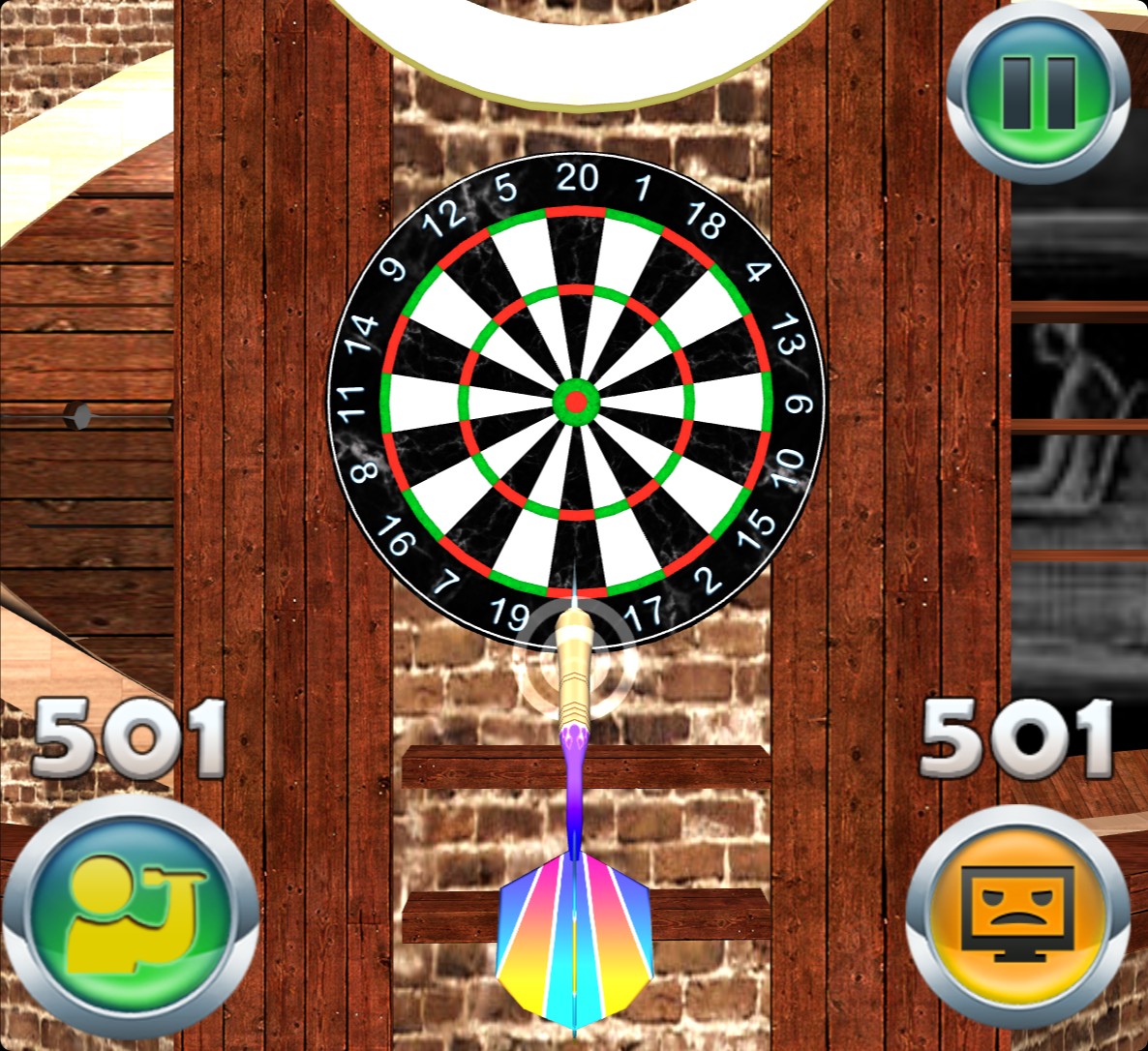
Start a 501-point darts match
Choose the starting points for your next match and take aim at the board. This single-player game begins with 501 points for both you and the computer opponent.
Select the next match's starting total and solo opponent level.
View customisation options →Download the Windows app and follow the setup prompts.
Set up the browser extension in Chrome or Edge, then open the supported YouTube Playable. Follow the connection guide if the game is already running.
Open Customise in Bytonian Mods, choose an option and follow its instructions. Check the available values and any limits before making your change.